
Published by PixeLift · · 10 min read
What Is Magic Remover Gel for Photos? (2026 Guide)
‘Magic remover gel for photos’ isn’t a real product—it’s a common misnomer for AI-powered object removal tools like Pixelift’s Magic Remover. Here’s what...
This article is part of our Magic Remover guide.

Recommended next
‘Magic remover gel for photos’ isn’t a physical product you can buy at a drugstore or camera shop—it’s a search term people use when they want to remove unwanted objects from photos instantly, without Photoshop, layers, or editing skills. In 2026, that ‘magic’ is real—but it lives in AI, not a tube of gel.
If you’ve ever tried to delete a photobomber, erase a power line cutting across a sunset, or clean up clutter behind a portrait subject—and ended up frustrated by jagged edges, mismatched textures, or hours spent learning masking tools—you’re not alone. The good news? What used to require pro software and deep expertise now takes under 10 seconds, with zero downloads or subscriptions. And yes—it works on your phone, too.
What Is Magic Remover Gel for Photos—Really?
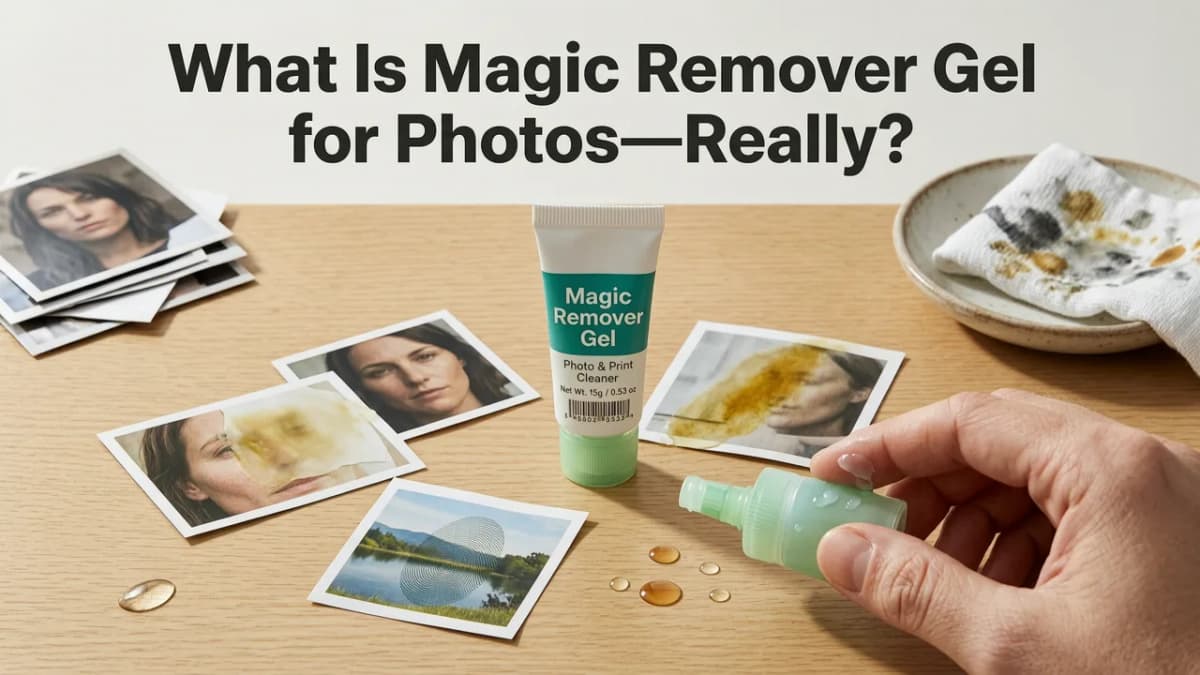
The phrase ‘magic remover gel for photos’ reflects a widespread misunderstanding born from how AI photo tools are marketed and searched for. People hear terms like ‘AI magic eraser’, ‘photo cleanup gel’, or ‘digital spot remover’—and picture something tactile, almost alchemical. But in reality, there’s no gel, no chemistry, and no physical substance involved.
What does exist—and what people actually need—is an intelligent, context-aware object removal engine. That’s exactly what Pixelift’s Magic Remover delivers: a browser- and iOS-based AI tool trained on millions of real-world image edits to understand scene geometry, lighting continuity, texture patterns, and semantic meaning (e.g., ‘this is sky’, ‘that’s grass’, ‘this person is standing on pavement’).
Unlike legacy tools that simply copy-paste nearby pixels (leading to obvious repeats or smears), Pixelift’s Magic Remover uses diffusion-based inpainting combined with depth-aware segmentation. It doesn’t just fill space—it reconstructs plausible content based on the full visual context. That’s why removing a stray trash bag from your backyard portrait looks natural—not like a blurry patch or a duplicated fence post.
Why the ‘Gel’ Confusion Happens
A few factors feed this persistent myth:
- Marketing language: Some apps use playful terms like “digital gel”, “cleaning serum”, or “retouch balm” in social ads—intended as metaphor, but often taken literally by users scanning quickly.
- Voice search habits: Saying “Hey Siri, find magic remover gel for photos” sounds more natural than “find AI object removal tool”—so voice assistants return mixed results, including cosmetic gels or outdated photo-editing plugins.
- Legacy software naming: Older desktop tools (like certain Photoshop actions or discontinued Mac utilities) sometimes used ‘gel’ in their branding to suggest ‘smooth’, ‘fluid’, or ‘non-abrasive’—a metaphor that stuck in memory but not in modern AI.
In short: if you’re searching for ‘magic remover gel for photos’, you’re really looking for fast, accurate, no-skill object removal online. And in 2026, that’s not magic—it’s machine learning, fine-tuned for everyday use.
How Magic Remover Actually Works (No Gel Required)
Let’s demystify the tech—without jargon overload. Pixelift’s Magic Remover runs in two phases, both powered by lightweight, privacy-first AI models optimized for speed and fidelity:
Phase 1: Smart Selection & Segmentation
You upload a photo (JPG, PNG, HEIC—no size limits under 25MB). Then you either:
- Draw a loose outline around the object to remove (e.g., a backpack, a watermark, a construction crane in the background), or
- Click once on the object if it’s high-contrast and well-defined (like a red balloon against blue sky).
Behind the scenes, Pixelift’s vision model instantly analyzes color boundaries, edge gradients, depth cues, and semantic class (person, vehicle, text, foliage, etc.) to generate a precise mask—even around fine details like hair strands or chain-link fences.
Phase 2: Contextual Reconstruction
This is where older tools fail—and where Pixelift shines in 2026. Instead of using simple patch-matching or blur-fill, it leverages:
- Multi-scale diffusion: Generates realistic texture and structure at pixel, region, and global levels.
- Lighting consistency modeling: Detects light source direction, shadows, and ambient bounce to ensure the filled area matches the original illumination.
- Content-aware harmonization: Adjusts tone, grain, and sharpness to match surrounding areas—not just color, but micro-texture (e.g., brick vs. stucco vs. skin).
The result? A cleaned-up photo that looks like it was never cluttered—not like it was ‘fixed’.
Magic Remover vs. Other ‘Gel-Like’ Photo Tools in 2026
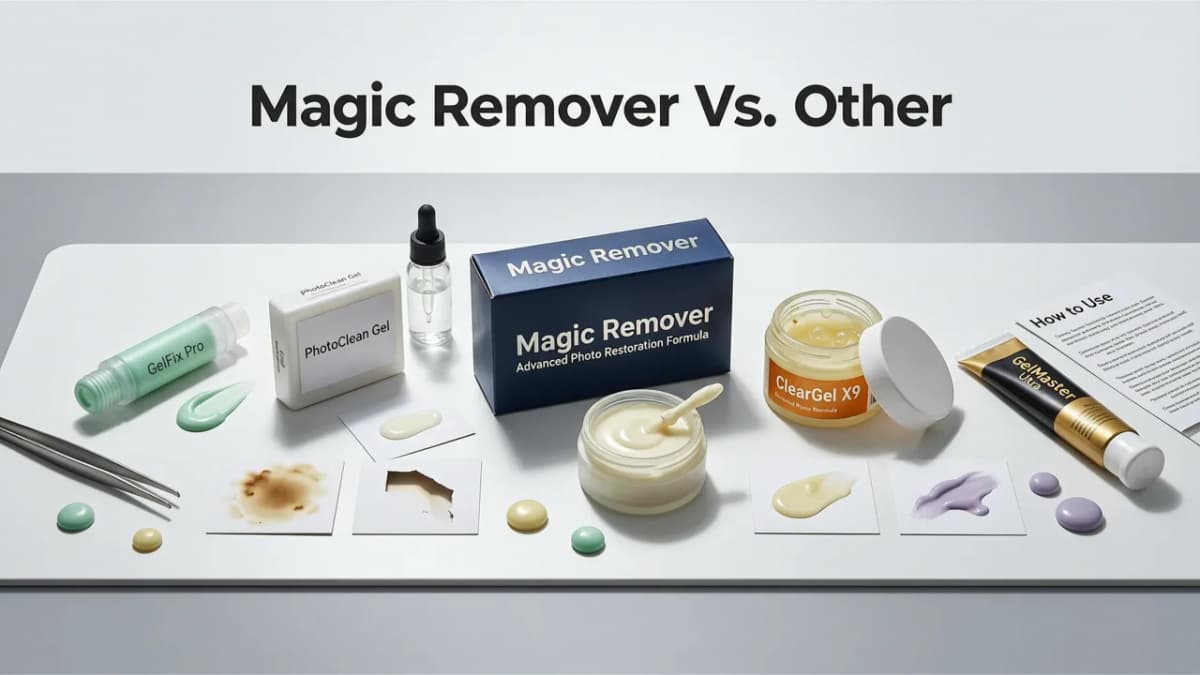
Not all object removers are created equal. Here’s how Pixelift’s Magic Remover compares to alternatives people often confuse with ‘gel’ solutions:
| Feature | Pixelift Magic Remover (2026) | Free Online Erasers (e.g., Cleanup.pics, Remove.bg) | Mobile Apps w/ ‘Magic’ Claims | Photoshop Generative Fill (2026) |
|---|---|---|---|---|
| Speed (avg. edit) | 4–7 seconds (web), 6–9 sec (iOS) | 8–15 sec + queue delays | 12–30 sec; often crashes on complex scenes | 15–45 sec + requires Creative Cloud subscription |
| No sign-up needed? | ✅ Yes — fully functional free tier | ⚠️ Limited free uses; email required after 3 edits | ❌ Most require account + ad-watched unlocks | ❌ Requires Adobe ID + paid plan ($9.99/mo min) |
| Handles overlapping objects? | ✅ Yes — e.g., removes a bench *behind* a person without erasing legs | ❌ Often fails on occlusion; treats foreground/background as one blob | ⚠️ Partially — struggles with fine layering (e.g., hair over shoulder) | ✅ Yes — but requires manual layer management |
| Works on old/scanned photos? | ✅ Yes — handles dust, scratches, and low-res artifacts intelligently | ❌ Poor performance on scanned film or faded prints | ⚠️ Rarely optimized for archival quality | ✅ Yes — but slow + over-smooths vintage grain |
| Preserves facial detail & expression? | ✅ Yes — face-aware refinement built-in | ❌ Frequently distorts eyes, lips, or skin texture | ⚠️ Often blurs or flattens facial contours | ✅ Yes — but may over-enhance or create uncanny artifacts |
Bottom line: If you want something that behaves like ‘digital gel’—smooth, intuitive, forgiving, and invisible in the final result—Pixelift’s Magic Remover is the closest thing to that ideal in 2026. It’s designed for real people, not designers. You don’t need to know what a diffusion model is. You just need to point, click, and get back a cleaner photo.
Real Use Cases: When Magic Remover Saves the Shot
Here’s where Pixelift’s Magic Remover makes the biggest difference—not just technically, but emotionally:
✨ Restoring Family History Without Losing Authenticity
Old scanned photos often contain distracting elements: glue stains, tape marks, handwritten notes in margins, or even accidental fingers in the frame. Rather than cropping tightly (and losing precious composition), Magic Remover erases those intrusions while preserving the original grain, contrast, and emotional resonance. It’s especially powerful for upscale old photo without Photoshop—because cleaning first means upscaling yields sharper, truer results.
📸 Cleaning Up Social & Portrait Shots Instantly
That perfect headshot ruined by a stray soda can in the background? A wedding photo with a mic cord crossing the couple’s faces? A pet portrait blurred by a dangling leash? Magic Remover handles these in seconds—and keeps natural bokeh, skin texture, and fabric folds intact. Unlike basic clone tools, it respects depth-of-field blur gradients so backgrounds stay convincingly soft.
🛍️ Prepping Product Photos for E-commerce
Small business owners and Etsy sellers often shoot products on makeshift backdrops—only to discover wires, shadow inconsistencies, or reflection hotspots in post. Magic Remover lets them clean shots in-browser before uploading to Shopify or Amazon—no retoucher needed. Bonus: it integrates seamlessly with Pixelift’s best AI photo upscaler 2026, so cleaned images can be enlarged to 4K for print or banner use.
How to Use Magic Remover in 3 Simple Steps (2026 Edition)
No tutorials. No keyboard shortcuts. Just human logic:
- Go to Pixelift.com and click “Magic Remover” (or open the iOS app → tap the wand icon).
- Upload your photo — drag & drop, paste from clipboard, or select from device. Supports HEIC, JPG, PNG, and even 12-bit TIFF scans.
- Select and remove — draw around what you want gone (or click it), then hit “Remove”. Watch the AI rebuild the area in real time. Done.
That’s it. No sliders. No ‘inpainting strength’ dials. No export compression choices. Your cleaned photo downloads automatically—or opens in Pixelift’s editor for one-click enhancements (e.g., remove blur from photo online, adjust lighting, apply vintage presets).
Pro Tips for Best Results
- For complex scenes: Zoom in and trace loosely—accuracy matters less than covering the full object + a small buffer.
- On old photos: Try the “Restore Old Photo” preset first, then run Magic Remover. Less noise = cleaner removal.
- Multiple objects? Remove one at a time. The AI learns from each pass, improving coherence across the frame.
- Unhappy with output? Click “Undo” or “Try Again” — no credit wasted, no history saved.
Is There Any Real ‘Photo Gel’ Out There?
Technically—yes, but not for digital editing. Physical photo gels still exist in two narrow niches:
- Darkroom chemistry: Certain archival toning or bleaching gels were used in analog print development (e.g., selenium toner gels for sepia enhancement)—but these are obsolete for 99.9% of users in 2026.
- Camera lens filters: Some UV or anti-glare gels are applied directly to lenses—but these prevent blur during capture, not fix it after.
There is no legitimate digital photo-editing tool sold as ‘magic remover gel’. Any site selling such a product is either misleading, outdated, or bundling malware. Legitimate AI tools—including Pixelift—are web-based, transparent about their tech, and respect user privacy (images are deleted from servers within 1 hour).
What’s Next for Object Removal in 2026 and Beyond?
Pixelift’s Magic Remover already supports batch processing (up to 20 images at once) and basic video frame cleanup (for static-background clips). By late 2026, expect:
- Object persistence tracking: Remove a person walking across a 10-second clip—and have the AI fill every frame consistently.
- Style-aware removal: Choose whether the filled area matches ‘vintage film’, ‘iPhone Pro’, or ‘studio portrait’ aesthetics.
- Voice-guided editing: “Remove everything except the dog and the red ball” — coming to iOS in Q4 2026.
But none of that changes the core truth: the ‘magic’ isn’t in a tube. It’s in thoughtful design, ethical AI, and respecting your time.
Frequently Asked Questions
Still wondering whether ‘magic remover gel for photos’ is real—or what to use instead? Here’s what most people ask:
Can I use Magic Remover on iPhone or Android?
Yes—Pixelift has a native iOS app (App Store, free) with full Magic Remover functionality. Android support is rolling out in September 2026.
Does Magic Remover work on blurry or low-res photos?
Absolutely—and it’s smarter about it than most tools. For best results, combine it with Pixelift’s how to upscale blurry photo workflow: clean first, then enhance resolution and sharpness.
Is my photo private when I use Magic Remover?
Yes. Pixelift processes images in encrypted memory, never stores originals, and deletes all temporary files within 60 minutes. No training data is collected. Full policy: aienhancephoto.com/privacy.
Do I need to pay to remove objects?
No. The core Magic Remover is free for unlimited use—up to 10 edits per day. Premium unlocks batch mode, HD exports, and priority processing. No credit card required to start.
Why doesn’t Photoshop have a ‘gel’ tool?
Because ‘gel’ isn’t a technical category—it’s marketing shorthand. Photoshop’s Generative Fill is functionally similar, but it’s part of a $10/month suite requiring installation, learning, and cloud sync. Pixelift’s approach is intentionally lighter, faster, and built for moments—not projects.
Final Thought: Magic Is in the Simplicity
Searching for ‘magic remover gel for photos’ reveals something deeper: people don’t want chemistry sets or complex software. They want confidence. They want to rescue a meaningful moment—whether it’s Grandma’s 1953 graduation photo or last weekend’s golden-hour selfie—without wrestling with tools that feel alien or intimidating.
In 2026, that confidence is finally accessible. Not through gel, but through AI that listens, adapts, and delivers—quietly, quickly, and kindly. Try Pixelift’s Magic Remover today, and see what happens when you stop looking for magic… and start getting results.
Ready to clean your photos in seconds? Go to Pixelift.com → Click Magic Remover → Upload → Done.
More on removing objects and text
The other articles on this topic are listed in the Magic Remover guide.

2026-08-17
Magic Remover for Photos: Clean Distractions Instantly in 2026
Use the magic remover for photos to erase unwanted objects, people, and blemishes in seconds. Discover how AI-powered removal works and try it free in 2026.

2026-08-08
AI Object Remover — No Signup Required (Try Now)
Try our AI object remover no signup needed — erase photobombers, wires, logos, or clutter in seconds. Works instantly in your browser. No account, no email,...

2026-08-06
Best AI Tool to Remove Objects from Photos in 2026
Looking for the best AI tool to remove objects from photos in 2026? Pixelift’s Magic Remover delivers one-click, realistic object removal—no editing skills, no
Next steps
Start on the AI Photo Enhancer homepage, try the main tool from the dashboard, or contact us if you need help choosing the right workflow. You can also explore localized pages like United Kingdom or Germany.