2026-10-19 · 6 min read
Best AI Image Enhancer for Portraits in 2026
Find the best ai image enhancer for portraits in 2026. Learn how tools like Pixelift sharpen, upscale, and restore faces effortlessly without editing skills.
Recommended next
What Makes the Best AI Image Enhancer for Portraits in 2026?
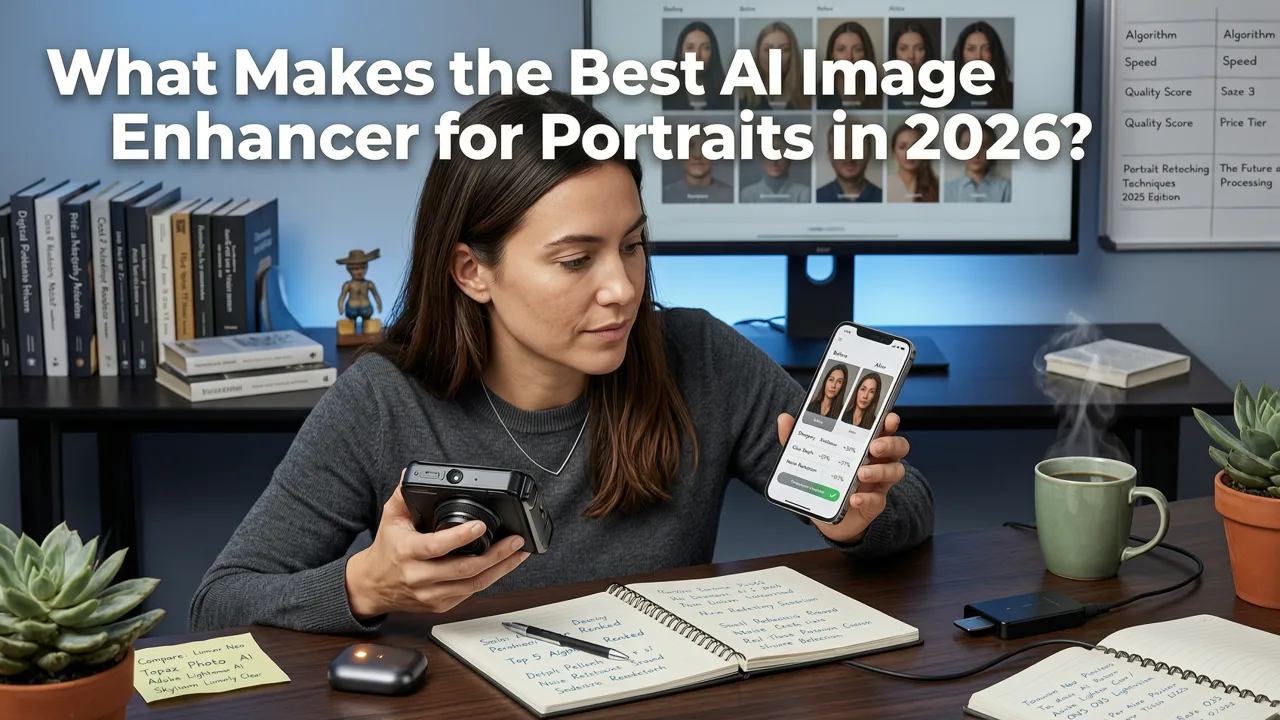
Finding the perfect headshot or rescuing a blurry family memory used to require hours of manual adjustments in complex editing software. Today, if you are searching for the best ai image enhancer for portraits, the answer is clear: modern AI tools can reconstruct facial details, fix lighting, and upscale resolution in seconds, all without requiring any manual editing skills. Whether you need to sharpen a soft focus shot, restore a faded vintage print, or generate a crisp profile picture, AI-driven portrait enhancement tools have completely changed the landscape in 2026.
The short answer to what makes a tool the best is its ability to understand human facial geometry. Unlike older software that simply applied a blanket sharpening filter (which often resulted in grainy, unnatural skin), 2026 models use advanced diffusion techniques to intelligently rebuild missing pixels. This means you get natural skin textures, accurate eye details, and perfect lighting balance, even if the original image was taken in poor conditions or saved at a very low resolution.
Key Features to Look for in Portrait Enhancement Software
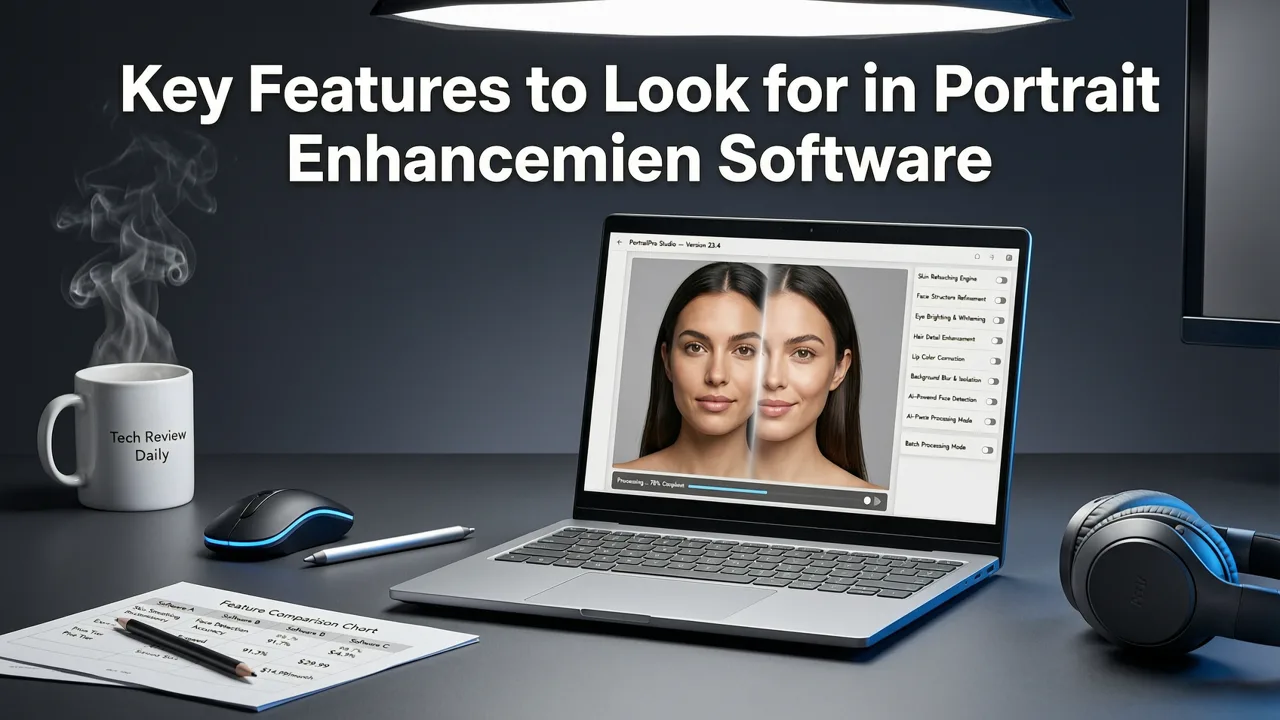
When evaluating AI portrait retouching tools, it is important to look beyond basic filters. The top-tier software available today focuses on preserving the authenticity of the subject while dramatically improving technical quality. Here are the core capabilities that separate the best tools from the rest.
Advanced Facial Detail and Skin Texture Preservation
One of the biggest complaints about early AI enhancers was the plastic, overly smoothed look they gave to human skin. The best AI image enhancer for portraits in 2026 prioritizes texture-aware processing. Instead of blurring out pores and fine lines, modern algorithms identify skin regions and enhance the micro-contrast. This AI skin smoothing approach removes blemishes and redness while keeping the natural grain of the skin intact, ensuring the subject still looks like a real person rather than a mannequin.
High-Fidelity Upscaling and Resolution Boosting
Photo upscaling software has evolved from simple pixel interpolation to generative reconstruction. If you have a tiny, pixelated crop of a face, a top-quality AI headshot generator will analyze the surrounding facial landmarks—like the curve of a jawline or the shape of an iris—and accurately predict and draw the missing details. This allows you to print large-format portraits from small web images without the dreaded blocky artifacts.
Distraction Removal and Background Cleanup
A great portrait is all about the subject, but real-world photography is full of photobombers, messy backgrounds, and stray objects. Tools equipped with a Magic Remover feature allow you to instantly erase distractions. The AI analyzes the background context and fills in the removed area seamlessly, saving you from having to clone-stamp complex backgrounds manually.
Comparing the Best AI Image Enhancer for Portraits
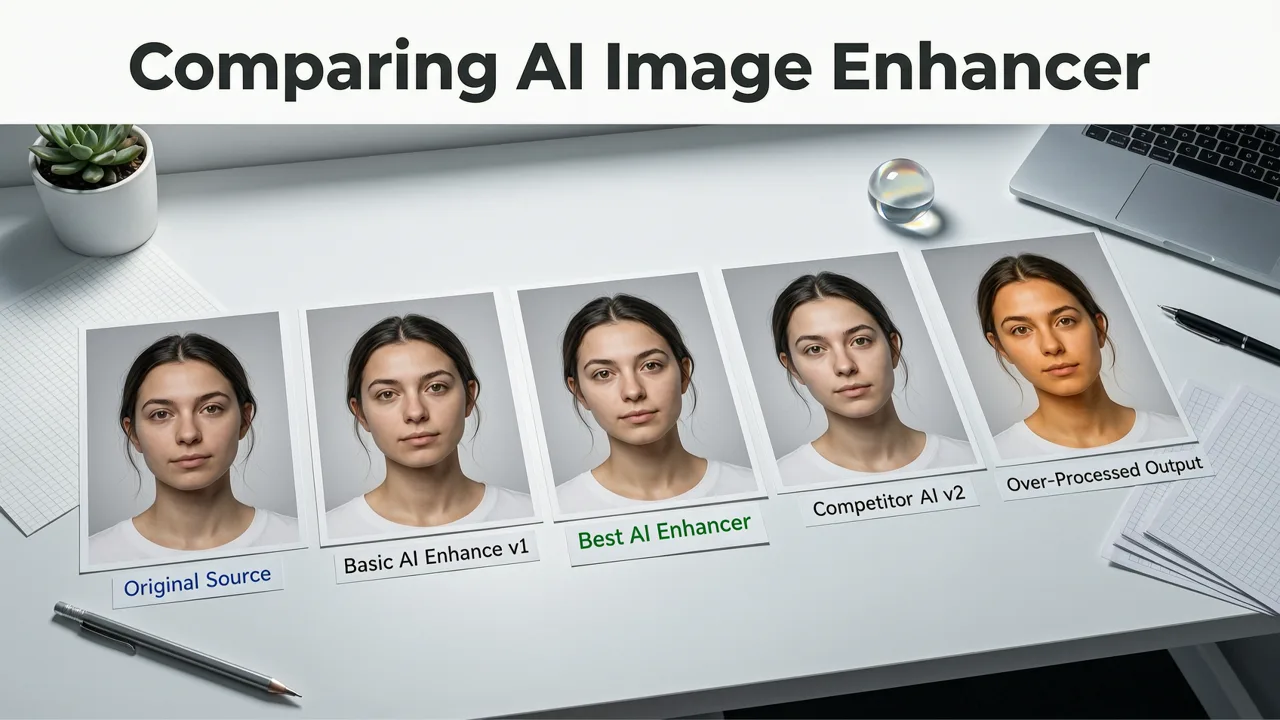
To help you understand where AI tools fit into your workflow, here is a quick comparison of how a dedicated AI enhancer stacks up against traditional methods.
| Feature | Dedicated AI Enhancer (e.g., Pixelift) | Traditional Photo Editors | Basic Mobile Filters |
|---|---|---|---|
| Learning Curve | None (One-click processing) | Steep (Requires technical knowledge) | Very Low |
| Skin Texture Handling | Preserves natural pores and details | Manual frequency separation needed | Often blurs or flattens skin |
| Upscaling Capability | Generative pixel reconstruction | Limited by original pixel data | None (Only crops or stretches) |
| Object Removal | Context-aware AI background fill | Manual cloning and healing brushes | Basic blur or crop only |
| Processing Speed | Seconds | Minutes to hours | Instant |
Step-by-Step: How to Enhance Portraits Using Pixelift
If you want to see how easy it is to get professional results without the professional learning curve, here is how the process works using Pixelift, a leading web and iOS tool built by Devsrank.
- Upload Your Image: Simply drag and drop your portrait into the web interface or select it from your iOS photo library. The tool accepts all standard formats and sizes.
- Select Your Enhancement Goal: Choose the specific fix you need. You can opt for general smart enhancement, targeted facial detail restoration, or resolution upscaling.
- Apply Creative Presets (Optional): If you want to change the mood of the portrait, browse the Creative Presets to restyle the color grading and lighting for social media or professional use.
- Clean Up Distractions: Use the Magic Remover tool to brush over any unwanted elements in the background or on the subject's clothing.
- Download in High Resolution: Once the AI finishes processing in seconds, download your crisp, vibrant portrait ready for printing or sharing.
If you are dealing with images that are severely out of focus before you even start, you might want to read our guide on how to upscale blurry photo in seconds to understand the underlying technology that makes this possible.
Restoring Vintage and Low-Resolution Family Portraits
One of the most rewarding uses for portrait enhancement software is vintage photo restoration. Old family pictures often suffer from fading, scratches, and severe softness. Modern AI models have been trained on millions of historical images, allowing them to recognize the specific degradation patterns of old film and paper.
If you have a shoebox of old prints, you can easily digitize them with your phone and use AI to bring them back to life. For a detailed walkthrough on doing this directly from your mobile device, check out our tutorial on how to restore old photos on iPhone in 2026.
Furthermore, many of our low-resolution portraits are hiding in cloud backups. If you are trying to fix those tiny, compressed thumbnails, you can easily upscale low-res photos from iCloud instantly to recover the details you thought were lost forever.
Outdoor and travel portraits face their own unique challenges, especially when dealing with harsh sunlight or water damage. For specialized scenarios, such as rescuing pictures taken near the ocean, you can explore specialized techniques like the best AI tool to restore faded marine photos in 2026 to handle salt-induced fading and glare.
The Role of Responsible AI in Portrait Editing
As AI becomes more capable of altering human faces, the importance of ethical development cannot be overstated. The leading tools in 2026 are built with guidelines that prioritize enhancement over deception. Following frameworks similar to the Google AI guidance on responsible innovation, reputable portrait enhancers avoid creating hyper-realistic fake identities. Instead, they focus on improving the technical quality of the original capture—fixing the blur, restoring the color, and honoring the true likeness of the subject.
This approach ensures that when you use an AI headshot generator or a restoration tool, the final image is a better version of reality, not a fabricated alternative. The technology is designed to empower everyday users to preserve their memories and present their best selves, not to manipulate the truth.
Final Thoughts and Next Steps
Finding the best ai image enhancer for portraits comes down to choosing a tool that respects natural human features while delivering massive technical improvements. You no longer need to hire a professional retoucher or spend weekends learning complex software to get stunning, high-resolution portraits. With intelligent upscaling, texture-aware skin smoothing, and instant distraction removal, your photo library is ready for its close-up.
Ready to bring your favorite portraits back to life? Explore the full capabilities of Pixelift today and see how easy it is to sharpen, upscale, and restore your most cherished memories in seconds.