
Published by PixeLift · · 7 min read
The Best Free AI Image Upscaler Tools in 2026: A Complete Guide
Looking for the best free ai image upscaler in 2026? Compare top tools, understand how AI upscaling works, and find the perfect fit for your blurry photos.
For the basics of resolution and pixel size, see our main upscaling guide.

Recommended next
If you have ever tried to enlarge a small picture for a print, a social media post, or a high-resolution display, you already know the frustration. The moment you stretch a low-resolution file, it turns into a pixelated mess. Fortunately, finding the best free ai image upscaler in 2026 is easier than ever. The ideal tool combines generative super-resolution with a generous free tier, zero intrusive watermarks, and intuitive controls, allowing you to sharpen blurry photos and restore old memories in seconds without needing any editing experience.
Tools like Pixelift have redefined what is possible for everyday users. By offering seamless web and iOS experiences, these platforms allow you to upscale low-resolution images, clean up distractions, and improve lighting instantly. But with so many options available, how do you choose the right one? This guide breaks down what to look for, how the technology works, and how to get the best results for your portraits, product photos, and cherished family pictures.
What Makes the Best Free AI Image Upscaler in 2026?
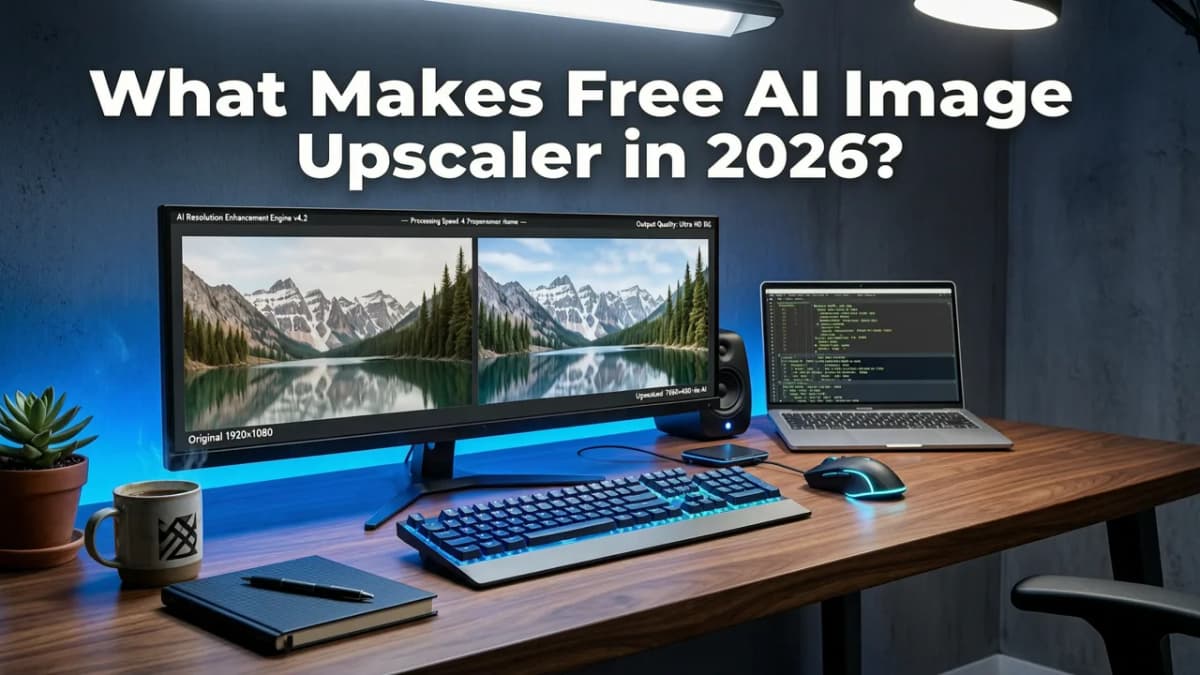
When evaluating the landscape of AI photo enhancers, the word "free" can sometimes be misleading. Many tools advertise free usage but restrict you to tiny file sizes, add heavy watermarks, or limit you to a single daily credit. The best free ai image upscaler options in 2026 stand out by balancing accessibility with professional-grade results.
Key Features to Look For
- True Super-Resolution: The tool should use generative AI models to reconstruct missing details, not just stretch existing pixels.
- Generous Free Tier: Look for platforms that allow multiple daily enhancements without forcing a paid subscription for basic 4K outputs.
- No Watermarks: A truly user-friendly tool will not ruin your restored family pictures with a branded overlay.
- Privacy and Security: Your personal photos should be processed securely, with clear data retention policies.
- Multi-Platform Access: The ability to edit on a desktop web browser or quickly fix a photo on an iOS app on the go.
How AI Image Upscaling Actually Works
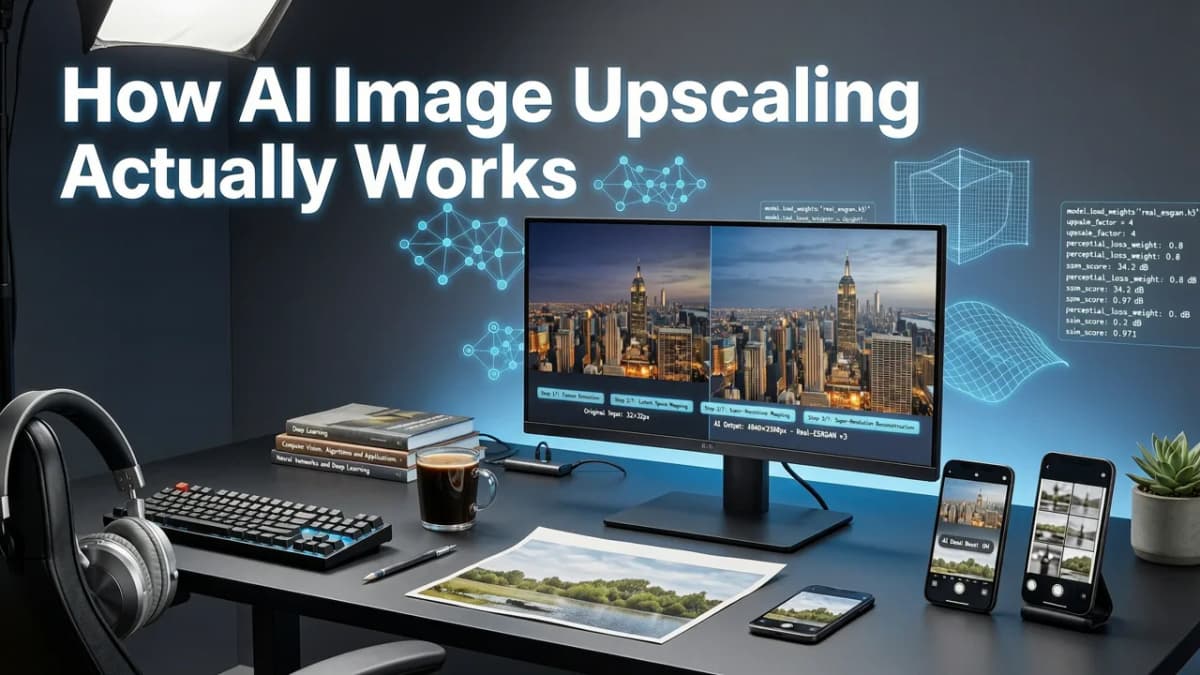
To appreciate why modern tools are so effective, it helps to understand the shift from traditional methods to artificial intelligence. If you have ever used basic software to enlarge an image, you likely noticed that it simply adds new pixels by averaging the colors of surrounding pixels. This is called bicubic interpolation, and it is why traditional upscaling ruins photo quality by creating a soft, blurry mess.
The Shift to Generative AI
Modern AI photo enhancers use deep learning and generative AI models. Instead of just guessing pixel colors, the AI analyzes millions of high-resolution images to understand what textures, edges, and facial features are supposed to look like. When you feed it a blurry or low-resolution image, the AI recognizes the subject—say, a human eye or a leaf on a tree—and reconstructs the missing high-frequency details from scratch.
This technology, often referred to as adaptive super-resolution, ensures that when you upscale low-resolution images, the result looks naturally sharp and detailed, even when zoomed in. For a deeper dive into the mechanics behind this, you can explore the guide on how to upscale images without losing quality fast.
Comparing the Best Free AI Image Upscaler Options
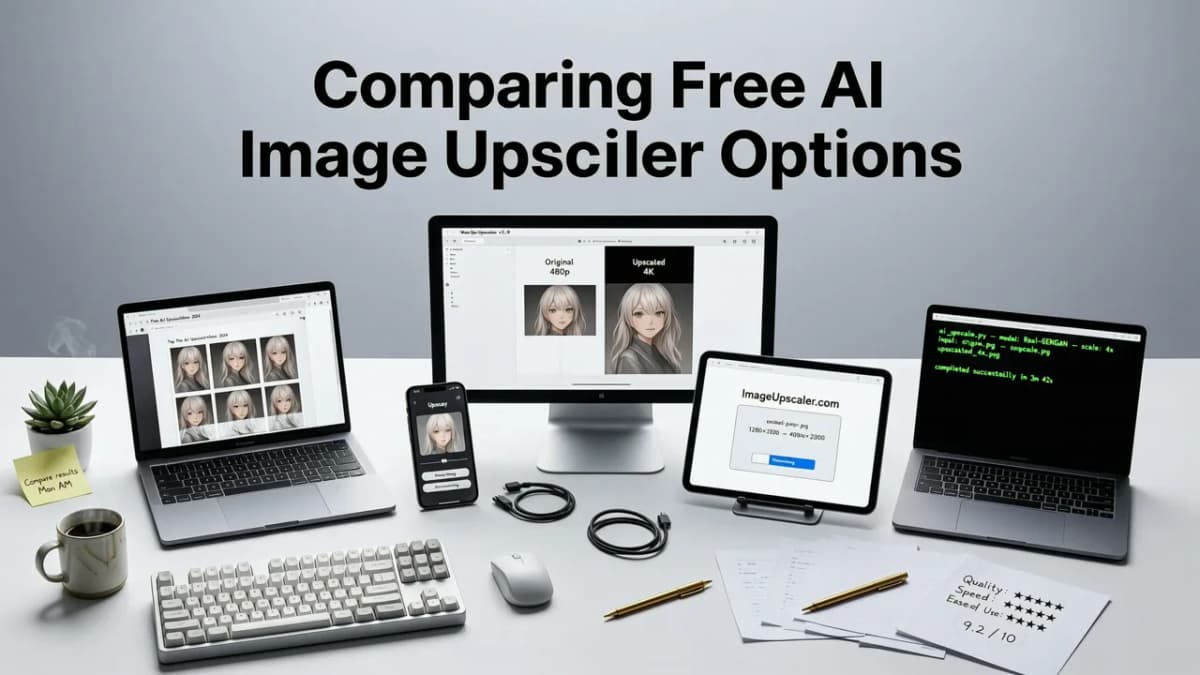
Not all AI tools are built the same. Some focus purely on upscaling, while others offer a full suite of editing features like object removal and color correction. Below is a comparison of what you can expect from top-tier platforms in 2026, including comprehensive tools like Pixelift.
| Feature | Basic Free Web Tools | Comprehensive AI Suites (e.g., Pixelift) |
|---|---|---|
| Core Upscaling | Yes, often limited to 2x | Yes, up to 4x, 8x, or more with detail reconstruction |
| Free Tier Limits | Strict daily credit limits or low-res caps | Generous free allowances for standard enhancements |
| Watermarks | Frequently added on free downloads | Clean, watermark-free downloads |
| Extra Features | Rarely included | Magic Remover, Creative Presets, old photo restoration |
| Platform Availability | Web browser only | Web tool and dedicated iOS app |
As the table shows, while basic tools might handle a quick 2x enlargement, comprehensive suites provide the full package. If you are shooting on a mobile device, you might also want to check out the guide on upscaling low-res photos on Android to see how mobile-optimized AI changes the workflow.
Step-by-Step: How to Upscale Your Photos for Free
Using an AI image upscaler does not require a degree in graphic design. The best platforms are designed for everyday users who want quick, beautiful results. Here is a standard workflow for enhancing your images.
- Choose Your Platform: Open your preferred AI photo enhancer, whether it is a web browser on your laptop or an app on your phone.
- Upload Your Image: Select the blurry, low-resolution, or old photo you want to improve. Most tools accept standard formats like JPEG, PNG, and HEIC.
- Select Your Enhancement Level: Choose your desired upscale multiplier (e.g., 2x, 4x). Some tools also let you select specific presets, such as "Portrait" or "Landscape," to optimize the AI's focus.
- Let the AI Work: The engine will analyze the input, reconstruct missing textures, and sharpen the details. This usually takes only a few seconds.
- Review and Download: Compare the before and after. If you are happy with the result, download your high-resolution, watermark-free image.
If you are specifically trying to recover a shaky or out-of-focus shot on your Apple device, the process is just as simple. You can learn more about mobile-specific workflows in the guide on how to fix blurry photos on iPhone instantly.
Beyond Upscaling: Restoring and Editing
The best free ai image upscaler tools in 2026 do not just make images bigger; they make them better. Once you have upscaled a photo, you might notice other imperfections, like a distracting background object or faded colors from an old scan.
Cleaning Up Distractions
Modern AI suites include a Magic Remover feature. This allows you to highlight unwanted elements—like a photobomber, a stray trash can, or a blemish on a portrait—and the AI seamlessly fills in the background. It is a massive time-saver compared to traditional cloning tools. If you have been searching for how this works, the guide on what Magic Remover is for photos breaks down the segmentation technology behind it.
Restoring Old Family Pictures
Scanned photographs from decades past often suffer from low resolution, color fading, and physical damage. AI upscalers specifically trained on archival imagery can reverse this damage. They restore facial details, bring back vibrant colors, and remove scratches, turning a dusty scan into a frame-worthy masterpiece.
Privacy and Ethical AI in Photo Enhancement
As AI becomes more integrated into our daily lives, privacy is a major consideration. When you upload personal family photos or sensitive product shots to a cloud-based tool, you need to trust the provider.
Leading platforms in 2026 adhere to strict data handling practices. They process images efficiently and delete them from their servers shortly after completion. Furthermore, the development of these generative models follows strict ethical frameworks. Organizations like OpenAI and Google have published extensive resources on responsible AI development, ensuring that the models used to enhance your photos are trained ethically and do not infringe on copyright or privacy. You can review the OpenAI documentation or the Google AI guidance to understand the industry standards for responsible artificial intelligence.
Choosing the Right Tool for Your Needs
Ultimately, the best free ai image upscaler for you depends on your specific workflow. If you only need to enlarge an image once a month, a basic web tool might suffice. However, if you regularly work with portraits, manage social media content, or want to preserve family history, a comprehensive suite is the way to go.
Look for a tool that offers a smooth transition between upscaling, object removal, and creative styling. The ability to apply creative presets can completely transform a standard social media image, giving it a professional, stylized look without requiring hours of manual color grading.
Final Thoughts on AI Photo Enhancement
The days of accepting blurry, pixelated, or faded photos are over. AI technology has democratized high-end photo editing, putting powerful super-resolution and restoration capabilities into the hands of everyone. By choosing a tool that offers genuine free access, privacy, and a full suite of editing features, you can ensure your memories and content always look their absolute best.
Ready to bring your low-resolution images back to life? Explore the powerful, user-friendly tools available at Pixelift to start sharpening, upscaling, and restoring your photos today, right from your browser or iOS device.
More on upscaling images
The other articles on this topic are listed in the upscaling guide.

2026-09-06
Pixelift Upscaler — AI-Powered Photo Enhancement Tool (2026 Review)
Discover the Pixelift upscaler in 2026: how it sharpens blurry photos, upscales low-res images, and restores old pictures — no editing skills needed. Full...

2026-09-05
iPhone Photo Upscaler — Enhance Pics Directly on iOS (2026)
Looking for an iPhone photo upscaler in 2026? Discover how Pixelift lets you sharpen, upscale, and restore blurry photos right on iOS in seconds.

2026-08-01
Best AI Photo Upscaler 2026 — Fast, Free & No Install
Looking for the best AI photo upscaler 2026? Pixelift delivers one-click, browser-based upscaling—no install, no skill needed. Sharpens blurry photos,...
Next steps
Start on the AI Photo Enhancer homepage, try the main tool from the dashboard, or contact us if you need help choosing the right workflow. You can also explore localized pages like United Kingdom or Germany.