
Published by PixeLift · · 7 min read
How to Enhance Photo Resolution Online in Seconds (2026)
Discover how to enhance photo resolution online in seconds with AI. Upscale, sharpen, and restore low-quality images instantly using Pixelift.
New to upscaling? Start with how AI upscaling works, then come back to the details here.

Recommended next
Why You Need to Enhance Photo Resolution Online in 2026
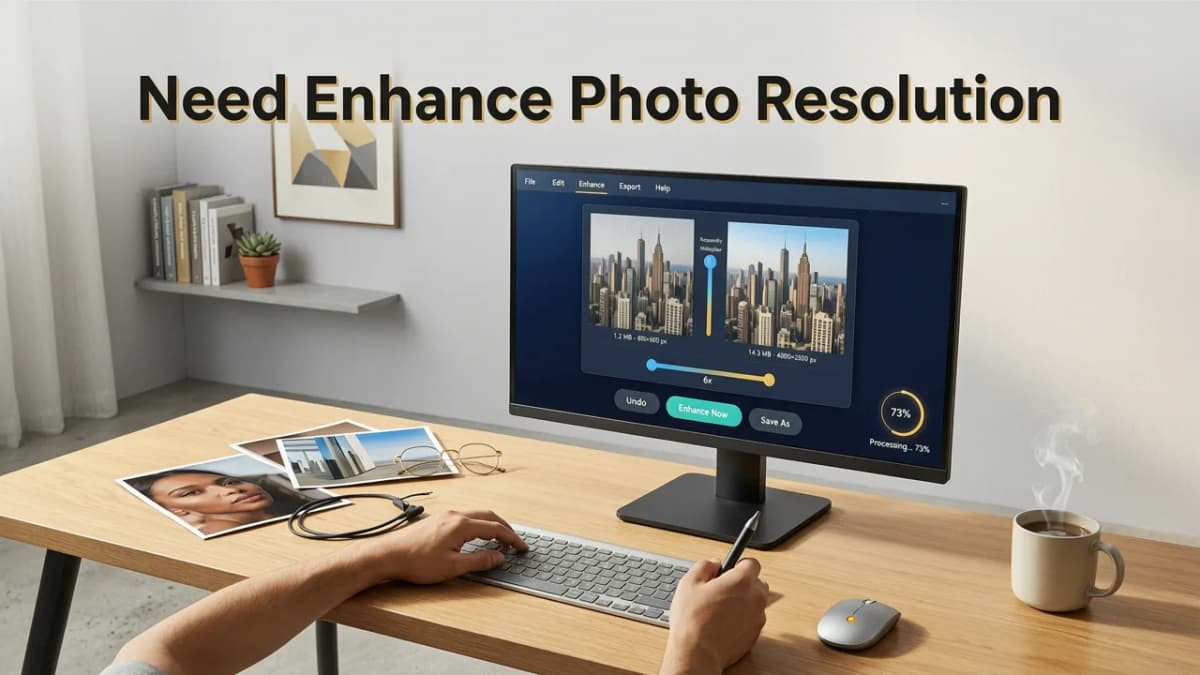
If you have ever stared at a cherished memory ruined by pixelation, or tried to print a digital image only to find it looks like a blurry mosaic, you know the frustration. The good news is that you no longer need expensive desktop software or hours of manual tweaking to fix it. You can easily enhance photo resolution online in seconds using advanced AI tools.
Whether you are dealing with a low-quality screenshot, a heavily compressed social media post, or a scanned family heirloom, modern AI upscalers rebuild missing details instantly. In 2026, the gap between a low-resolution snapshot and a crisp, high-definition image is bridged entirely in your web browser. You do not need a degree in graphic design, and you do not need to understand complex layer masks. All you need is an internet connection and the right AI-powered platform.
This guide will walk you through exactly how to enhance photo resolution online, why AI has completely changed the game for image upscaling, and how to get professional-grade results without any editing experience.
How to Enhance Photo Resolution Online — 3 Simple Steps
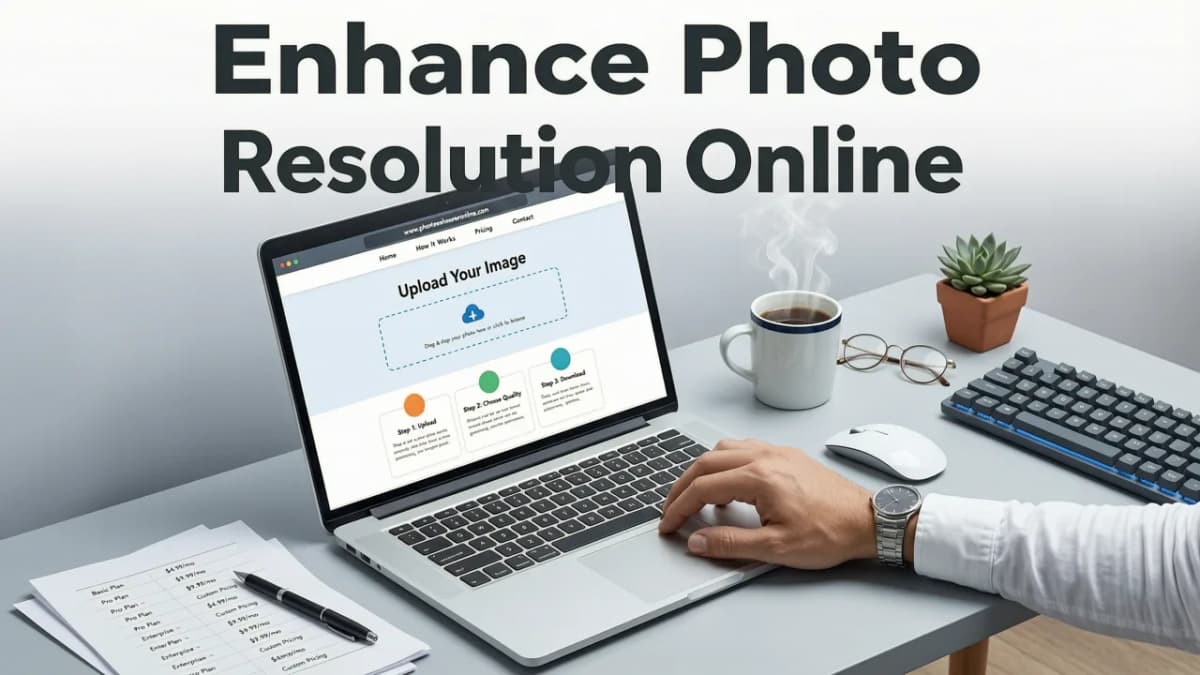
When you want to increase image quality quickly, the workflow should be frictionless. Platforms like Pixelift are built specifically for this, allowing you to upscale, sharpen, and restore images with just a few clicks. Here is the standard process to enhance photo resolution online.
Step 1: Upload Your Low-Resolution Image
The first step is incredibly straightforward. Open your web browser, navigate to an AI photo enhancer, and upload the image you want to improve. These tools typically support all standard formats, including JPEG, PNG, and WebP. You can upload old scanned family pictures, small product photos for your online store, or low-res images saved from social media.
Step 2: Let the AI Analyze and Upscale
Once your image is uploaded, the AI takes over. Unlike older software that simply stretched pixels, modern neural networks analyze the content of your photo. The AI identifies faces, textures, backgrounds, and lighting conditions. It then predicts and generates the missing pixels required to increase the resolution. This process happens in the cloud, meaning it uses server-side computing power rather than slowing down your device.
Step 3: Download Your High-Resolution Result
Within seconds, the enhanced image is ready. You can preview the before-and-after results side-by-side to see the dramatic improvement in sharpness and detail. Once you are happy with the quality, simply download the high-resolution file to your device, ready for printing, sharing, or publishing.
Traditional Upscaling vs. AI Photo Enhancement
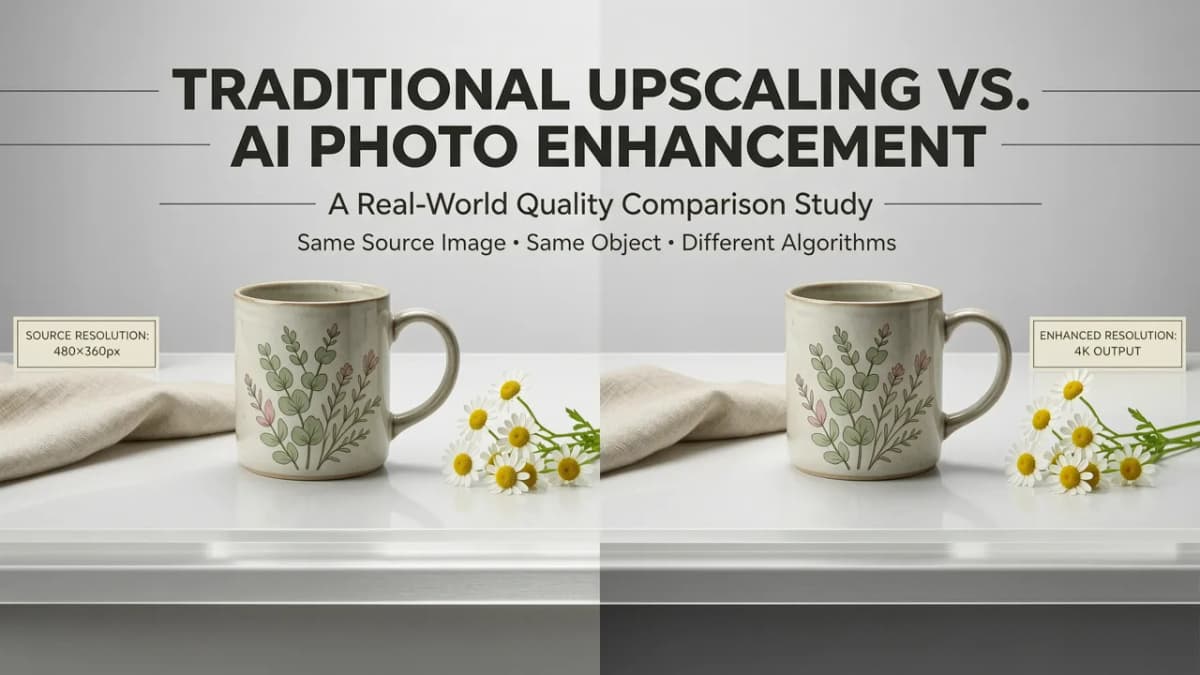
To understand why online AI tools are so effective, it helps to know how they differ from the old methods of enlarging images. If you have ever used basic image editing software to resize a small photo, you have likely experienced the "blurry block" effect. Here is a breakdown of why AI is the superior choice for 2026.
| Feature | Traditional Upscaling | AI Photo Enhancement |
|---|---|---|
| Core Technology | Bicubic interpolation (math-based pixel stretching) | Deep learning neural networks (context-aware generation) |
| Detail Recovery | Cannot create new details; just softens existing pixels | Reconstructs missing textures, edges, and facial features |
| Processing Speed | Fast, but results are often unusable for large enlargements | Lightning-fast cloud processing with professional results |
| Noise Handling | Often amplifies existing grain and compression artifacts | Actively reduces noise and cleans up compression blocks |
| Skill Required | Requires knowledge of resizing settings and manual sharpening | Zero editing skills required; fully automated |
As the table illustrates, AI does not just make the image bigger; it makes the image better. It understands that a blurry edge is supposed to be a sharp line, and that a pixelated patch of skin should be rendered as smooth texture.
Beyond Resolution: Fixing Blur and Removing Distractions
Enhancing resolution is only one piece of the puzzle. Often, a low-resolution image is also suffering from motion blur, poor lighting, or unwanted objects in the frame. Fortunately, the best AI platforms combine multiple tools into one seamless workflow.
Fixing Motion and Focus Blur
Upscaling a blurry photo will only give you a larger blurry photo. That is why AI enhancers include dedicated sharpening algorithms that target out-of-focus areas. If you are specifically dealing with mobile photography issues, you might want to read our detailed guide on how to fix blurry photos on iPhone to see how mobile-specific AI adjustments can save your camera roll.
Cleaning Up the Background
Sometimes, the perfect shot is ruined by a photobomber, a messy room, or an unwanted text overlay. Modern AI includes a "Magic Remover" feature that intelligently fills in the background after an object is deleted. If you are curious about the terminology behind this tech, check out our breakdown of what Magic Remover gel for photos actually means and how the AI handles object segmentation without any physical tools.
Furthermore, if you are trying to reclaim an image that has been stamped with a logo, you can easily remove watermark from photo free online using these same AI inpainting techniques. And if you just want to clean up a cluttered scene before you upscale it, using the best AI tool to remove objects from photos ensures your final high-resolution image is perfectly composed.
Who Benefits Most from Online Photo Enhancement?
The ability to enhance photo resolution online is not just for professional photographers. In fact, the everyday user benefits the most from this technology. Here are a few common scenarios where AI upscaling shines.
- E-commerce Sellers: Product photos taken on a smartphone often need to be cropped and enlarged for marketplace listings. AI upscaling ensures product details remain crisp, which can directly impact conversion rates.
- Family Historians: Scanning old, physical photo albums often results in low-resolution digital files. AI restoration can bring faded, small, or damaged family portraits back to life, making them ready for modern digital frames or large canvas prints. li>Social Media Managers: When repurposing old content or downloading assets from third-party sites, images are often heavily compressed. Upscaling them ensures your brand's social feeds look professional and high-definition.
- Graphic Designers and Marketers: Sometimes you just need a specific texture or background element from an old, low-res file. AI enhancement allows you to extract usable, high-quality assets without starting from scratch.
What to Look for in an Online Photo Enhancer
Not all AI tools are created equal. When choosing a platform to enhance photo resolution online, keep these key features in mind to ensure you get the best results.
Browser-Based Convenience
The best tools require zero downloads or installations. A web-based interface means you can enhance photos from any device, whether you are on a desktop computer, a tablet, or a smartphone. Look for platforms that also offer dedicated mobile apps if you prefer working directly from your phone's camera roll.
Multi-Purpose AI Capabilities
A great photo enhancer should do more than just stretch pixels. Look for tools that offer a combination of upscaling, noise reduction, color correction, and object removal. Having all these features in one place saves you from juggling multiple apps and subscription services.
Privacy and Security
When you upload personal family photos or sensitive business images to the cloud, data privacy is paramount. Ensure the platform you choose uses secure encryption and has clear policies regarding how long your images are stored on their servers after processing.
Enhance Photo Resolution Online: Final Thoughts
The days of accepting low-quality, pixelated, or blurry images are officially over. With the rapid advancement of neural networks, the ability to enhance photo resolution online is faster, more accurate, and more accessible than ever before. You no longer need to be a tech expert to achieve stunning, high-definition results.
Whether you are looking to restore a beloved childhood memory, sharpen a product shot for your online store, or simply fix a blurry selfie, AI-powered tools like Pixelift handle the heavy lifting for you. By automating the complex math of pixel reconstruction, these platforms let you focus on what really matters: enjoying and sharing your photos in all their crisp, vibrant glory.
Ready to see the difference AI can make? Head over to the Pixelift web tool, upload your first image, and watch your low-resolution photos transform into high-definition masterpieces in seconds.
More on upscaling images
The other articles on this topic are listed in the upscaling guide.

2026-10-07
How to Upscale Low Resolution Images for Print (2026 Guide)
Learn how to upscale low resolution images for print without losing quality. Discover the best AI methods to get crisp, high-DPI results for physical media.

2026-09-07
Upscale Low Resolution Image Online — Fast, Free & Clear in 2026
Upscale low resolution image online with Pixelift AI. Sharpen blurry photos, restore old pictures, and boost detail in seconds — no download or editing...

2026-09-05
iPhone Photo Upscaler — Enhance Pics Directly on iOS (2026)
Looking for an iPhone photo upscaler in 2026? Discover how Pixelift lets you sharpen, upscale, and restore blurry photos right on iOS in seconds.
Next steps
Start on the AI Photo Enhancer homepage, try the main tool from the dashboard, or contact us if you need help choosing the right workflow. You can also explore localized pages like United Kingdom or Germany.