
Published by PixeLift · · 9 min read
Best AI Tool to Upscale Photos in 2026 — Pixelift Review
Looking for the best AI tool to upscale photos in 2026? Pixelift sharpens, enlarges, and restores images in seconds. Fast, free to try, and zero editing...
This article is part of our guide to upscaling low-resolution images with AI.

Recommended next
Best AI Tool to Upscale Photos in 2026
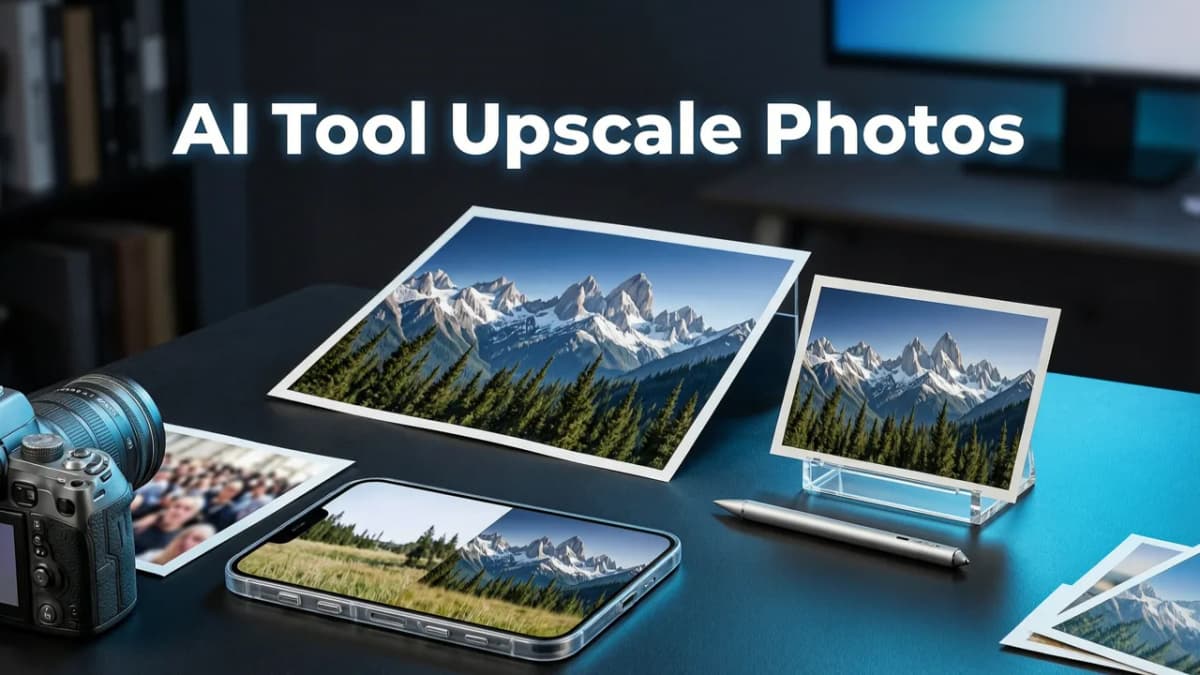
If you've ever tried to print a favorite photo only to discover it looks soft and pixelated, you already know why finding the best AI tool to upscale photos matters more than ever. In 2026, AI-powered upscaling has moved far beyond simple resolution boosts — today's top tools can reconstruct missing detail, sharpen faces, and restore clarity to images you thought were lost forever.
The short answer: Pixelift is the best AI tool to upscale photos for most people in 2026. It combines fast, browser-based processing with face-aware sharpening, smart noise reduction, and a one-click workflow that needs zero editing experience. Whether you're enlarging a product shot for your online store, rescuing a low-resolution selfie, or restoring a scanned family photo, Pixelift delivers crisp, natural results in seconds.
Below, we'll walk through why Pixelift earns the top spot, how AI photo upscaling actually works in 2026, what to compare when shopping around, and how to get the best results from your own images.
Why the Best AI Tool to Upscale Photos Isn't Just About Resolution Numbers
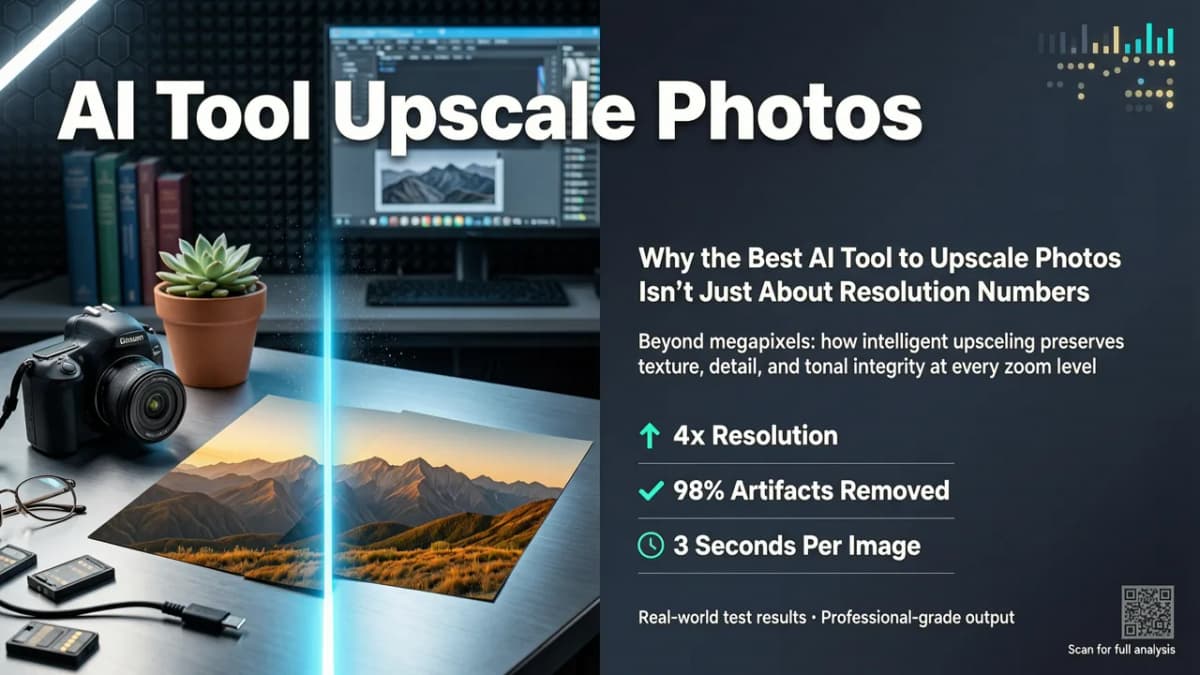
Back in 2023 or 2024, most upscalers simply stretched pixels and applied a sharpening filter. The result? Images that were technically larger but still looked fuzzy, waxy, or oddly artificial. In 2026, the bar has been raised significantly.
The best AI tool to upscale photos now needs to do several things at once:
- Reconstruct plausible detail rather than just interpolating pixels
- Preserve facial features and identity so portraits still look like the real person
- Reduce noise and compression artifacts without smoothing away texture
- Handle diverse content — landscapes, product photos, text, and old scans — each with different optimal settings
- Run fast without requiring a powerful computer or a software download
That last point is huge. Many of the most powerful upscaling models in 2026 are cloud-based, meaning the heavy lifting happens on remote servers and results come back to your browser or phone in seconds. You no longer need a gaming PC or a dedicated graphics card to get professional-quality enlargements.
How Pixelift Stands Out as the Best AI Tool to Upscale Photos
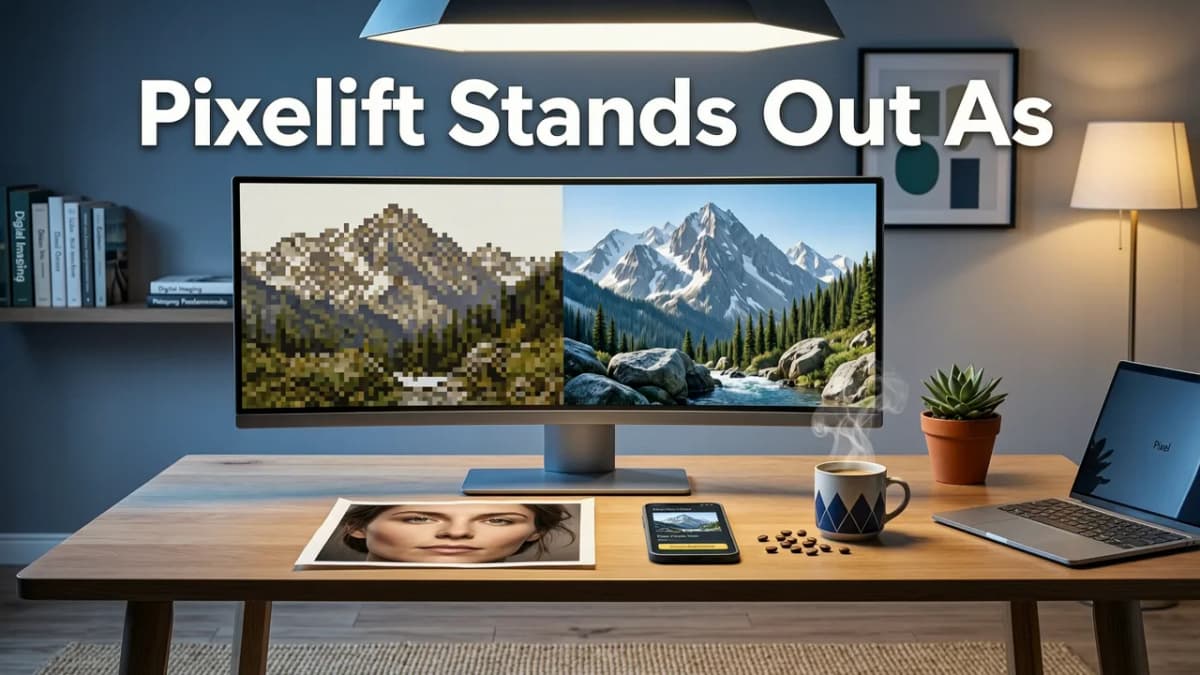
Pixelift, built by Devsrank, was designed from the ground up for real people — not Photoshop experts. Here's what makes it the leading choice in 2026:
✅ Face-Aware Upscaling That Keeps People Looking Real
Pixelift's AI detects faces in your image and applies specialized enhancement that preserves skin texture, eye detail, and natural proportions. Many generic upscalers smooth faces into a plastic-looking blur. Pixelift avoids that trap by training its models on millions of portrait examples.
✅ One-Click Simplicity — No Editing Skills Needed
Upload your image, choose your upscale factor (2×, 4×, or higher depending on the plan), and hit enhance. That's it. There are no confusing sliders, no layer masks, and no need to understand terms like "bicubic interpolation." If you can drag and drop a file, you can use Pixelift.
✅ Works in Your Browser or on iOS
Pixelift is available as a web tool you can access from any device and as an iOS app for on-the-go editing. No installation headaches, no compatibility issues. For a deeper look at the web version, check out our Best AI Photo Upscaler 2026 guide.
✅ Beyond Upscaling — Full Photo Enhancement Suite
Pixelift doesn't just enlarge images. It also sharpens blurry photos, restores old and faded pictures, improves color and lighting, and includes a Magic Remover for cleaning up distractions. You can even apply Creative Presets to restyle portraits and social media images. It's a complete toolkit in one place.
Best AI Tool to Upscale Photos — 2026 Comparison
To help you see how Pixelift stacks up, here's a side-by-side look at the most popular AI upscaling tools available in 2026:
| Feature | Pixelift | Tool B (Generic Upscaler) | Tool C (Desktop App) |
|---|---|---|---|
| Face-aware enhancement | ✅ Yes | ❌ No | ⚠️ Partial |
| Browser-based — no install | ✅ Yes | ✅ Yes | ❌ Desktop only |
| iOS app available | ✅ Yes | ❌ No | ❌ No |
| Old photo restoration | ✅ Built-in | ❌ No | ⚠️ Add-on |
| Magic Remover (distraction cleanup) | ✅ Yes | ❌ No | ❌ No |
| Creative Presets | ✅ Yes | ❌ No | ❌ No |
| Editing experience required | None | None | Moderate |
| Free tier available | ✅ Yes | ✅ Limited | ❌ Trial only |
As the table shows, Pixelift covers the widest range of use cases while keeping the interface approachable. Tools that focus only on upscaling often leave you searching for a separate solution when you also need to remove a background person, fix faded colors, or restore a damaged scan.
Who Should Use Pixelift to Upscale Photos?
Pixelift is built for everyday users, small business owners, and content creators who need great-looking images without investing hours in learning editing software. Here are the most common scenarios where it shines:
📸 Enlarging Low-Resolution Photos for Printing
Whether it's a favorite shot from your phone or a small image found online, Pixelift can upscale it to print-ready resolution while keeping edges crisp and colors accurate.
🛍️ Boosting Product Photos for E-Commerce
Small product images often look blurry when displayed on larger screens or marketplaces. Pixelift sharpens detail and improves lighting so your listings look professional.
🏠 Restoring Old Family Pictures
Scanned prints from decades past are often low-resolution, faded, or scratched. Pixelift's restoration mode can bring them back to life. If old photos are your main focus, our best AI photo restorer for family pictures guide covers that workflow in detail.
📱 Improving Social Media and Profile Images
Avatars, banners, and social posts cropped from low-res sources can look pixelated. A quick upscale in Pixelift makes them sharp and polished.
How to Get the Best Results When Upscaling Photos with AI
Even the best AI tool to upscale photos works better when you feed it good input. Follow these tips to maximize your results:
- Start with the highest-quality source you have. If you have both a scanned version and a phone photo of the same print, use the scan — scans capture more original detail.
- Crop before upscaling. Remove unnecessary borders or background clutter so the AI can focus its detail reconstruction on the subject.
- Choose the right upscale factor. For most images, 2× or 4× delivers the best balance of sharpness and natural appearance. Pushing beyond that on a very small source can introduce artifacts.
- Use restoration mode for old or damaged photos. Pixelift's restoration pipeline handles scratches, fading, and discoloration before upscaling, giving you a cleaner final image.
- Check faces closely. If your photo includes people, zoom in on faces after enhancement to make sure features look natural. Pixelift's face-aware AI is designed to handle this, but extreme close-ups from very low-res sources may still benefit from a second pass.
What Makes AI Photo Upscaling Different in 2026?
The AI models powering tools like Pixelift in 2026 are a generation ahead of what was available even two years ago. Key advances include:
- Diffusion-based reconstruction that generates plausible texture rather than just guessing pixel values
- Semantic understanding — the AI can tell the difference between hair, fabric, skin, and foliage, applying the right kind of detail to each
- Faster inference thanks to optimized models that run efficiently in the cloud, cutting processing times to just a few seconds per image
- Better handling of compression artifacts from JPEG and heavily compressed social media images
These improvements mean that in 2026, you can take a heavily compressed, low-resolution photo and get a result that looks genuinely sharp — not just "less blurry." For more on how this technology works under the hood, the OpenAI documentation offers a solid technical overview of modern image generation models.
Pixelift vs. Doing It Yourself in Photoshop or Free Apps
Some people wonder whether they should just learn Photoshop or use a free mobile app instead. Here's an honest comparison:
Photoshop's Super Zoom and Generative Fill
Photoshop does offer AI-powered upscaling, and it's powerful — but it comes with a steep learning curve, a monthly subscription cost, and a desktop-only workflow. For someone who just wants to sharpen a handful of photos, it's overkill.
Free Mobile Apps
Many free apps promise AI upscaling but deliver inconsistent results, plaster watermarks on your images, or bombard you with ads. They also rarely offer the face-aware enhancement or restoration features that Pixelift includes.
Pixelift's Sweet Spot
Pixelift sits in the middle: professional-quality AI enhancement with the simplicity of a free app. You get browser-based access, an iOS app, and a suite of tools (upscaling, restoration, Magic Remover, Creative Presets) without needing to learn complex software. As responsible AI practices continue to evolve, tools like Pixelift align with guidelines from organizations like Google's AI responsibility framework, ensuring enhancements are transparent and non-deceptive.
Common Questions About the Best AI Tool to Upscale Photos
Can I upscale photos for free with Pixelift?
Yes. Pixelift offers a free tier that lets you test the upscaling and enhancement features before committing to a paid plan. You can upload an image and see results directly in your browser.
Does Pixelift work on old, faded, or damaged photos?
Absolutely. Pixelift includes a dedicated restoration mode that handles fading, scratches, and discoloration. For a full walkthrough, see our guide on how to restore faded photos online with no download needed.
Will upscaled photos look natural or artificial?
With Pixelift, upscaled photos look natural because the AI reconstructs detail based on real-world patterns rather than applying a generic sharpening filter. Faces, textures, and edges are handled with specialized models to avoid the "plastic" look that older upscalers produced.
Do I need to install anything?
No. Pixelift works entirely in your web browser. If you prefer a mobile experience, the iOS app is available for download, but there's no desktop software to install.
Final Thoughts — Why Pixelift Is the Best AI Tool to Upscale Photos in 2026
Finding the best AI tool to upscale photos in 2026 comes down to three things: quality of results, ease of use, and range of features. Pixelift delivers on all three. It upscales low-resolution images with impressive sharpness, restores old family photos with face-aware precision, and wraps everything in an interface that anyone can use — no tutorials required.
Whether you're a small business owner polishing product shots, a parent rescuing old prints from a shoebox, or a content creator who needs quick, professional-looking images, Pixelift gives you the tools to do it all in one place.
Ready to see the difference? Head to aienhancephoto.com and try Pixelift today — upload a photo, pick your enhancement, and watch your image transform in seconds.
More on upscaling images
The other articles on this topic are listed in the upscaling guide.

2026-10-07
How to Upscale Low Resolution Images for Print (2026 Guide)
Learn how to upscale low resolution images for print without losing quality. Discover the best AI methods to get crisp, high-DPI results for physical media.

2026-09-07
Upscale Low Resolution Image Online — Fast, Free & Clear in 2026
Upscale low resolution image online with Pixelift AI. Sharpen blurry photos, restore old pictures, and boost detail in seconds — no download or editing...

2026-09-06
Pixelift Upscaler — AI-Powered Photo Enhancement Tool (2026 Review)
Discover the Pixelift upscaler in 2026: how it sharpens blurry photos, upscales low-res images, and restores old pictures — no editing skills needed. Full...
Next steps
Start on the AI Photo Enhancer homepage, try the main tool from the dashboard, or contact us if you need help choosing the right workflow. You can also explore localized pages like United Kingdom or Germany.