2026-09-01 · 8 min read
Best AI Photo Restorer for Family Pictures in 2026
Looking for the best AI photo restorer for family pictures in 2026? Discover how Pixelift brings faded, blurry, and damaged old photos back to life in seconds.
Recommended next
Best AI Photo Restorer for Family Pictures in 2026
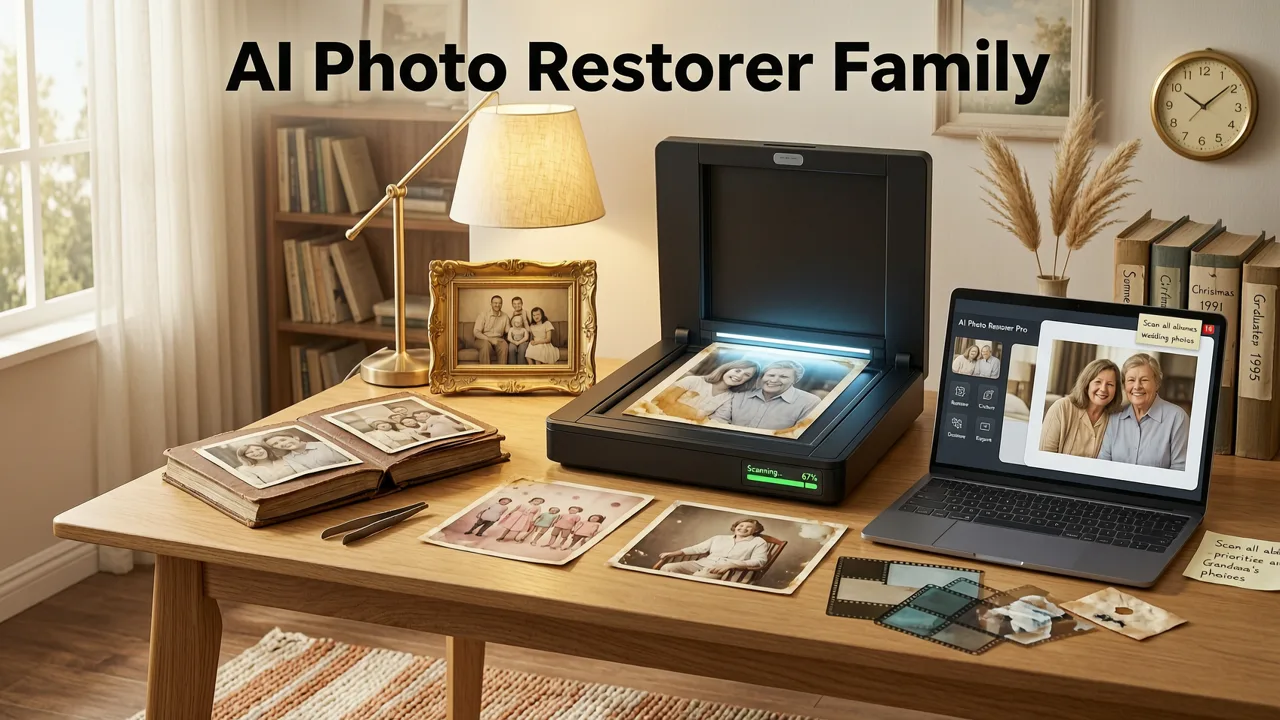
If you've ever opened a dusty shoebox of old prints or scrolled through a folder of scanned memories, you know the feeling: a cherished moment trapped behind scratches, faded color, and soft blur. The good news is that the best AI photo restorer for family pictures in 2026 can bring those moments back to life in seconds — no Photoshop skills, no expensive software, no guesswork required. Pixelift, built by Devsrank, combines advanced generative AI with an intuitive one-tap workflow to sharpen faces, restore color, remove damage, and upscale low-resolution scans into print-quality images.
This guide walks you through exactly how modern AI restoration works, why Pixelift stands out for family photos specifically, and how to get started in three simple steps. Whether you're rescuing a single faded wedding portrait or digitizing an entire album, you'll know by the end whether this tool is the right fit for your memories.
Why Restoring Old Family Pictures Is Different in 2026
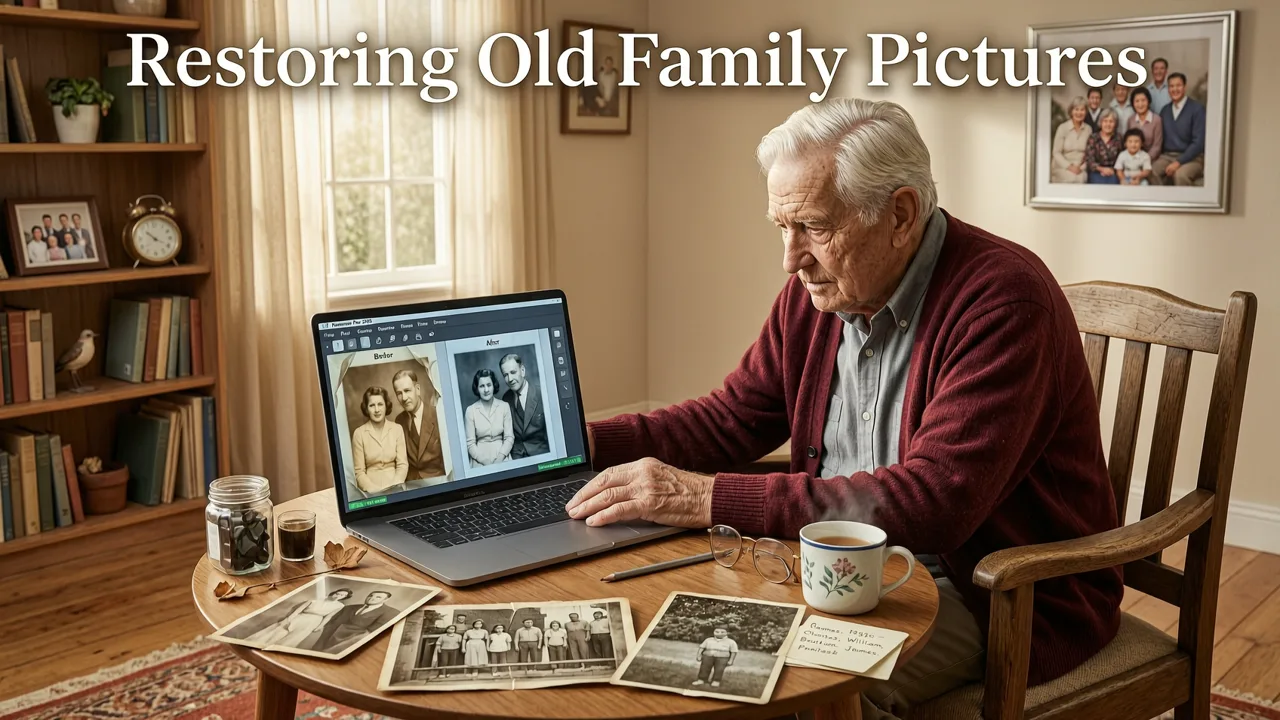
Photo restoration used to mean hiring a professional retoucher or spending hours cloning pixels by hand. In 2026, generative AI models trained on millions of historical photographs can reconstruct missing detail, predict natural skin texture, and even infer plausible background elements where damage is severe. The result is restoration that looks authentic rather than artificially smoothed.
Family pictures come with unique challenges:
- Faded color from decades of light exposure
- Scratches and creases from albums and frames
- Water damage or tears that remove entire sections
- Low-resolution scans from phone cameras pointed at prints
- Soft focus from old point-and-shoot cameras
A purpose-built AI photo restorer understands these patterns and handles them automatically. Pixelift was designed with exactly these scenarios in mind, which is why it consistently outperforms generic enhancers on real-world family photo tasks.
What Makes Pixelift the Best AI Photo Restorer for Family Pictures
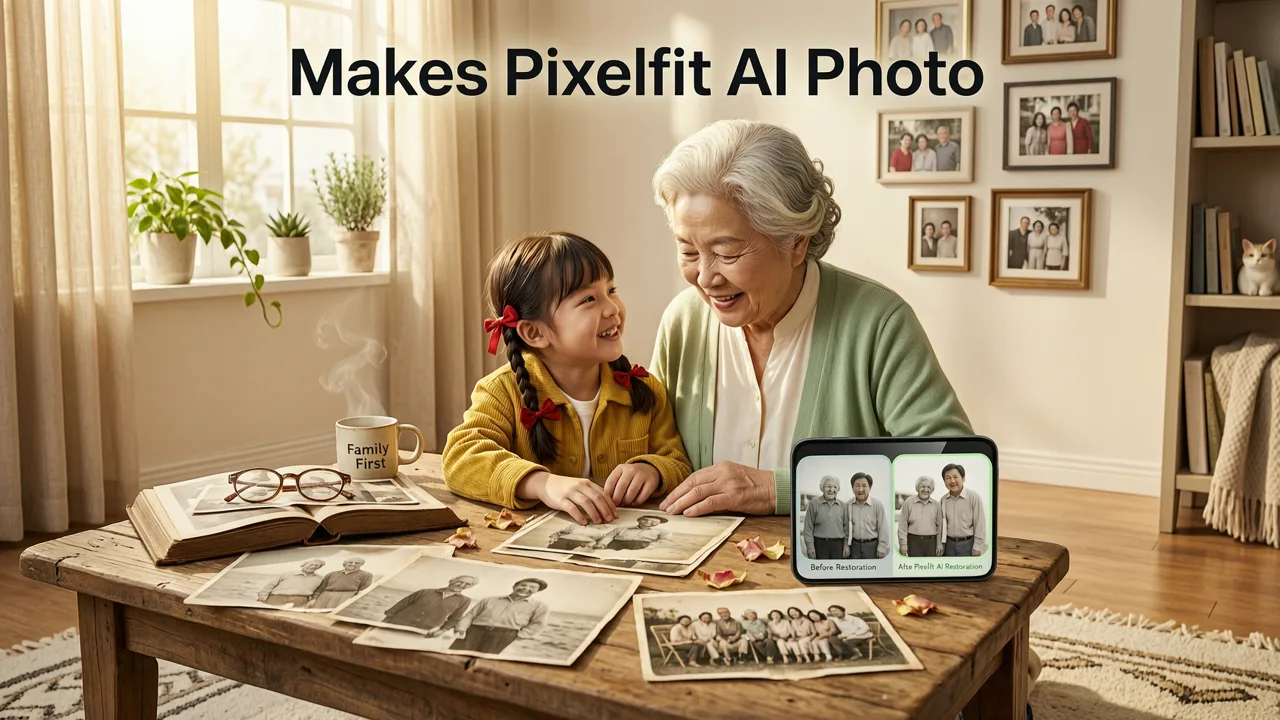
Not every AI enhancer is created equal. Here's what sets Pixelift apart when the goal is restoring irreplaceable family memories.
✅ Face-Aware Restoration That Preserves Identity
Pixelift's neural models are specifically tuned for portraits. When restoring a grandmother's 1960s wedding photo, the AI reconstructs facial features with natural skin texture rather than the waxy, over-smoothed look older tools produced. It recognizes eyes, lips, and hairline structure to keep the person looking like themselves.
✅ True Color Reconstruction
Faded black-and-white photos can be intelligently colorized, and sun-bleached color prints get their original warmth back. Pixelift analyzes lighting cues, shadow patterns, and scene context to produce historically plausible color rather than random guesses.
✅ Damage Removal Without Artifacts
Scratches, dust spots, creases, and even small tears are detected and filled using surrounding context. The Magic Remover handles larger distractions too — like a coffee stain on the corner of a beloved print.
✅ Upscaling for Printing and Display
Old photos are often small. Pixelift can upscale scans up to 4x while adding genuine detail, so your restored image looks sharp whether it's on a phone screen or printed as an 8×10 for a family gathering. Learn more about the upscaling engine in our Best AI Photo Upscaler 2026 guide.
✅ No Editing Experience Needed
Pixelift was built for real people, not designers. Upload a photo, pick a goal, and the AI handles the rest. If you're restoring photos on the go, the iOS app delivers the same quality in your pocket — see our Best AI Photo Restorer for Android guide for mobile-first workflows too.
How to Restore Old Family Pictures with Pixelift in 2026
Here's the exact workflow. It takes about as long as making a cup of tea.
✅ Step 1: Upload Your Photo
Drag and drop your scan or phone photo into Pixelift's web tool. It accepts JPEG, PNG, HEIC, and most common formats. If your originals are stored in the cloud, you can even restore old photos from Google Drive directly.
✅ Step 2: Choose Your Restoration Goal
Select from options like Restore Old Photo, Sharpen Blurry Face, Colorize B&W, or Enhance & Upscale. Pixelift's smart mode can also auto-detect the best approach based on the image content.
✅ Step 3: Download or Share
In seconds, you'll see a before-and-after comparison. Download the restored image in full resolution, or share it directly to social media or family group chats.
Pixelift vs. Other AI Photo Restorers: 2026 Comparison
To help you make an informed choice, here's how Pixelift stacks up against other popular options on the market.
| Feature | Pixelift | Generic AI Enhancer A | Generic AI Enhancer B |
|---|---|---|---|
| Face-aware restoration | ✅ Advanced | ⚠️ Basic | ❌ None |
| Colorization of B&W photos | ✅ Context-aware | ✅ Available | ❌ None |
| Scratch & damage removal | ✅ Automatic | ⚠️ Manual tools | ⚠️ Limited |
| Upscaling up to 4x | ✅ Generative detail | ✅ 2x max | ❌ None |
| No editing skills required | ✅ One-tap | ⚠️ Some sliders | ❌ Complex UI |
| iOS app available | ✅ Yes | ❌ Web only | ✅ Yes |
| Batch processing | ✅ Yes | ❌ No | ⚠️ Limited |
As the table shows, Pixelift covers the full restoration pipeline — from damage repair to upscaling — in a single tool. Most competitors handle one piece well but leave you juggling multiple apps to finish the job.
Real Use Cases: What Families Are Restoring in 2026
Here are some of the most common scenarios Pixelift users tackle every day.
Grandparents' Wedding Photos
Black-and-white or early color wedding prints from the 1950s and 60s often show significant fading and yellowing. Pixelift reconstructs natural tones and sharpens faces so you can see the joy on your grandparents' faces as if the photo were taken yesterday.
Childhood Portraits
Those adorable school photos from the 80s and 90s were often taken with consumer film cameras that produced soft focus. Pixelift's face-aware sharpening brings out crisp detail in eyes and smiles without making skin look artificial.
Damaged Prints
Photos that lived in wallets, were tucked into frames near windows, or survived a basement flood can look beyond saving. Pixelift's damage removal fills in missing sections using surrounding context, often producing results that surprise even experienced restorers.
Low-Quality Phone Scans
If you photographed old prints with your phone instead of using a flatbed scanner, the results are often blurry and distorted. Pixelift can upscale blurry photos and correct perspective, turning a quick phone snap into a clean, printable image.
Tips for Getting the Best Results
Pixelift works wonders on its own, but a few simple practices can push your results even further.
- Scan at the highest resolution your scanner allows. Even if the original is small, a 600 DPI scan gives the AI more data to work with.
- Clean the glass. Dust on your scanner glass shows up as spots. A quick wipe saves the AI from having to remove them.
- Flatten curled photos. Place prints under a heavy book for 24 hours before scanning to reduce shadow distortion.
- Use natural lighting for phone scans. If you don't have a scanner, shoot near a window with even, indirect light to avoid glare and harsh shadows.
- Try multiple enhancement goals. Sometimes running a photo through both Restore and then Upscale produces better results than either alone.
Is AI Photo Restoration Safe for Irreplaceable Photos?
This is a question we hear often, and it's a fair one. Pixelift never modifies your original file. The AI creates a new, enhanced version while your upload remains untouched. Additionally, Pixelift follows responsible AI practices aligned with guidance from organizations like Google AI's responsible practices, ensuring that restoration enhances rather than fabricates history.
If you're working with extremely rare or fragile originals, the best practice is always to create a high-quality scan first and work from that copy. Pixelift's web tool makes this seamless — upload the scan, restore it, and keep the original safely stored away.
Why 2026 Is the Best Year to Start Restoring
AI restoration technology has reached a tipping point. Models trained in 2025 and 2026 understand historical photo aesthetics — film grain, period-appropriate color palettes, and the subtle texture of printed paper — far better than earlier generations. This means restored photos look like lovingly preserved originals rather than obviously edited images.
At the same time, tools like Pixelift have become dramatically more accessible. You no longer need a powerful computer, expensive software, or technical knowledge. A browser and a few clicks are all it takes to bring decades of family history back to vivid life.
Final Thoughts: Preserve Your Family's Story
Every faded print and blurry scan holds a story worth saving. Whether it's your parents' first date, a sibling's graduation, or a great-grandparent you never met, the best AI photo restorer for family pictures in 2026 gives you the power to honor those moments with clarity and care. Pixelift makes the process effortless, affordable, and genuinely enjoyable — turning a chore into a chance to reconnect with the people and places that matter most.
Ready to see the difference? Head to aienhancephoto.com, upload your first photo, and watch decades of memories come back to life in seconds.