2026-08-21 · 8 min read
iCloud Photo Enhancer: Sharpen, Upscale & Restore in One Click (2026)
Use Pixelift, the top iCloud photo enhancer in 2026, to sharpen blurry shots, upscale low-res images, and restore old family pictures from your iCloud...

Recommended next
What Does It Mean to Use an iCloud Photo Enhancer in 2026?

If you have ever opened your iCloud Photos library and tapped on a picture only to find it soft, pixelated, or frustratingly out of focus, you are not alone. Millions of iPhone and Mac users in 2026 store their most cherished memories in iCloud — and many of those memories are trapped behind compression artifacts, low-resolution previews, and decades-old blur. An iCloud photo enhancer is a tool that pulls those images out of your library, sharpens them, upscales them, and restores lost detail — all without requiring a single click inside Photoshop.
The short answer: Pixelift is the fastest, most user-friendly iCloud photo enhancer available in 2026. It works directly in your browser or on your iPhone, understands the specific compression patterns iCloud applies to your photos, and delivers print-ready results in seconds. Below, we will walk you through exactly how it works, why it outperforms other options, and how you can start fixing your blurry iCloud photos today.
Why 2026 Is the Best Year Yet to Enhance iCloud Photos
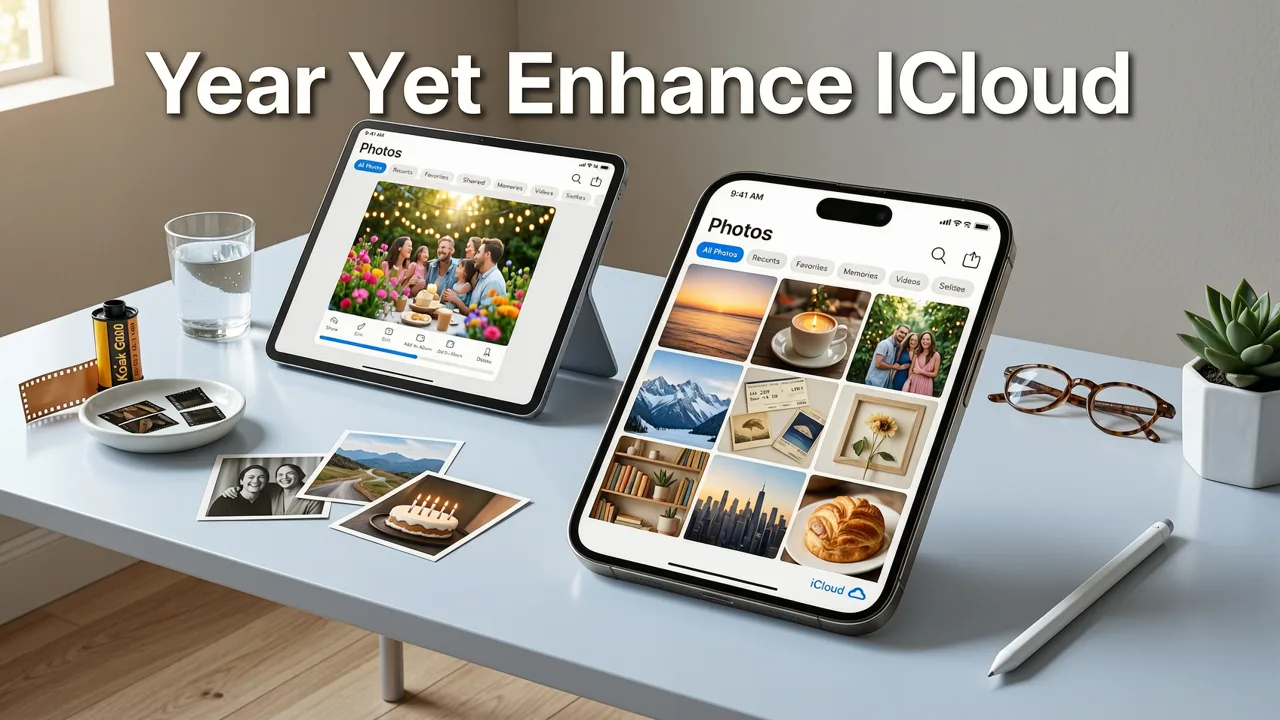
AI image restoration has matured dramatically over the past few years, and 2026 marks a turning point for anyone working with photos stored in Apple's cloud. Here is what has changed:
- Smarter compression awareness: Modern AI models are now trained on real iCloud degradation patterns — the specific softness, banding, and chroma shifts that Apple's compression pipeline introduces.
- Faster processing: Enhancements that used to take minutes now finish in under ten seconds, even for high-megapixel images.
- Better face and texture recovery: New generative models reconstruct facial features, fabric textures, and fine details that older tools simply smoothed away.
- Seamless workflows: You no longer need to export from iCloud, open a desktop app, and re-import. Web-based tools like Pixelift let you upload, enhance, and download in a single flow.
All of this means that the barrier between a mediocre iCloud snapshot and a stunning, share-worthy image has never been lower.
How Pixelift Works as Your iCloud Photo Enhancer
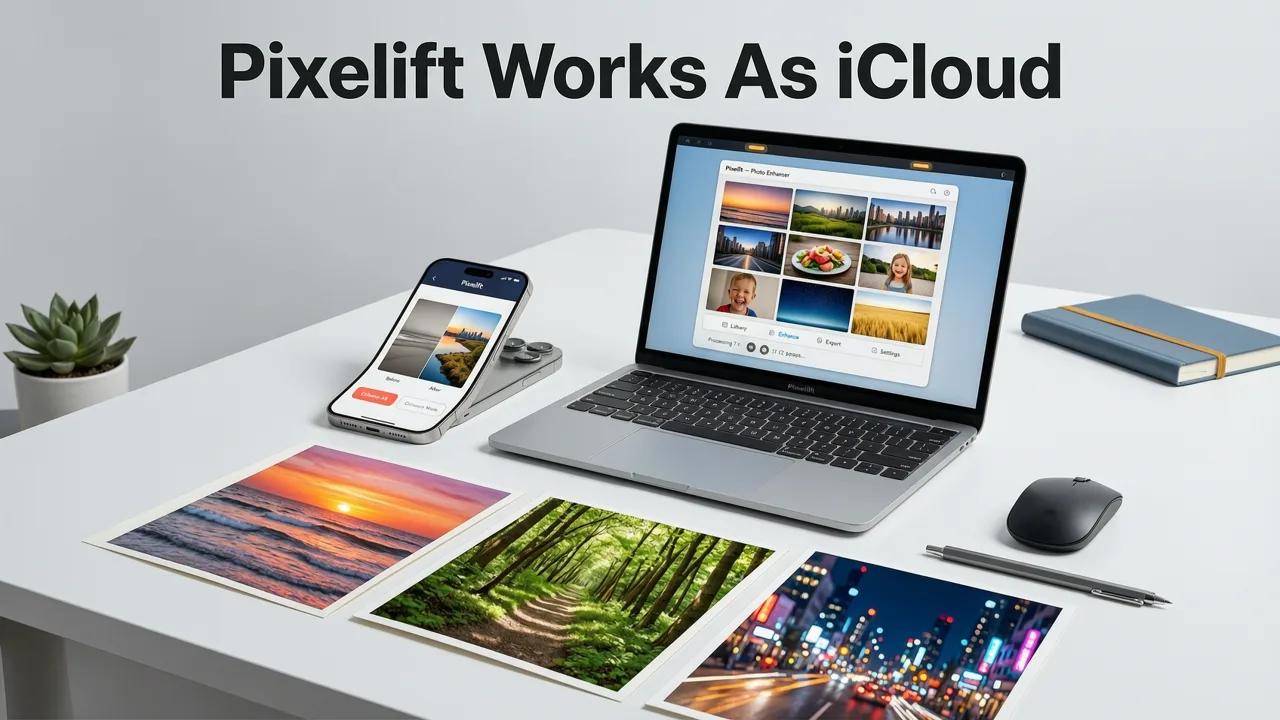
Pixelift, built by Devsrank, is designed around one idea: make professional-quality photo enhancement accessible to everyone, regardless of skill level. Here is the step-by-step breakdown of how it handles your iCloud photos.
Step 1: Upload Your iCloud Photo
Open Pixelift in your browser or launch the iOS app. Tap Upload and select the photo directly from your iCloud Photos library. Because Pixelift integrates with Apple's file picker, you do not need to download the image to your device first — the tool pulls the highest-resolution version available.
Step 2: Auto-Diagnosis and Enhancement Selection
Once your image is uploaded, Pixelift runs a quick auto-diagnosis. It identifies blur type (motion blur, out-of-focus, compression softness), resolution level, color degradation, and whether the image is a portrait, product shot, or old family photo. Based on that analysis, it recommends the best enhancement path — or you can choose manually.
Step 3: One-Click Enhancement
Hit the Enhance button. Pixelift's AI pipeline sharpens edges, upscales resolution (up to 4× without quality loss), restores faded colors, and recovers facial detail. The entire process takes seconds.
Step 4: Fine-Tune and Download
Review the before-and-after comparison slider. If you want extra polish, apply a Creative Preset for a stylized look, or use the Magic Remover to clean up distracting objects in the background. When you are happy, download the enhanced image in full resolution.
Key Features That Make Pixelift the Top iCloud Photo Enhancer
Not every photo tool is built to handle the quirks of iCloud-stored images. Pixelift stands out because of a few specific capabilities:
- Blur sharpening tuned for iCloud compression: The AI recognizes the specific softness patterns that iCloud's HEIC and JPEG compression introduces and reverses them without creating halos or artifacts.
- 4× upscaling with natural texture: Low-resolution photos — including old screenshots and heavily cropped images — are upscaled using a generative model that adds realistic detail rather than fake sharpness.
- Old photo restoration: Faded colors, yellowing, scratches, and tears are repaired automatically. If you have scanned family albums stored in iCloud, Pixelift can bring them back to life. Learn more in our guide on restoring old photos online.
- Magic Remover: Unwanted objects, photobombers, and background clutter are erased cleanly and filled in with contextually accurate content.
- Creative Presets: Restyle portraits and social media images with one tap — warm film tones, cool editorial looks, vintage fades, and more.
- No editing experience required: Every feature is designed for non-editors. If you can tap a button, you can use Pixelift.
iCloud Photo Enhancer vs. Other Options: A Quick Comparison
To help you understand where Pixelift fits in the landscape, here is a comparison of the most common approaches to enhancing iCloud photos in 2026.
| Feature | Pixelift | Apple's Built-In Edit | Third-Party Desktop Apps |
|---|---|---|---|
| Sharpening quality | AI-powered, iCloud-aware | Basic slider | Varies — often manual |
| Upscaling | Up to 4× with generative detail | None | Limited or expensive |
| Old photo restoration | Automatic scratch & fade repair | None | Manual, skill-heavy |
| Object removal | Magic Remover included | Basic erase | Often a separate tool |
| Platform | Web + iOS app | iPhone, iPad, Mac only | Desktop required |
| Learning curve | None — one click | Low | Medium to high |
| Price | Freemium | Free | Subscription or one-time purchase |
As the table shows, Apple's native editing tools are convenient but limited. Desktop apps can be powerful but demand time, skill, and often a hefty subscription. Pixelift sits in the sweet spot: professional results with zero learning curve. For a deeper dive, check out our breakdown of the best AI tool to restore iCloud photos in 2026.
Best Use Cases for an iCloud Photo Enhancer
Wondering whether Pixelift is right for your specific situation? Here are the most common scenarios where users see the biggest improvements.
Fixing Blurry Family Photos
Motion blur, missed focus, and soft group shots are the number one complaint among iCloud users. Pixelift's sharpening engine is specifically tuned to recover facial detail and edge clarity from these images. If you want a focused walkthrough, our guide on fixing blurry iCloud photos online covers every step.
Restoring Old Scanned Photos Stored in iCloud
Many families have scanned decades-old prints and stored them in iCloud for safekeeping. Those scans often suffer from fading, color shifts, and physical damage. Pixelift's restoration pipeline handles all of that automatically — read more about restoring faded family photos from iCloud.
Upscaling Low-Resolution Product Photos
Small business owners and e-commerce sellers frequently need to enlarge product images for listings, ads, or print materials. Pixelift's 4× upscaling adds natural texture and detail, making small product shots look professionally photographed.
Preparing Social Media Content
Whether you are posting to Instagram, TikTok, or LinkedIn, image quality matters. Pixelift's Creative Presets let you apply polished, on-brand looks to your photos in one tap — no design skills required.
Tips for Getting the Best Results from Pixelift
Even with an AI tool that does most of the heavy lifting, a few simple practices can help you get even better outcomes:
- Upload the highest-resolution version available. When selecting from iCloud, make sure you are pulling the original file rather than a device-optimized thumbnail.
- Start with the auto-enhance. Pixelift's auto-diagnosis is remarkably accurate. Use it as your baseline before exploring manual adjustments.
- Use the Magic Remover before upscaling. Removing distractions first gives the upscaler cleaner input to work with.
- Compare before and after. The side-by-side slider helps you confirm that the enhancement looks natural and not over-processed.
- Batch similar photos. If you have a set of old family photos with similar degradation, process them in one session to maintain consistent results.
Privacy and Security: What Happens to Your iCloud Photos?
We know that your photos are personal. Pixelift processes your images securely and deletes them from its servers shortly after enhancement. Your photos are never used for training, shared with third parties, or stored long-term. The tool is designed to be a fast, private stop on the way from your iCloud library to your camera roll.
Getting Started with Pixelift Today
Whether you want to sharpen a blurry portrait, upscale a low-resolution product shot, or restore a cherished family photo from the 1960s, Pixelift makes it effortless. Available as a web tool and iOS app, it puts professional-grade AI enhancement in your pocket — no editing experience required.
Head to Pixelift now, upload your first iCloud photo, and see the difference for yourself. Your memories deserve to look their best.
Final Thoughts
The best iCloud photo enhancer in 2026 is one that understands how iCloud compresses your images, works in seconds, and requires zero technical skill. Pixelift checks every box. From blur sharpening and 4× upscaling to old photo restoration and object removal, it is the all-in-one solution for anyone who wants their iCloud library to look stunning. Stop settling for soft, faded, or pixelated memories — enhance them today.