2026-08-29 · 9 min read
AI Enhance Photo Online — Free & No Signup Required (2026)
Discover how to AI enhance photo online in seconds with Pixelift. Sharpen, upscale, restore old pictures, and fix lighting — no signup, no software, no...
Recommended next
AI Enhance Photo Online — Why 2026 Changed the Game
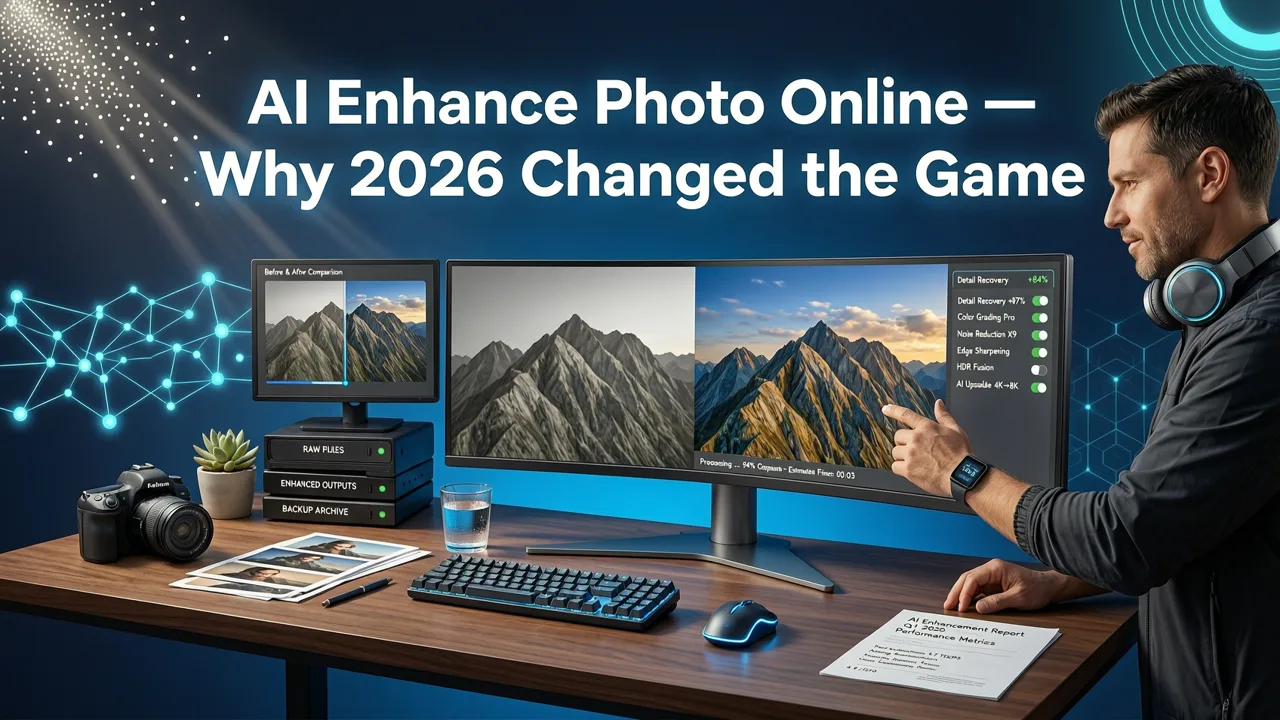
If you've ever stared at a blurry family photo or a pixelated product shot wishing you could fix it without learning Photoshop, you're in luck. In 2026, you can AI enhance photo online in seconds — no downloads, no editing skills, and often no signup required. Tools like Pixelift use advanced neural networks to sharpen, upscale, restore, and recolor images with a single click, making professional-grade results accessible to everyone.
This guide walks you through exactly how AI photo enhancement works in 2026, what to look for in a trustworthy tool, and how to get noticeably better photos — whether you're rescuing a faded snapshot from 1998 or polishing a portrait for social media.
What Does It Mean to AI Enhance Photo Online?
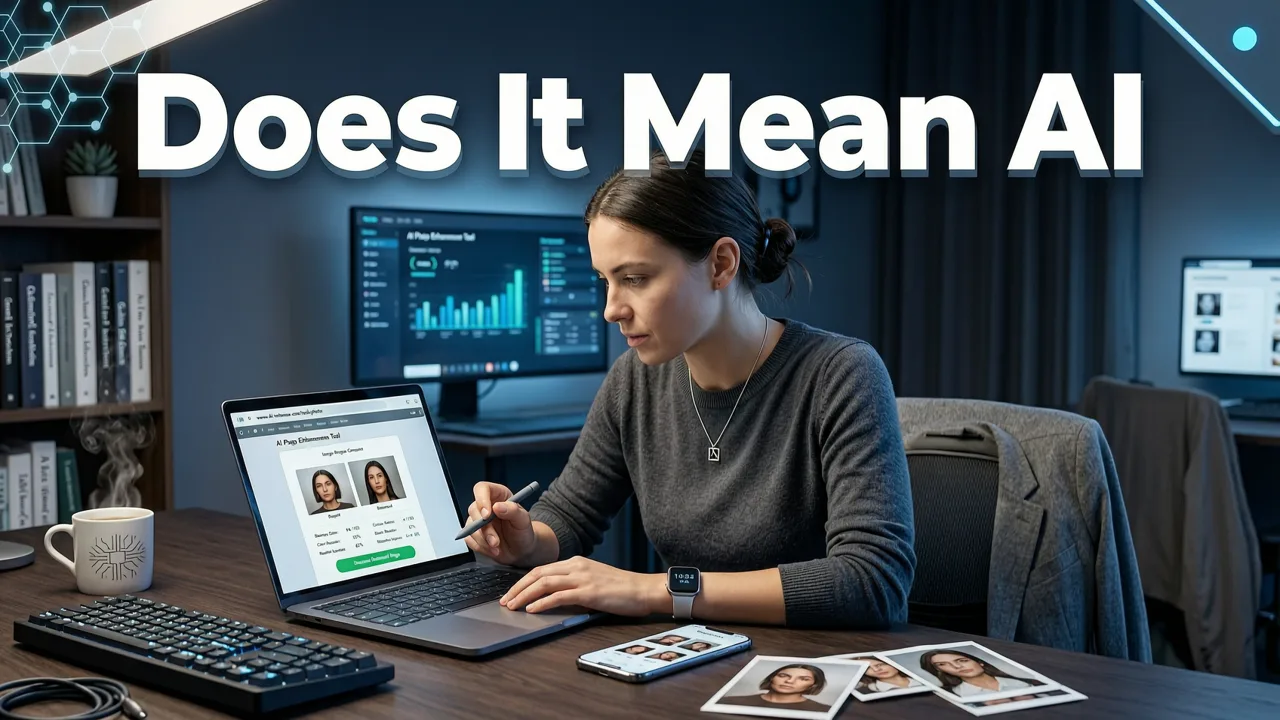
At its core, AI photo enhancement means using machine learning models to analyze your image and automatically improve its quality. Unlike traditional editing — where you manually adjust sliders for brightness, contrast, and sharpness — AI understands the content of your photo. It recognizes faces, textures, skies, and text, then applies targeted improvements that a human editor would spend minutes (or hours) achieving.
The Key Improvements AI Can Make
- Sharpening: Recover fine detail in blurry or out-of-focus images
- Upscaling: Increase resolution up to 4x or more without pixelation
- Restoration: Remove scratches, fading, and damage from old photographs
- Color correction: Fix washed-out tones and bring back natural vibrancy
- Lighting adjustment: Balance shadows and highlights intelligently
- Object removal: Clean up distractions, watermarks, and unwanted elements
The magic happens because these models are trained on millions of image pairs — low-quality originals alongside their high-quality counterparts. By the time the model processes your photo, it essentially predicts what the missing detail should look like based on patterns it learned during training.
How AI Photo Enhancement Actually Works in 2026
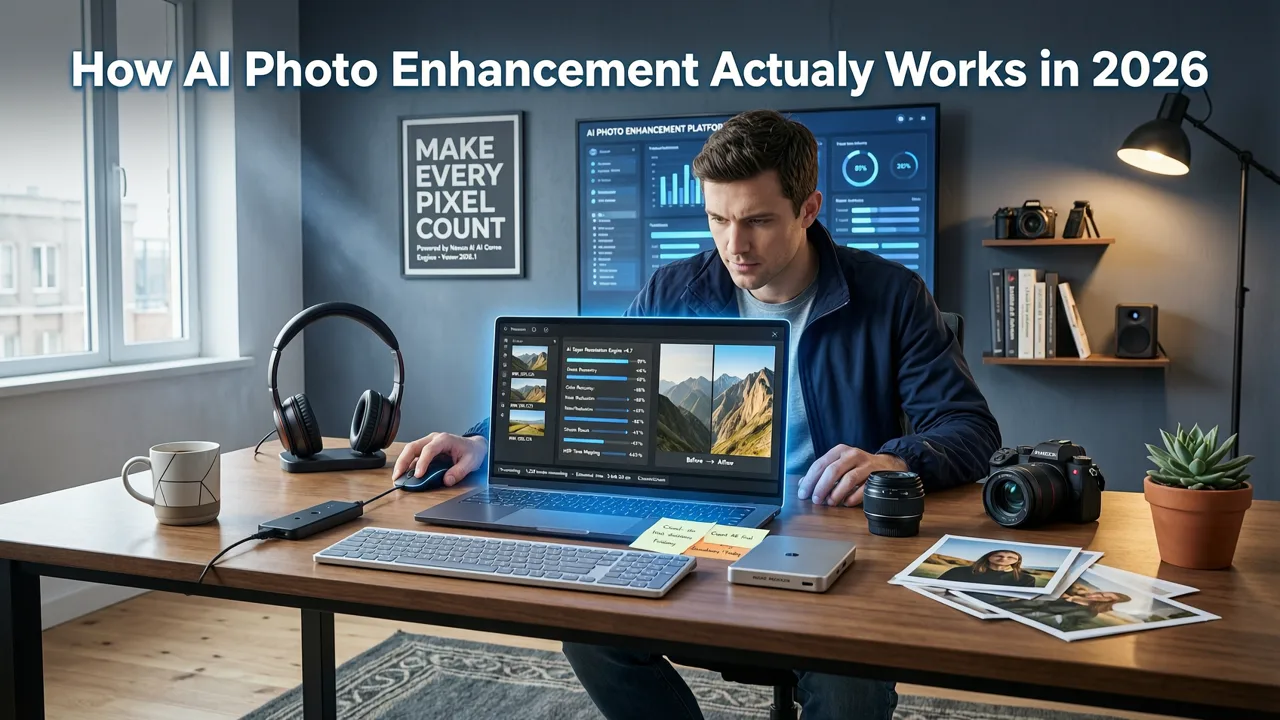
Modern AI photo enhancers rely on deep learning architectures — primarily convolutional neural networks (CNNs) and generative adversarial networks (GANs). Here's a simplified breakdown of what happens when you upload an image:
- Image analysis: The AI scans your photo and identifies elements like faces, backgrounds, text, and textures.
- Problem detection: It flags areas that are blurry, noisy, underexposed, or damaged.
- Targeted processing: Different enhancement modules activate based on what the AI detected — sharpening for blurry regions, noise reduction for grainy areas, color restoration for faded tones.
- Detail synthesis: For upscaling, the model generates plausible high-frequency detail that matches the surrounding context.
- Output rendering: The enhanced image is rendered at your chosen resolution, typically in under 10 seconds.
What makes 2026 different from even two years ago is the leap in contextual awareness. Today's models don't just apply a blanket filter — they understand that a face needs different treatment than a landscape, and that text requires sharper edges than a soft sunset. This contextual intelligence is what separates genuinely useful tools from gimmicky ones.
What to Look for When You AI Enhance Photo Online
Not all AI photo enhancers are created equal. Some produce uncanny artifacts, strip away natural texture, or require expensive subscriptions for basic features. Here's a checklist to evaluate any tool before you commit:
| Feature | Why It Matters | What to Expect in 2026 |
|---|---|---|
| No signup required | Lets you test before committing | Most reputable tools offer free trials without accounts |
| Batch processing | Saves time for multiple images | Process 10+ photos simultaneously |
| Multiple enhancement modes | Photos, portraits, and old pictures need different treatment | Look for specialized presets, not just one generic button |
| Transparent pricing | Avoids surprise charges | Clear per-image or subscription costs with free tier |
| Privacy controls | Your photos are personal | Auto-deletion after processing, no data retention |
| Mobile accessibility | Most photos live on your phone | Web tool plus iOS or Android app |
| Object removal | Clean up distractions without switching tools | AI-powered eraser that understands context |
Pixelift: A Complete AI Enhance Photo Online Solution
Pixelift, built by Devsrank, is one of the most versatile AI photo enhancers available online in 2026. It combines multiple enhancement capabilities into a single, intuitive interface — no Photoshop knowledge required.
Core Enhancement Features
Pixelift handles the full spectrum of photo improvement needs:
- AI Sharpening: Recovers detail in blurry photos, from slightly soft portraits to significantly out-of-focus shots. Learn more in our guide on how to remove blur from photo online.
- AI Upscaling: Increases resolution up to 4x while maintaining natural texture. See our breakdown of the best AI photo upscaler in 2026 for real-world tests.
- Photo Restoration: Brings old, damaged family photos back to life — fixing scratches, fading, and discoloration. If you want to upscale old photos without Photoshop, this is the place to start.
- Magic Remover: Erases watermarks, photobombers, and distracting objects with context-aware filling. Read our full guide on how to remove watermarks from photos free online.
- Creative Presets: Restyles portraits and social images with curated looks — no manual editing needed.
Who Is Pixelift Built For?
Pixelift is designed for real people, not just professional editors. Whether you're a small business owner needing sharper product photos, a parent wanting to rescue blurry kids' pictures, or someone digitizing old family albums, the tool meets you where you are. There's no learning curve, no jargon, and no software to install.
Step-by-Step: How to AI Enhance Photo Online with Pixelift
Ready to try it? Here's the exact process — it takes about 30 seconds from upload to download:
- Go to Pixelift: Visit aienhancephoto.com on any device — desktop, tablet, or phone.
- Upload your photo: Drag and drop your image or tap to browse your files. Pixelift accepts JPG, PNG, and most common formats.
- Choose your enhancement: Select from sharpening, upscaling, restoration, or let the AI auto-detect what your photo needs.
- Review and download: Preview the enhanced version side-by-side with the original. If you're happy, hit download. If not, adjust settings and try again.
The entire process is designed around one principle: get your enhanced photo back as fast as possible, with zero friction between you and better image quality.
AI Enhance Photo Online vs. Traditional Editing: A Quick Comparison
Still wondering whether AI enhancement is worth it compared to manual editing? Here's an honest side-by-side:
| Factor | AI Enhancement (Pixelift) | Traditional Editing (Photoshop, etc.) |
|---|---|---|
| Time per photo | 5–15 seconds | 5–30 minutes |
| Learning curve | None | Weeks to months |
| Cost | Free tier available; low-cost plans | $20+/month subscription |
| Consistency across batch | Automatic and uniform | Manual, varies by mood and skill |
| Detail recovery | AI-generated based on patterns | Limited to what's already in the file |
| Creative control | Presets and sliders | Unlimited, pixel-level control |
| Best for | Quick results, non-editors, batch work | Professionals, art direction, custom retouching |
For most everyday use cases — sharpening a family photo, upscaling a product image, restoring a scanned print — AI enhancement delivers 90% of the results at 5% of the effort. Traditional editing still wins when you need pixel-perfect creative control, but that's a different use case entirely.
Common Use Cases for AI Photo Enhancement in 2026
Restoring Old Family Photos
Those shoeboxes of faded prints sitting in your closet? AI can bring them back. Pixelift's restoration mode specifically targets the types of degradation common in old photographs: color fading, scratches, dust spots, and low resolution from scanning. The AI reconstructs missing detail rather than just applying a filter on top of damage.
Sharpening Blurry Portraits
That perfect moment captured with slightly missed focus? AI sharpening can recover facial detail, eye clarity, and skin texture that traditional sharpening tools would just make look grainy. The key difference is that AI understands facial structure and applies enhancement accordingly.
Upscaling Product Photos for E-commerce
Small product images look amateurish on listing pages. AI upscaling lets you increase resolution for print-quality output or high-DPI displays without the pixelation that basic resampling produces. This is especially valuable for sellers working with supplier images that arrive at low resolution.
Cleaning Up Social Media Photos
Great photo, wrong background? The Magic Remover handles photobombers, trash cans, power lines, and other distractions. Combined with color and lighting enhancement, you can turn a decent snapshot into something share-worthy in seconds.
Tips for Getting the Best Results When You AI Enhance Photo Online
Even the best AI works better with good input. Follow these tips to maximize your results:
- Start with the highest quality source: If you're scanning old photos, use at least 300 DPI. The AI can enhance detail, but it can't invent what was never captured.
- Crop before enhancing: Remove unnecessary borders and dark edges first. This gives the AI more relevant pixels to work with.
- Try multiple modes: If the auto-enhance doesn't nail it, switch between sharpening, restoration, and upscaling modes to see which works best for your specific image.
- Use batch processing for consistency: If you're enhancing a series of photos from the same event or product line, process them together for uniform results.
- Compare before and after: Pixelift shows a side-by-side view. Use it to make sure the enhancement looks natural and hasn't introduced artifacts.
Privacy and Safety: What Happens to Your Photos?
When you upload a personal photo to any online tool, privacy matters. Reputable AI photo enhancers in 2026 follow clear data practices:
- Images are processed on secure servers and deleted after a short retention window
- Your photos are not used to train AI models without explicit consent
- No personal metadata is stored beyond what's needed for processing
Always check a tool's privacy policy before uploading sensitive images. Pixelift's approach follows responsible AI guidelines consistent with industry standards outlined by organizations like Google's AI responsibility framework.
The Future of AI Photo Enhancement
We're only at the beginning of what AI can do for images. As models continue to improve — guided by research from organizations like OpenAI and others — expect even more natural results, faster processing, and smarter contextual understanding. Video enhancement, 3D reconstruction from flat photos, and real-time camera integration are all on the horizon.
But the core promise remains the same: making great-looking photos accessible to everyone, regardless of technical skill. That's the real value of being able to AI enhance photo online in 2026 — it democratizes quality.
Final Thoughts
Whether you need to sharpen a blurry portrait, upscale a low-resolution product image, or restore a cherished family photo from decades ago, AI photo enhancement tools have made the process faster, easier, and more affordable than ever. Pixelift brings all of these capabilities together in one friendly, no-signup-required platform that works right in your browser or on your iPhone.
Stop letting imperfect photos sit unused on your phone or in dusty albums. Head over to Pixelift, upload your first image, and see the difference AI enhancement makes — in seconds, not hours.