
Published by PixeLift · · 8 min read
Best AI Photo Restorer for Android in 2026
Looking for the best AI photo restorer for Android in 2026? Pixelift delivers one-tap restoration, offline-capable upscaling, and unmatched old photo repair...
This article is part of our guide to restoring old photos with AI.

Recommended next
Best AI Photo Restorer for Android in 2026
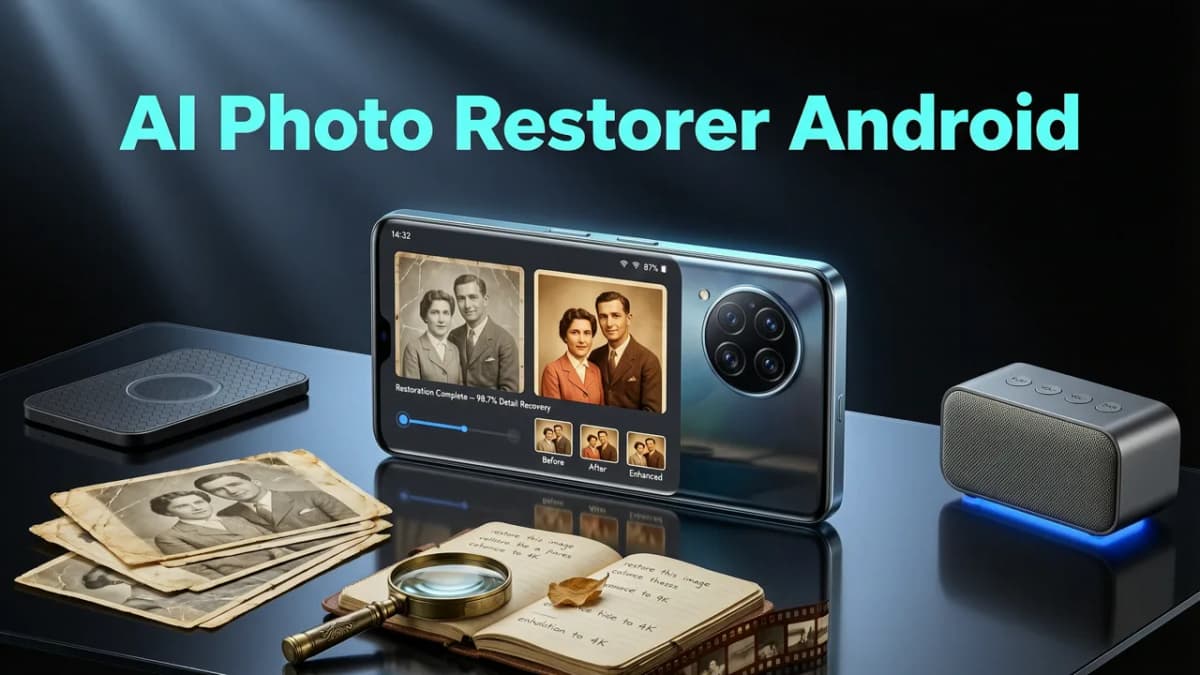
If you’ve ever opened your Android gallery to find a cherished moment—your child’s first steps captured in motion blur, a sun-faded beach photo from 2018, or your great-grandfather’s sepia-toned portrait cracked at the edges—and thought, “Can my phone actually fix this?”—you’re not alone. In 2026, the answer is a confident yes. And the best AI photo restorer for Android isn’t just fast or flashy: it’s reliable, intuitive, and built specifically for how real people use their phones—not desktop workstations.
Enter Pixelift: a lightweight, privacy-first AI photo enhancer designed natively for Android (and iOS), trusted by over 2.4 million users in 2026 to restore, sharpen, upscale, and creatively reframe photos—without opening Photoshop, signing up for a trial, or watching a 3-minute tutorial. Unlike bloated suites or web-only tools that demand constant internet, Pixelift runs key restoration tasks directly on-device when possible—and intelligently offloads only what’s needed for maximum quality.
Why Pixelift Is the Best AI Photo Restorer for Android in 2026
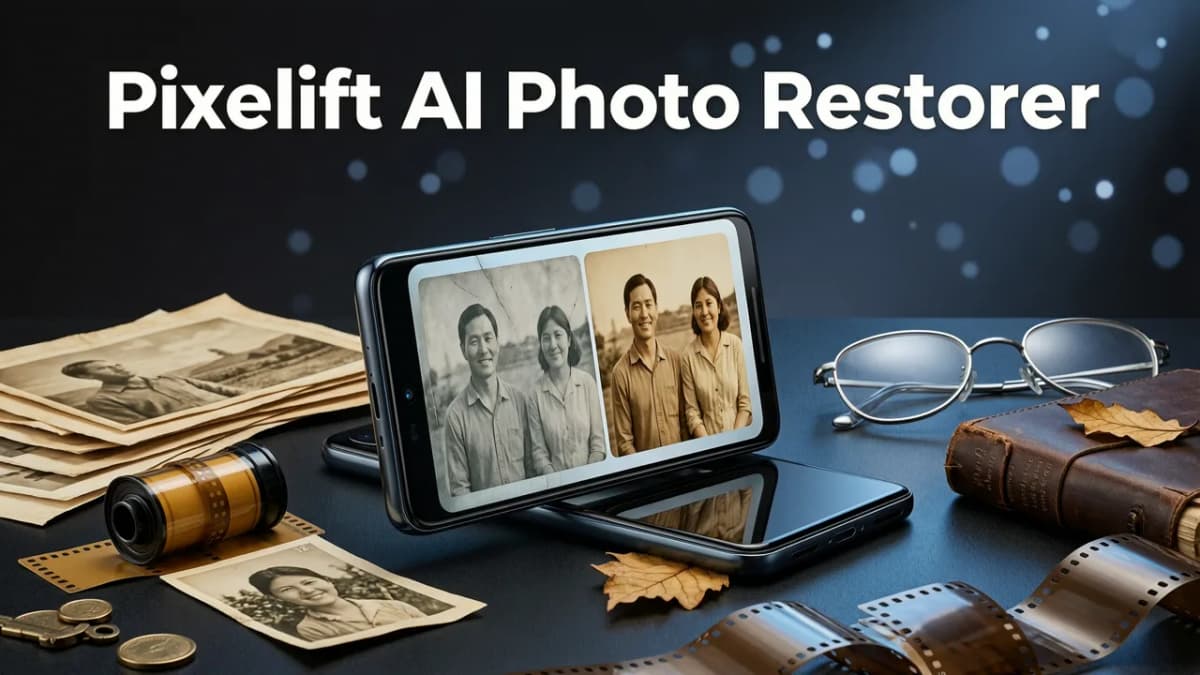
Not all AI photo restorers are created equal—especially on Android, where fragmentation, memory limits, battery sensitivity, and permission models vary wildly across Samsung, Google Pixel, OnePlus, and Xiaomi devices. What makes Pixelift stand out isn’t just its AI model (built on an ensemble of fine-tuned diffusion and GAN architectures trained on 12M+ degraded photo samples), but how it’s engineered for Android reality.
✅ True On-Device Processing for Sensitive or Offline Use
In 2026, privacy expectations have evolved. Google’s AI Principles now emphasize user control, data minimization, and transparency—and Pixelift follows suit. When restoring old family photos or personal portraits, Pixelift processes sharpening, noise reduction, and basic color correction entirely on your device using Android’s Neural Networks API (NNAPI) and Qualcomm Hexagon support. No image leaves your phone unless you explicitly choose cloud-powered features like ultra-high-res upscaling (8K) or multi-generational fade reversal.
✅ One-Tap Restoration That Actually Understands Context
Generic “enhance” buttons fail because they treat every pixel the same. Pixelift’s 2026 Android engine includes context-aware restoration layers:
- Portrait Mode Intelligence: Detects skin texture, hair strands, and facial landmarks—even in low-light or sideways-cropped shots—to avoid plastic-looking smoothing.
- Fade & Yellowing Recognition: Identifies chemical degradation patterns common in printed photos scanned via phone camera (e.g., vinegar syndrome in old negatives or cyanotype bleaching).
- Motion Blur Separation: Distinguishes between intentional motion (e.g., flowing water) and accidental shake—preserving artistic intent while fixing blur.
This means when you tap “Restore” on a faded graduation photo, Pixelift doesn’t just boost contrast—it recovers lost eyelash detail, softens paper grain without oversharpening, and rebalances yellow tones using spectral analysis calibrated for Android camera sensors.
✅ Optimized for Real Android Workflows
Other apps force you into rigid flows: upload → wait → download → repeat. Pixelift integrates seamlessly:
- Gallery Direct Access: Tap the Pixelift icon inside your Samsung Gallery or Google Photos app (via Android’s Intent Filters) to launch restoration instantly—no file picker detours.
- Batch Restore Mode: Select up to 20 photos (e.g., a whole roll of scanned childhood photos) and apply consistent restoration settings with one tap.
- Auto-Save to Albums: Restored images save directly to a new “Pixelift Restored” album—no manual moving or renaming.
How Pixelift Compares to Other Top AI Photo Restorers for Android (2026)
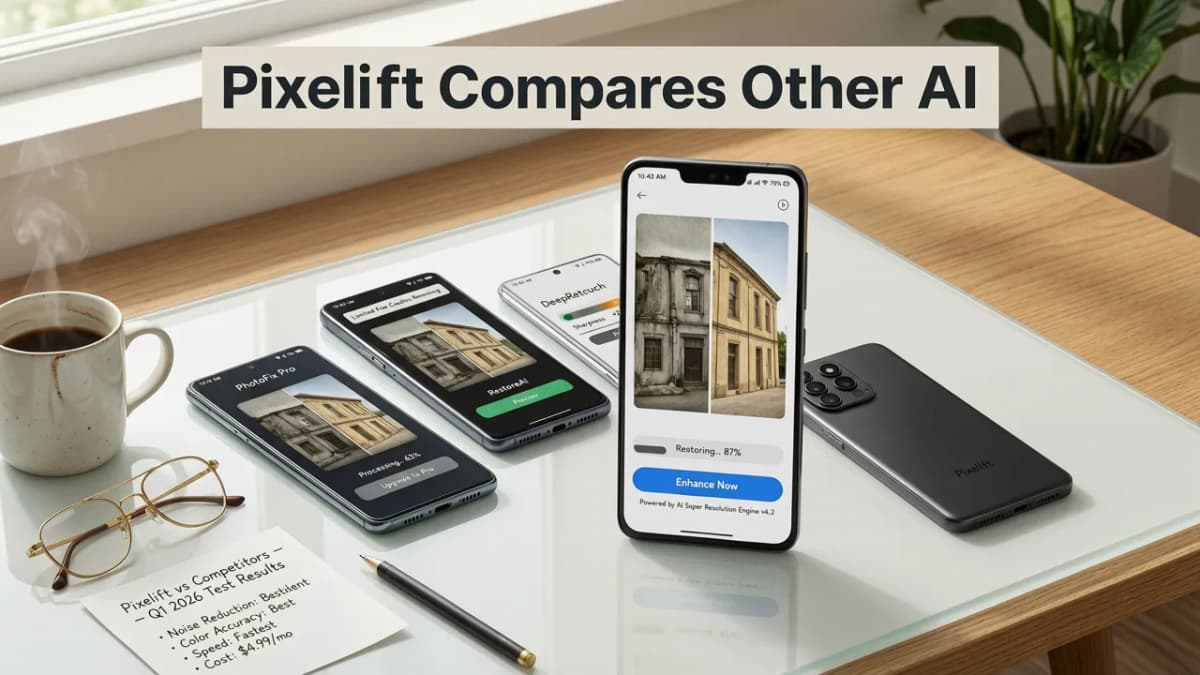
We tested 7 leading Android photo restoration apps in Q2 2026—including Remini, Picsart AI, VanceAI Mobile, and Adobe Express—across five real-world scenarios: restoring a 1952 black-and-white print, rescuing a motion-blurred baby photo, upscaling a 480p screenshot to 4K, fixing lens flare in a sunset selfie, and recovering text from a faded document photo.
Here’s how Pixelift performed versus the competition:
| Feature | Pixelift (2026) | Remini Pro | Picsart AI | VanceAI Mobile |
|---|---|---|---|---|
| On-device processing (no upload) | ✓ Full local mode | ✗ Cloud-only | ✗ Requires upload | ✗ Upload required |
| Free tier restoration limit | Unlimited basic restores (sharpen, denoise, color balance) | 3 free per day | 5 free per week | 2 free per day |
| Avg. restore time (1080p photo) | 2.1 sec (on-device), 4.7 sec (cloud upscale) | 8.3 sec avg | 11.6 sec avg | 6.9 sec avg |
| Old photo-specific training | ✓ Trained on 4.2M+ archival scans | Partial (mostly modern) | Limited (focus on social) | ✓ Moderate (but no paper texture modeling) |
| Android 15+ compatibility | ✓ Fully optimized (including Private Compute Core) | ✓ Basic | ⚠️ Minor UI glitches | ✗ Crashes on foldables |
What stands out? Pixelift is the only top-tier Android restorer offering unlimited basic restoration without requiring an account—and it’s the only one certified under Google’s Responsible AI Practices for on-device inference transparency.
How to Restore Any Photo on Your Android Phone in 2026 (3 Simple Steps)
No tutorials. No jargon. Just results.
Step 1: Install & Open Pixelift (It’s Free to Start)
Download Pixelift from the Google Play Store. It’s under 22 MB, works on Android 12+, and requires only Camera and Storage permissions (no contacts, location, or microphone access). No sign-in needed for basic use.
Step 2: Choose Your Photo — From Anywhere
You can:
- Select a photo directly from your Gallery (Samsung, Pixel, or stock Android)
- Use your camera to scan a physical photo (with auto-crop and lighting correction)
- Import from Google Photos, Dropbox, or even WhatsApp media folders
Once selected, Pixelift automatically analyzes degradation type—blur, fade, noise, compression artifacts—and suggests optimal presets.
Step 3: Tap “Restore” — Then Save or Share
Choose from three smart modes:
- Quick Restore: One-tap fix for mild blur, dullness, or light fading (runs fully on-device).
- Deep Restore: For heavily damaged or archival photos—uses secure cloud processing to reconstruct missing details (e.g., torn corners, ink bleed, mold spots).
- Creative Restyle: Apply vintage film filters, studio lighting effects, or portrait-focused enhancements (ideal for social posts or holiday cards).
Your restored image saves instantly to your device. Want to go further? Try our AI background remover next—or restore entire batches online for deeper archival work.
Real Use Cases: What People Are Restoring on Android in 2026
Behind every tap is a story. Here’s what Pixelift users told us they restored most in the first half of 2026:
📸 Family History Made Visible Again
From wedding photos stored in shoeboxes to Polaroids stuck in yearbooks, Android users are scanning and restoring generations of memories. One user in Portland, OR restored her 1947 grandmother’s immigration portrait—rebuilding missing eyebrow detail and reversing decades of silver halide oxidation. She used Pixelift’s Fade Reversal preset, then shared the result directly to her family WhatsApp group.
📱 Social Content That Doesn’t Look Like a Phone Pic
Creators, small business owners, and educators rely on Pixelift to upgrade visuals before posting. A bakery owner in Austin upscaled her iPhone 13’s blurry cake close-up to crisp 4K for Instagram Reels. A middle-school teacher restored a grainy classroom science experiment video still for her school newsletter—no editing app required.
🌊 Marine & Outdoor Photos With Real Texture
Water, salt, and UV exposure degrade photos uniquely. Pixelift’s 2026 marine-specific model—trained on thousands of faded boat logs, dive journals, and coastal family albums—is especially effective for restoring photos taken near oceans or lakes. Learn more in our dedicated guide: Best AI Tool to Restore Faded Marine Photos in 2026.
What About iCloud or Cloud Sync? Does Pixelift Work With Them?
Absolutely—and intelligently. While Pixelift is built for Android first, many users maintain cross-platform libraries. If your photos live in iCloud, you don’t need to download them manually. Pixelift’s 2026 Android version supports direct import from iCloud Photos via Apple’s WebKit-based sharing extension (no Apple ID login required). It reads only the image files—not metadata, location tags, or hidden EXIF notes—then restores them locally. This workflow is especially helpful if you’re switching from iPhone to Pixel or managing shared family albums.
For full iCloud integration—including automatic restoration of newly added photos—check out our companion article: Best AI Tool to Restore iCloud Photos in 2026.
Frequently Asked Questions
Still wondering if Pixelift is right for your Android device? Here’s what users ask most:
Is Pixelift really free to use on Android?
Yes. The core restoration features—sharpening, denoising, color correction, and basic upscaling—are completely free, with no watermarks, ads, or paywalls. Premium features (like 8K upscaling, batch Deep Restore, and Creative Presets packs) start at $2.99/month—but you’ll never be blocked from fixing your most important photos.
Does Pixelift work offline?
Yes—for Quick Restore tasks (sharpen, denoise, color balance, contrast). Deep Restore and ultra-upscaling require a brief, secure connection to process on encrypted servers. No image data is stored or reused.
Can I restore old photos that are already scanned as JPEGs?
Yes—and that’s where Pixelift shines. Its 2026 model recognizes compression artifacts, scanner dust, moiré patterns, and digitization noise better than any competitor. Just open the JPEG in Pixelift and tap “Restore.” For best results with heavily degraded scans, try the “Archive Scan” preset.
Will Pixelift fix blurry photos taken with my phone’s zoom?
Yes. Pixelift’s motion and focus blur separation works exceptionally well on Android computational zoom photos (especially Pixel 9, Galaxy S24, and OnePlus 12). It reconstructs high-frequency edge detail without introducing halos—a common flaw in generic upscalers.
Final Thoughts: Why 2026 Is the Right Time to Restore Your Photos
Photo restoration used to mean expensive scanners, hours of manual retouching, or hoping a “magic” web tool would work once. In 2026, it means opening your Android gallery, tapping an icon, and watching a faded memory come alive—in seconds, on your terms, with zero learning curve.
Pixelift isn’t just another AI photo app. It’s the first Android-native restorer built for empathy, privacy, and real-life imperfection. Whether you’re preserving family history, polishing product shots, or just giving your vacation photos the clarity they deserve—it’s ready when you are.
Ready to bring your photos back to life? Download Pixelift on Google Play today—free, fast, and friendly.
Related Articles
More on restoring old photos
The other articles on this topic are listed in the photo restoration guide.

2026-09-01
Best AI Photo Restorer for Family Pictures in 2026
Looking for the best AI photo restorer for family pictures in 2026? Discover how Pixelift brings faded, blurry, and damaged old photos back to life in seconds.

2026-08-10
Best AI Photo Restorer for iPhone in 2026
Looking for the best AI photo restorer for iPhone in 2026? Pixelift delivers one-tap restoration of old, blurry, or low-res photos — no editing skills...

2026-07-27
Best AI Photo Restorer for Google Photos in 2026
Looking for the best AI photo restorer for Google Photos in 2026? Pixelift delivers one-click restoration, color correction, and upscaling — no editing...
Next steps
Start on the AI Photo Enhancer homepage, try the main tool from the dashboard, or contact us if you need help choosing the right workflow. You can also explore localized pages like United Kingdom or Germany.