2026-08-28 · 9 min read
Restore Old Photos AI: Bring Faded Memories Back in 2026
Restore old photos AI tools like Pixelift repair scratches, sharpen blur, and add color to faded pictures in seconds. Learn how to revive family memories in...
Recommended next
Restore Old Photos AI — Bring Faded Memories Back in 2026
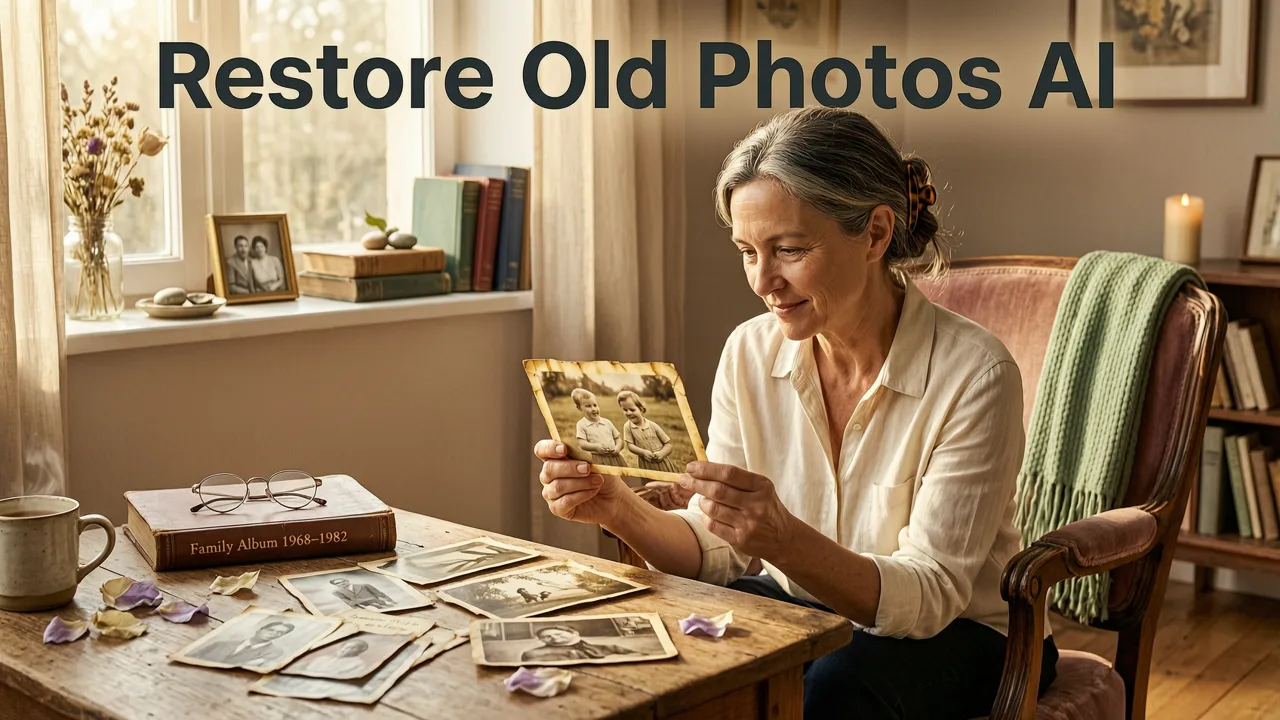
If you've ever pulled a shoebox of dusty prints from the attic and wished you could see your grandparents' wedding day the way it actually looked, restore old photos AI is the answer you've been waiting for. In 2026, AI-powered restoration can repair scratches, sharpen soft faces, bring back missing color, and even rebuild damaged edges — all in seconds, with zero editing skills required.
This guide walks you through exactly how AI photo restoration works today, what to expect from the best tools, and a simple step-by-step process so you can turn those fragile family heirlooms into sharp, shareable memories before any more time passes.
Why Restoring Old Photos Feels Harder (and Easier) Than Ever in 2026
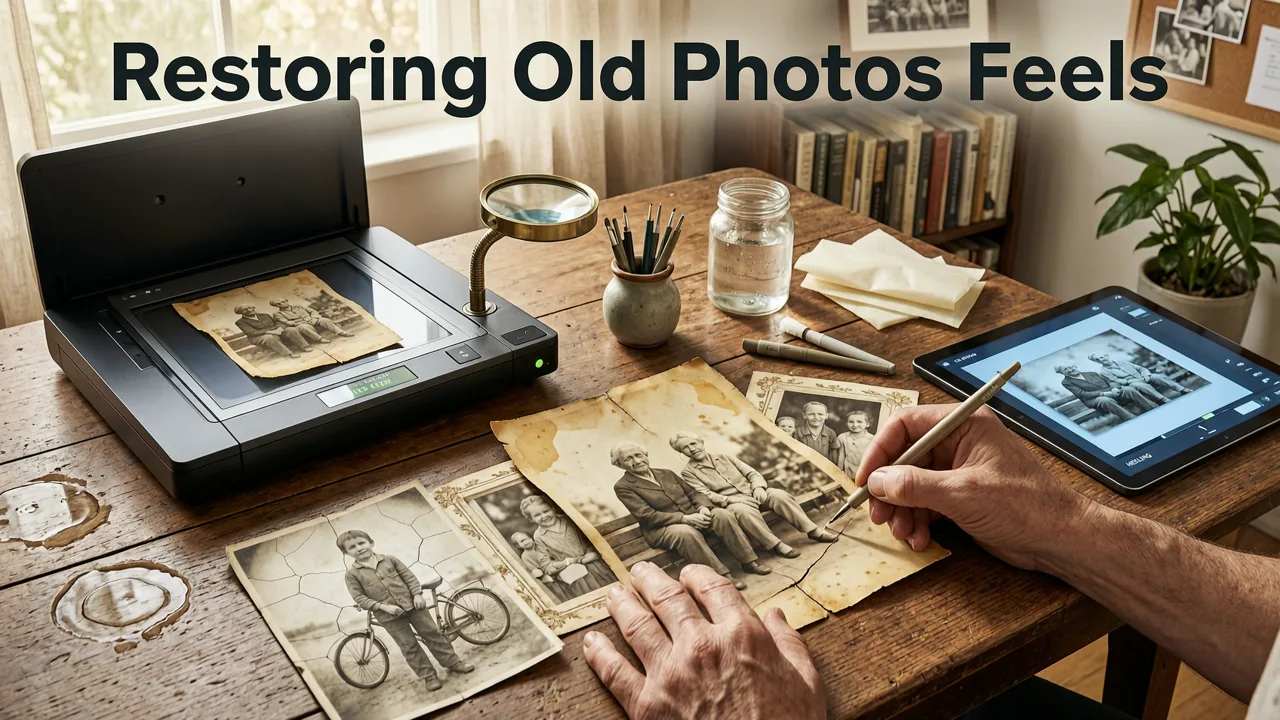
Old photographs carry stories no digital file can replace — a great-grandmother's smile, a childhood birthday, a hometown street that doesn't exist anymore. But the physical prints themselves degrade. Paper yellows. Ink fades. Scratches creep in from years of being stacked, framed, or simply touched.
Ten years ago, restoring one of those prints meant hours in Photoshop with a steady hand and a lot of patience. Today, a restore old photos AI tool handles the heavy lifting. The catch? Not every AI tool treats old prints with the same care. Some over-smooth faces into plastic dolls. Others pump saturation until skin tones look orange. Knowing what to look for saves you from trading one kind of damage for another.
What "Restore Old Photos AI" Actually Means in 2026
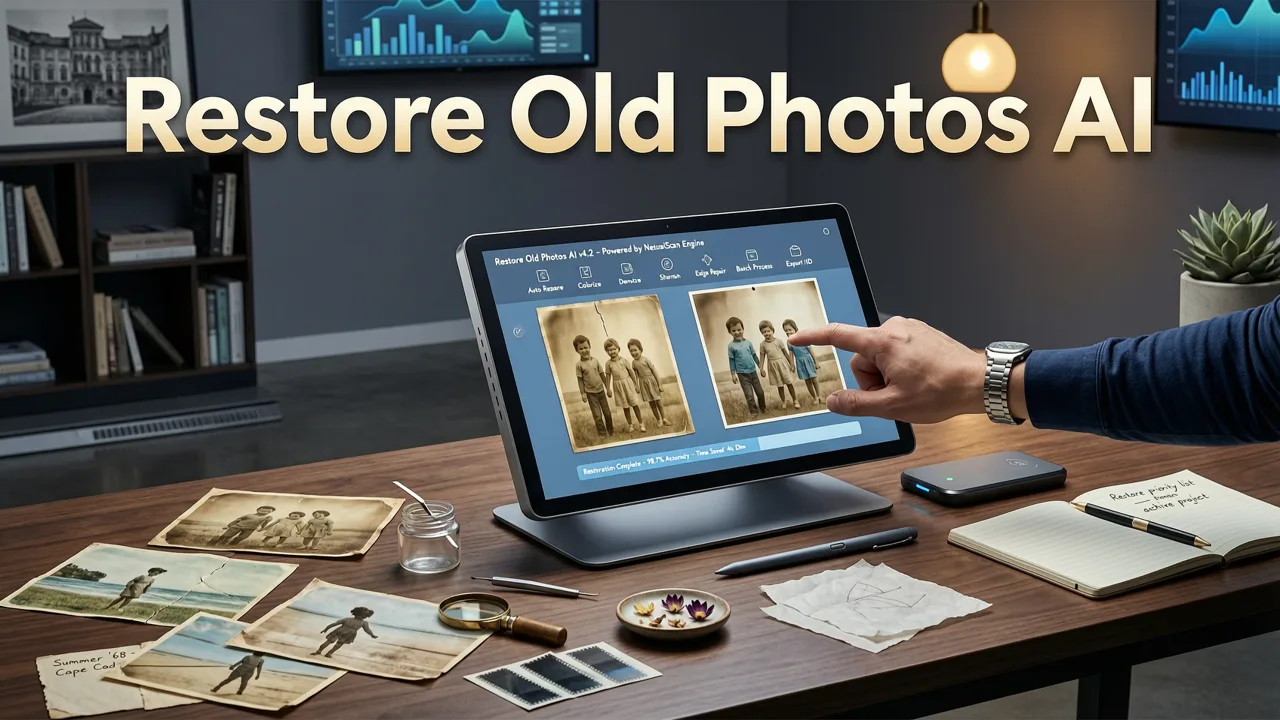
When people search for restore old photos AI, they usually want three things:
- Damage repair — remove scratches, creases, tears, water stains, and dust spots.
- Sharpening and upscaling — bring back facial detail that time blurred away.
- Colorization — add realistic color to black-and-white or sepia prints.
Modern AI restoration combines all three in a single pass. Behind the scenes, neural networks trained on millions of reference images recognize patterns like fabric texture, skin tone, hair strands, and background architecture — then reconstruct missing information rather than simply guessing. The result looks like the photo was taken yesterday, not seventy years ago.
How AI Photo Restoration Works — Without the Jargon
Here's what happens when you drop a faded print scan into a restore old photos AI tool like Pixelift:
- Scan detection — the AI identifies the image boundaries, even if the original print was cropped or tilted.
- Damage mapping — a layer analysis finds scratches, tears, stains, and missing sections.
- Structural repair — the network fills damaged areas using surrounding pixel context and learned patterns from similar subjects.
- Detail enhancement — faces, text, and textures are sharpened with edge-aware upscaling that avoids the "waxy" look older tools produced.
- Color reconstruction — for monochrome images, the AI assigns plausible hues based on object recognition (grass is green, denim is blue, skin falls in a natural range).
The entire process takes seconds. What used to require a professional retoucher charging per hour now runs in your browser.
What to Look for in a Restore Old Photos AI Tool
Not every AI photo enhancer is built for vintage prints. Here's a quick comparison of what separates a genuinely useful restoration tool from one that just applies a filter and calls it a day:
| Feature | Basic AI Enhancers | Dedicated Restoration Tools (e.g., Pixelift) |
|---|---|---|
| Scratch and tear repair | Limited or none | Automatic damage detection and fill |
| Face-aware sharpening | Global sharpening only | Facial detail reconstruction with natural texture |
| Colorization | Often absent | Built-in colorization with skin-tone accuracy |
| Upscaling resolution | Up to 2× | Up to 4× or more with print-quality output |
| No signup required | Varies | Yes — try before committing |
| Works on mobile | Desktop only | Web tool and iOS app |
If your goal is to restore old photos AI style with real, usable results, prioritize tools that handle damage repair and colorization in one workflow. Jumping between three different apps to fix scratches, sharpen faces, and add color is how most people give up halfway through the project.
Step-by-Step: How to Restore Old Photos Using AI in 2026
Ready to bring those prints back to life? Here's the simplest path that works whether you're on a laptop or your phone.
Step 1 — Scan or Photograph the Print
Use a flatbed scanner at 300–600 DPI for best results. If you don't have a scanner, a well-lit smartphone photo works too — just keep the camera flat and parallel to the print to avoid distortion. Avoid flash, which creates glare spots the AI then has to fix.
Step 2 — Upload to a Restore Old Photos AI Tool
Head to Pixelift's restoration workflow (available on web and iOS). Drop in your scan. No account needed to test — which means you can see real results before deciding whether to upgrade.
Step 3 — Let the AI Do Its Work
The tool analyzes damage, reconstructs missing detail, sharpens faces, and optionally adds color. For most prints from the 1940s through the 1980s, one pass is enough. Heavily damaged photos may benefit from a second round of enhancement.
Step 4 — Clean Up Remaining Distractions
If there's a stubborn dust spot, a photobomber from 1962, or an unwanted reflection, use a Magic Remover to erase it without leaving a blur patch behind.
Step 5 — Download and Share
Save the restored image at full resolution. Print it for a frame, send it to family group chats, or archive it digitally so the next generation doesn't have to dig through a shoebox to see what you saw.
Common Types of Old Photo Damage AI Can Fix
Understanding what AI can (and can't) fix helps you set realistic expectations before you start a restoration project.
Scratches and Surface Scuffs
The most common issue. AI excels here — it reads the surrounding texture and fills scratches with contextually accurate pixels. Even deep diagonal scratches across a face can be repaired without leaving a smudged tell.
Fading and Color Shift
Prints stored in sunlight or humid basements lose contrast and shift toward yellow or magenta. AI restoration rebalances tones and recovers detail that looked permanently washed out.
Tears and Missing Corners
Moderate tears are fully repairable. Large missing sections — say, half a face gone — are reconstructed using AI inference, which works surprisingly well but may not be pixel-perfect for deeply personal portraits. Always compare the restored version against any reference photos you have.
Blur and Low Resolution
Older snapshots taken with early point-and-shoot cameras or cheap film often came out soft. AI sharpening and upscaling can recover facial features that were previously indistinct, turning a blurry group photo into something you'd actually want to frame.
Water Damage and Staining
Water stains are tricky because they create irregular patterns that cross facial features. Modern restoration AI handles light to moderate staining well. Severe water damage with large areas of dissolved emulsion may still need a human retoucher's eye for final polish.
Restore Old Photos AI vs. Manual Editing — What's the Real Difference?
Professional photo restoration artists are incredibly skilled, and for museum-grade work, their touch is irreplaceable. But for the vast majority of family photo projects, AI restoration in 2026 delivers results that are visually indistinguishable from manual retouching — in a fraction of the time and cost.
Think of AI restoration as the first 90% of the work, done in seconds. A professional retoucher might then spend an hour perfecting the final 10%. For most families, that 90% is more than enough to bring a smile back to a grandparent's face.
If you also want to tidy up backgrounds — removing a distracting power line, a stray trash can, or an ex who photobombed the 1998 beach trip — you can remove background distractions online right after restoration, keeping the workflow entirely browser-based.
Tips for Getting the Best Results When You Restore Old Photos AI
- Start with the highest-quality scan you can get. AI enhances what's there — it can't invent detail that was never captured.
- Work on a copy. Always keep your original scan untouched so you can re-process if needed.
- Don't over-process. One or two enhancement passes is plenty. Stacking too many rounds can make skin look artificial.
- Check faces at 100% zoom. That's where over-smoothing shows up first. If a face looks too doll-like, dial back the enhancement intensity.
- Batch similar photos together. If you're restoring an entire album from the same decade, process a few first to find the settings you like, then apply them across the batch.
Who Benefits Most from AI Photo Restoration
The short answer: anyone with a box of old prints. But a few groups get especially outsized value:
- Families preserving history — turning grandma's fading wedding portrait into a crisp, colorized keepsake.
- Genealogy researchers — making ancestral photos shareable and printable for family trees and reunion boards.
- Small business owners — refreshing vintage brand photography or product shots from early catalog prints.
- Content creators — using restored historical images in videos, podcasts, and social posts with modern visual quality.
The Ethics of AI Photo Restoration
Restoring old photos is one of the most wholesome uses of AI — but it's worth a brief note on responsibility. When restoring photos of real people, especially those who can't consent (historical figures, children in old family photos), keep the intent respectful. The goal is preservation, not alteration of history. If you're publishing restored images publicly, a simple note like "restored with AI" is a courteous practice.
For a broader look at how leading AI labs approach responsible use, the Google AI responsibility guidelines offer a useful framework that applies to consumer photo tools as well.
Restore Old Photos AI — Final Thoughts
The technology for restore old photos AI has matured dramatically by 2026. What was once an expensive, specialist service is now a browser tab away. Whether you're rescuing a single cherished portrait or working through an entire family archive, the tools exist to do it quickly, affordably, and with results that honor the original moment.
Don't let another year pass with those prints sitting in a drawer, fading a little more. Open Pixelift, upload your first scan, and watch a memory come back to life — sharp, vibrant, and ready to share.