2026-08-16 · 9 min read
Restore Old Family Photos Online in 2026: The Easy AI Guide
Learn how to restore old family photos online using AI in 2026. Fix scratches, fade, blur, and damage in minutes — no editing skills needed. Start today.
Recommended next
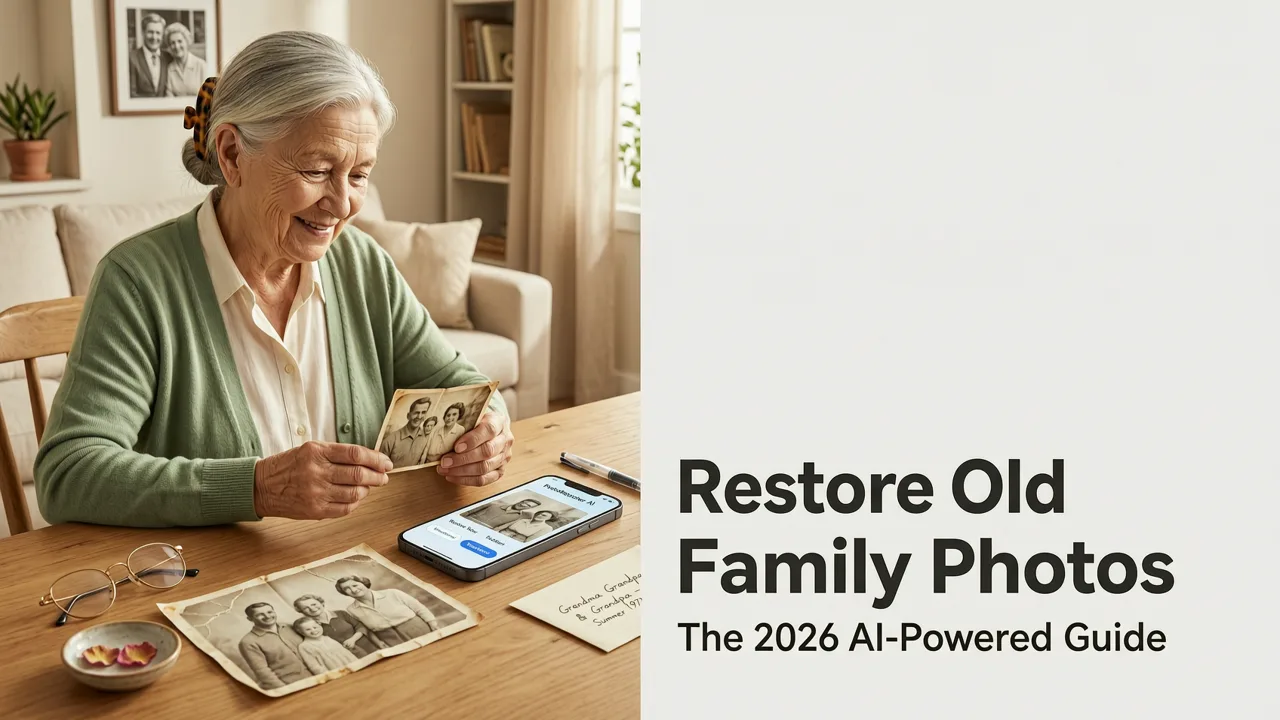
Restore Old Family Photos Online: The 2026 AI-Powered Guide
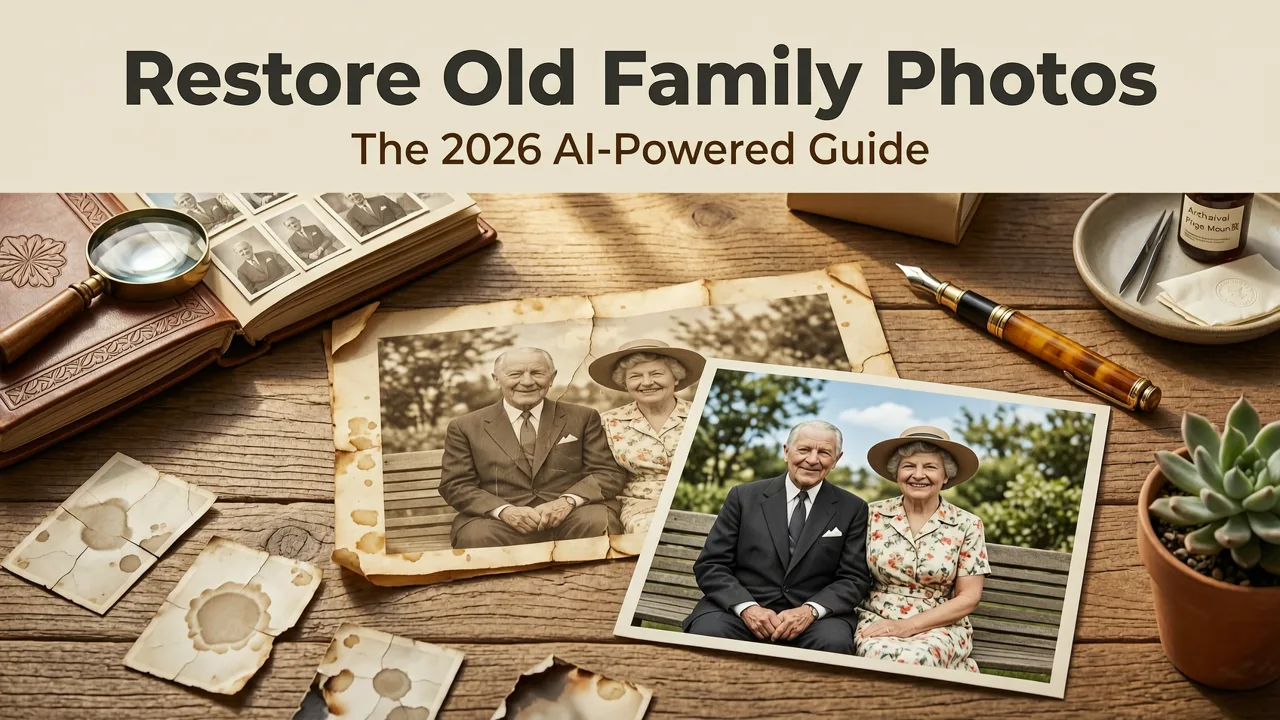
That shoebox of faded prints in your attic holds memories you cannot replace — but until recently, bringing them back to life meant expensive professional restoration or hours of frustrating Photoshop work. Today, you can restore old family photos online in minutes using AI tools that automatically fix scratches, fading, blur, and tears with a single click.
This guide walks you through exactly how AI photo restoration works in 2026, what to look for in a restoration tool, and a simple step-by-step process to bring your cherished snapshots back to vivid, print-ready quality — even if you have never edited a photo in your life.
Why Restoring Old Family Photos Matters More Than Ever
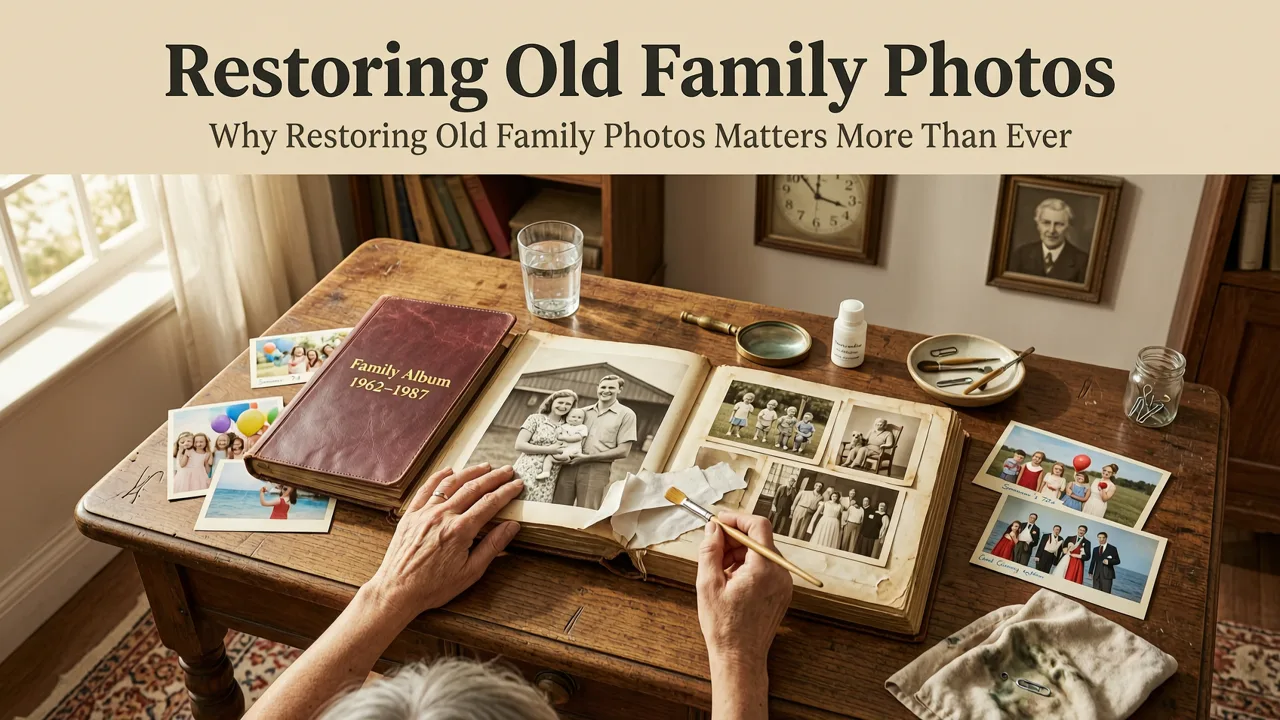
Family photographs are more than images. They are the only visual record of grandparents you may never have met, childhood moments that already feel like dreams, and milestones no one thought to digitize back in the day. As physical prints continue to degrade — fading from sunlight, warping from humidity, scratching from handling — the window to save them is narrowing.
The good news is that AI restoration technology has matured dramatically. What once required a trained retoucher charging $50 to $150 per image can now be done at home, often for free or a small monthly fee, with results that rival professional work.
Common Problems in Old Photos That AI Can Fix
- Fading and color shift — Sun exposure and chemical breakdown wash out tones and turn images yellow or blue.
- Scratches, dust, and spots — Decades of handling leave physical marks across the emulsion.
- Tears and creases — Folds from storage or albums create visible lines through faces and backgrounds.
- Blur and soft focus — Older cameras and lens technology produced inherently softer images.
- Low resolution — Scanned prints often look pixelated when viewed or printed at modern sizes.
- Missing fragments — Portions of the image may be torn away or damaged beyond simple repair.
How AI Photo Restoration Works in 2026
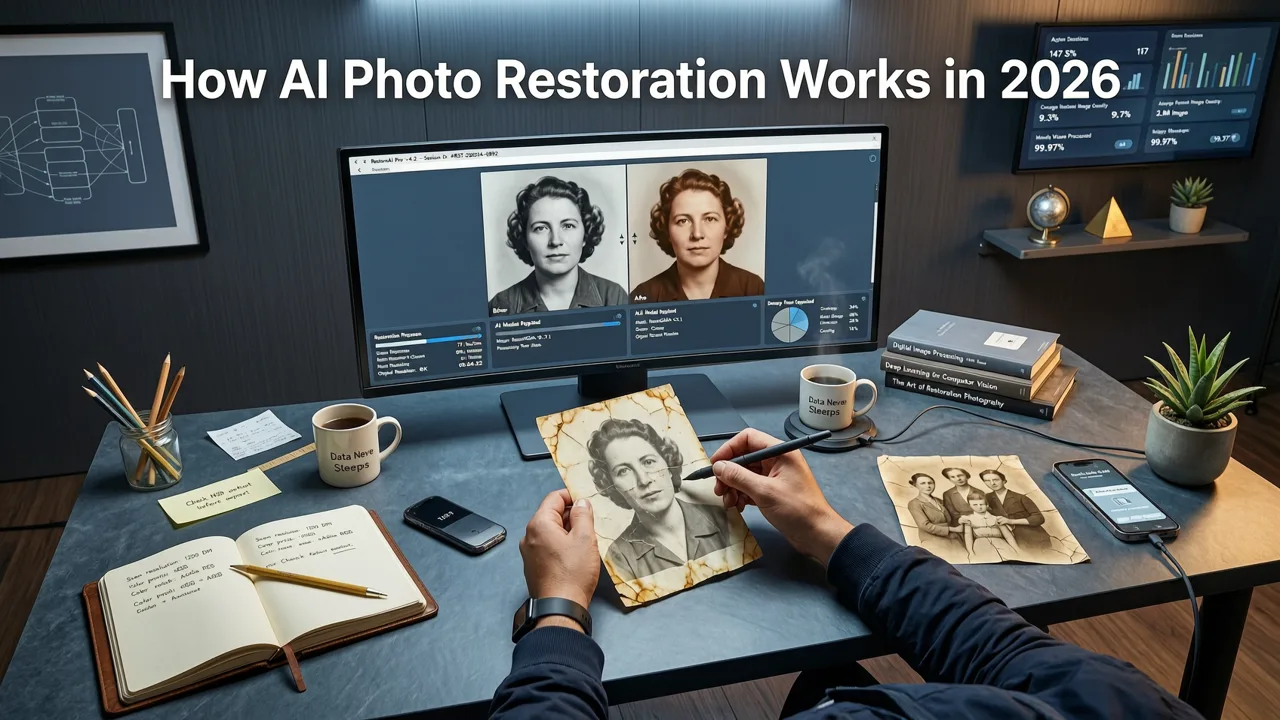
Modern AI restoration tools use deep learning models trained on millions of before-and-after image pairs. When you upload a damaged photo, the AI analyzes the damage pattern, predicts what the original pixels should look like, and reconstructs them in context — not just filling gaps, but understanding faces, textures, clothing, and backgrounds as coherent scenes.
Key Technologies Behind the Magic
- Generative adversarial networks (GANs) — Two neural networks work together: one generates restored pixels, the other critiques them, resulting in increasingly realistic output.
- Diffusion models — The same technology powering modern AI image generators, now applied to repair and reconstruction tasks with remarkable fidelity.
- Super-resolution upscaling — AI predicts and adds realistic detail to low-resolution scans, making small prints suitable for large-format output.
- Semantic segmentation — The AI identifies different regions of the image (skin, hair, sky, fabric) and applies targeted corrections to each.
The result is a restoration process that understands context rather than simply applying blanket filters. A wrinkle in a 1950s dress gets treated differently than a scratch across someone's cheek, and the AI knows the difference.
Step-by-Step: How to Restore Old Family Photos Online
Restoring a damaged family photo online is straightforward. Here is the process using an AI-powered tool like Pixelift:
- Gather your originals — Collect the prints you want to restore. Flat, unwrapped photos scan best.
- Scan at high resolution — Use a flatbed scanner at 600 DPI or higher. If you lack a scanner, use a scanning app on your phone in bright, even lighting.
- Upload to the AI restoration tool — Drag and drop your scan into the web app or open it in a mobile app like Pixelift.
- Select restoration options — Choose automatic enhancement, or manually toggle options like scratch removal, color restoration, face sharpening, and background cleanup.
- Review and fine-tune — Compare the before and after. Adjust intensity sliders if the result feels over-processed.
- Upscale if needed — If you plan to print, use the AI upscaler to increase resolution without losing quality. Learn more in our guide to upscaling low-resolution images with AI.
- Download and share — Save in full resolution, then print, frame, or share digitally with family.
What to Look for in an Old Photo Restoration Tool
Not all AI photo tools handle vintage damage equally well. Here is a comparison of features that matter when you want to restore old family photos online:
| Feature | Why It Matters | What to Expect in 2026 |
|---|---|---|
| Automatic scratch & dust removal | Most common damage in aged prints | AI detects and fills linear and spot damage with surrounding context |
| Face restoration | Faces are the emotional core of family photos | Dedicated facial models reconstruct eyes, skin texture, and expression detail |
| Color correction | Old prints shift toward yellow, magenta, or blue over time | AI analyzes scene content and restores natural, balanced color |
| Super-resolution upscaling | Scanned prints need more pixels for modern printing | 4x and 8x upscaling with realistic detail generation |
| Object & distraction removal | Date stamps, tape marks, and unwanted objects | One-click removal with seamless background reconstruction |
| Batch processing | Family albums contain dozens or hundreds of photos | Upload multiple images and process them in a single session |
| Mobile access | Convenience for quick fixes on the go | Full-featured iOS and Android apps with cloud sync |
Pixelift: A Complete Solution for Restoring Family Photos
Pixelift was built by Devsrank specifically for people who want professional-quality results without learning complex software. It combines all the core restoration features — sharpening, upscaling, color enhancement, scratch removal, and face restoration — into a clean, intuitive interface that works in your browser or on your iPhone.
What Makes Pixelift Stand Out for Old Photo Restoration
- No editing experience required — The AI handles the technical decisions. You upload, choose your enhancements, and download.
- Portrait-optimized AI — Faces in old photos get special attention, with models trained to reconstruct realistic skin texture, eye detail, and expression.
- Magic Remover — Instantly clean up date stamps, tape residue, water spots, and other distractions without leaving traces.
- Creative Presets — Beyond restoration, apply stylish looks to give old portraits a fresh aesthetic for social sharing or modern wall art.
- Web and iOS — Work from your desktop for batch projects or use the Pixelift iOS app for quick restorations from your phone.
If you are exploring free options first, our breakdown of the best AI photo enhancers online free in 2026 covers what is available at zero cost and where paid tools add meaningful value.
Tips for Scanning Old Photos Before Restoration
The quality of your scan directly affects the quality of your AI restoration. Follow these tips for the best starting point:
Scanner Settings
- Resolution: Scan at 600 DPI minimum. For small photos you plan to enlarge, use 1200 DPI.
- Color mode: Always scan in color, even for black-and-white photos. Color scans capture more tonal information for the AI to work with.
- Format: Save as TIFF or PNG for maximum quality. JPEG is acceptable if file size is a concern, but use maximum quality settings.
Handling Tips
- Handle prints by the edges with clean, dry hands or cotton gloves.
- Gently remove surface dust with a soft brush before scanning.
- Do not attempt to flatten curled photos by ironing — place them under a heavy book for 24 to 48 hours instead.
- If a photo is stuck to glass from a frame, do not force it. Consult a conservation professional.
Restoring Photos on Your iPhone in 2026
Mobile restoration has become remarkably capable. If you prefer working from your phone — perhaps you are at a family gathering and want to restore and share a photo in real time — the Pixelift iOS app delivers desktop-quality results in a pocket-sized workflow. You can read the full walkthrough in our guide to upscaling and restoring photos on iPhone.
Mobile Workflow Snapshot
- Photograph the print with your iPhone camera in even, indirect light — or use the app's built-in scanner mode.
- Tap to enhance. The AI applies sharpening, color correction, and damage repair automatically.
- Fine-tune with sliders for intensity, or use the Magic Remover to erase specific blemishes.
- Save to your camera roll or share directly to messages, social media, or a cloud folder.
Printing Your Restored Family Photos
One of the most rewarding parts of restoration is seeing a damaged print reborn as a large, vivid display piece. Here is what to keep in mind:
- Resolution matters. For an 8×10 print, you need at least 2400×3000 pixels. For a 16×20, aim for 4800×6000. Use AI upscaling to bridge the gap if your scan is smaller.
- Choose quality paper. Matte or lustre photo paper reduces glare and gives vintage photos a classic feel. Glossy paper maximizes color vibrancy.
- Consider professional printing. Services like WHCC, Mpix, or your local photo lab produce archival-quality prints that will last decades when properly displayed.
- Protect the originals. Once restored and reprinted, store the original prints in acid-free sleeves in a cool, dark, dry environment.
Common Questions About Restoring Old Family Photos Online
Can AI restore severely damaged photos?
AI handles moderate to significant damage impressively well — scratches, fading, tears, and blur are all within its capability. Severely damaged photos with large missing sections can also be improved, though results depend on how much surrounding context the AI has to work from. It is always worth trying; the worst outcome is a partially improved image you can then refine.
Is it legal to restore and share old family photos?
Generally, yes. If you own the physical print or have family permission, restoring and sharing personal family photos is fine. Copyright for photos taken before 1929 has typically expired in the United States. For more recent photos, the photographer usually holds copyright, but personal family use and sharing rarely raise issues.
How much does professional photo restoration cost versus AI?
Professional manual restoration typically ranges from $25 to $200+ per image depending on damage severity. AI restoration tools offer comparable results for a fraction of the cost — often free for basic enhancements, or a modest subscription for unlimited high-resolution downloads and advanced features.
Final Thoughts: Start Restoring Today
Your family's visual history does not have to fade away. With AI tools available right now, you can restore old family photos online quickly, affordably, and beautifully — preserving memories for the next generation with just a few clicks. Whether you work from your desktop or your iPhone, the technology is ready when you are.
Gather those old prints, fire up Pixelift, and give your family's most cherished moments the second life they deserve.