2026-08-30 · 11 min read
Restore Old Photos AI Free — Upload & Revive Faded Family Pictures
Restore old photos AI free with Pixelift in 2026. Upload faded, scratched, or blurry family pictures and revive them in seconds — no editing skills required.
Recommended next
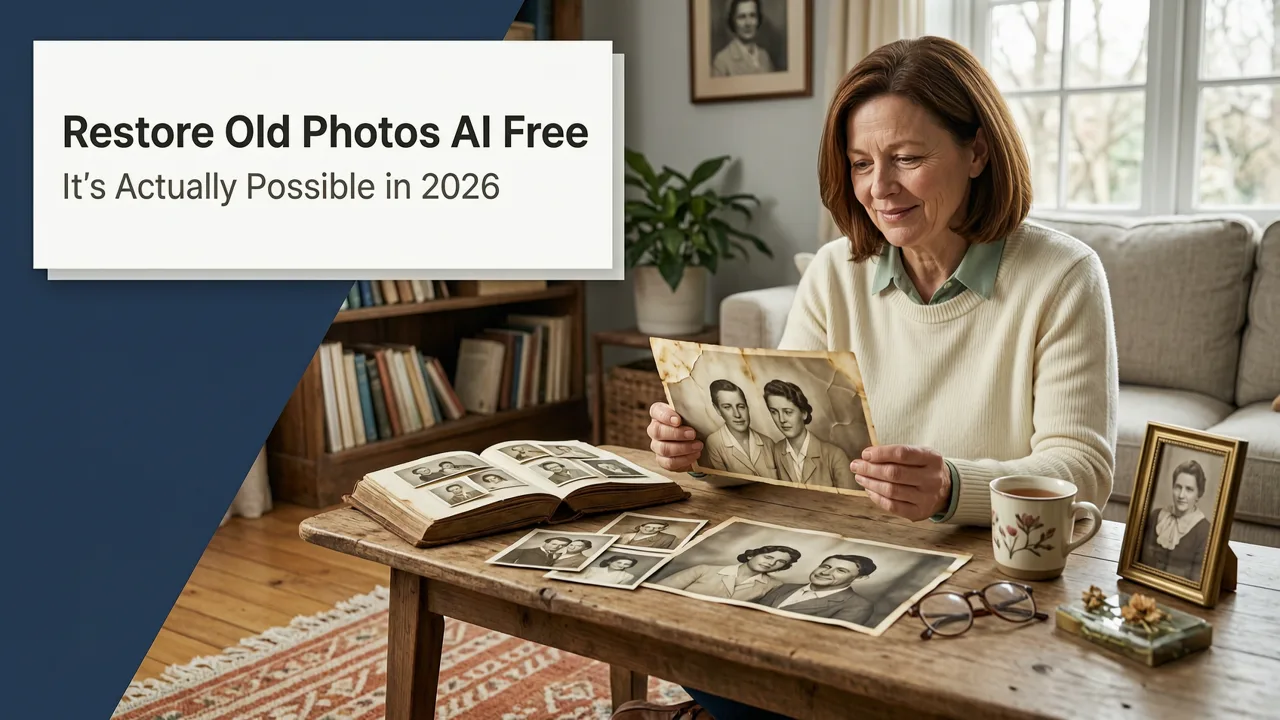
Restore Old Photos AI Free — It's Actually Possible in 2026
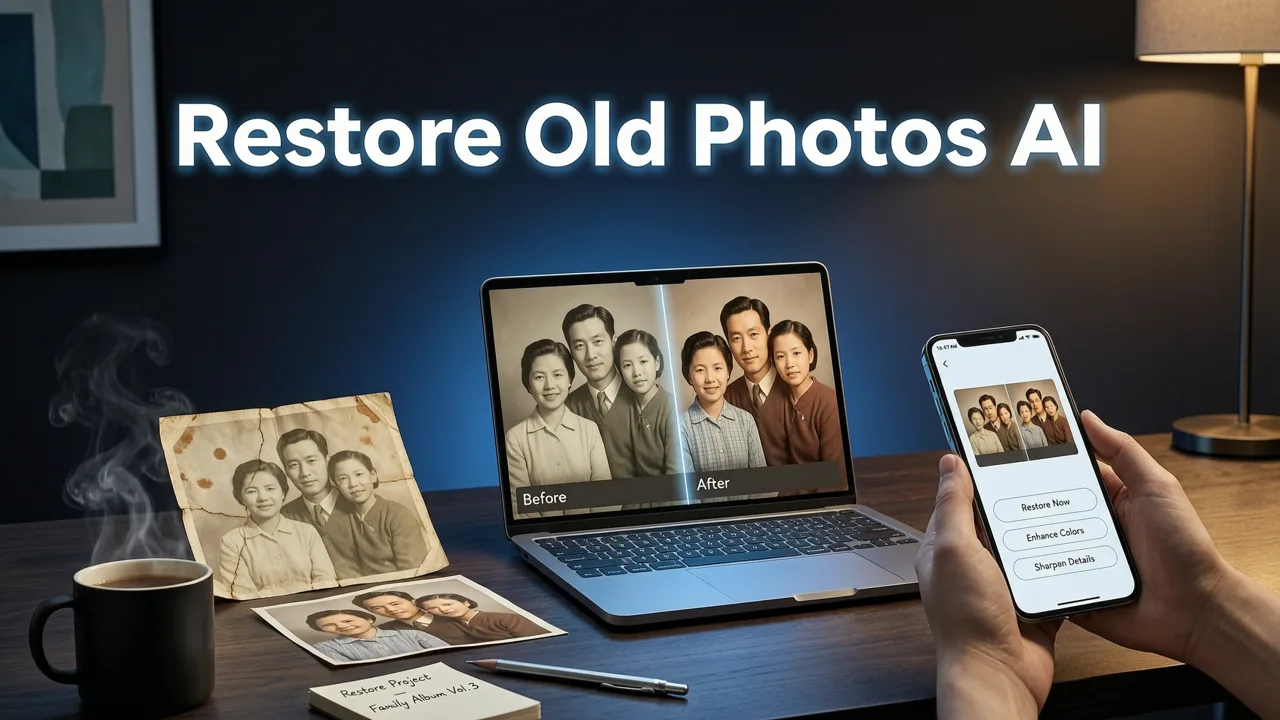
If you've been searching for a way to restore old photos AI free, you've probably hit the same wall most people do: paywalls, watermarked previews, or tools that "fix" your image only to make it look like a wax figure. In 2026, the technology has finally caught up to the promise. You can upload a faded, scratched, or torn family photograph and get back a clean, sharp, color-corrected version — without installing software, without an editing degree, and without paying upfront.
Pixelift is one of the tools leading this shift. Built by Devsrank, it combines AI-powered photo restoration, intelligent upscaling, color recovery, and a Magic Remover for cleaning up distractions — all accessible through a browser or the iOS app. Below, we'll walk through exactly how it works, what to expect, and why the old-photo restoration space looks completely different now than it did even two years ago.
Why Restoring Old Photos Was So Hard (Until Now)
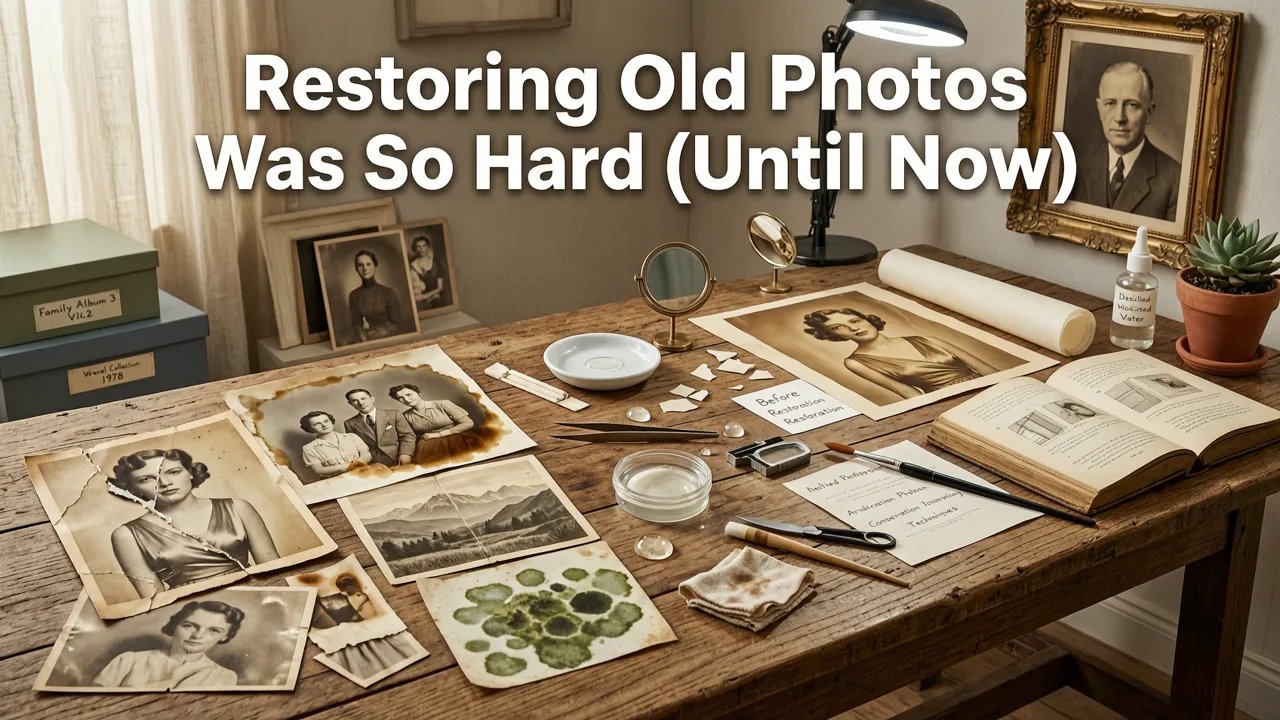
Traditional photo restoration meant hours of meticulous work in Photoshop — cloning out scratches one pixel at a time, manually repainting faded areas, and carefully adjusting levels to recover lost detail. It was expensive if you hired a professional, and nearly impossible if you tried it yourself without training.
Early AI tools improved things somewhat, but they introduced their own problems. Faces would come out looking smooth and plastic. Backgrounds would warp into strange patterns. Colors would shift into unnatural tones. The AI was guessing at missing information, and it often guessed wrong.
What changed in 2025 and 2026 is the training data. Modern restoration models have been trained on millions of before-and-after pairs — real damaged photos matched with their professionally restored versions. The AI doesn't just sharpen edges anymore. It understands the structure of a face, the texture of fabric, the way light falls on a surface. That's why results now look like actual photographs instead of AI-generated approximations.
What "Restore Old Photos AI Free" Actually Means in 2026
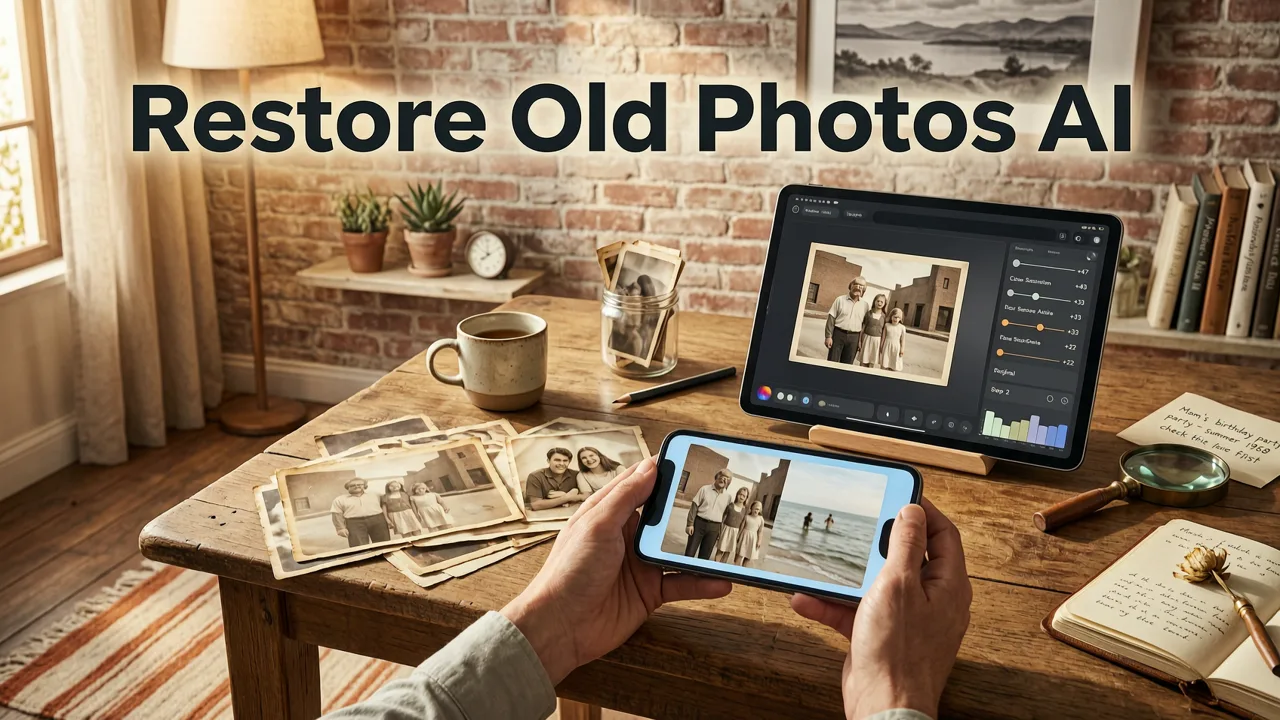
Let's be honest about what the phrase restore old photos AI free covers, because not every tool that uses those words delivers the same thing.
- Free restoration: You upload your image and get a usable result without entering a credit card. Some tools offer limited free credits, while others provide a generous free tier.
- AI-powered repair: The tool automatically detects damage — scratches, tears, fading, discoloration, blur — and applies targeted fixes rather than a one-size-fits-all filter.
- No software install: Everything runs in your browser or a mobile app. No downloads, no GPU requirements, no configuration.
- No editing skills needed: You don't adjust sliders or choose brush sizes. The AI handles the decision-making.
Pixelift checks every one of these boxes. You can start restoring images immediately from the web tool, and the iOS app gives you the same capabilities on your phone.
How Pixelift Handles Old Photo Restoration (Step by Step)
The process is deliberately simple. Here's what happens when you use Pixelift to restore an old family photo:
- Upload your photo. Drag and drop the image into the Pixelift web tool or select it from your phone's camera roll in the iOS app. Common formats — JPEG, PNG, and even scanned TIFF files — are all supported.
- AI analyzes the damage. The system scans for scratches, tears, stains, fading, color shifts, blur, and low resolution. It builds a damage map that identifies what needs fixing and where.
- Restoration runs automatically. Based on the damage map, Pixelift applies the appropriate combination of repair, sharpening, color correction, and upscaling. Faces get dedicated attention through facial restoration models that preserve natural skin texture.
- Review and download. You see a before-and-after comparison. If you're happy with the result, download the enhanced image. If you want to fine-tune, you can use the Magic Remover to clean up specific distractions or apply Creative Presets for stylistic adjustments.
The entire process typically takes under a minute for a single image. No queues, no waiting for email delivery, no watermarks on your final download.
Types of Old Photo Damage Pixelift Fixes
Not all old photos have the same problems. A picture from the 1940s might be faded and sepia-toned. A photo from a shoebox might have crease marks and water stains. A scanned snapshot from the 1990s might just be low resolution and slightly out of focus. Here's how Pixelift handles the most common damage categories:
| Damage Type | What It Looks Like | How Pixelift Fixes It |
|---|---|---|
| Fading & discoloration | Washed-out colors, yellow or sepia tint, lost contrast | AI color correction restores natural tones and rebalances contrast |
| Scratches & scuffs | White or dark lines across the image surface | Damage detection fills scratches with contextually correct pixel data |
| Tears & creases | Fold marks, ripped edges, missing sections | Structural repair reconstructs damaged areas using surrounding context |
| Blur & softness | Out-of-focus faces, smeared details | AI sharpening recovers edge detail without introducing artifacts |
| Low resolution | Small, pixelated scans that look blocky when enlarged | Upscaling increases resolution while generating natural-looking detail |
| Stains & water damage | Brown spots, ring marks, discoloration patches | Magic Remover targets specific blemishes and blends them away |
Why Facial Restoration Matters for Old Family Photos
The reason most old photo restoration attempts look uncanny comes down to faces. Early AI models treated a face like any other patch of pixels — they'd smooth it out, sharpen it, and call it done. The result was a person who looked like a mannequin version of themselves.
Pixelift uses dedicated facial restoration models that understand the underlying anatomy of a human face. They know where eyes should sit, how skin texture varies across different areas, and what natural aging looks like versus what damage looks like. The goal isn't to make your grandmother look twenty again. It's to make her look like your grandmother — clear, sharp, and recognizable.
This distinction matters enormously for family archives. You're not trying to create a glamorous portrait. You're trying to preserve a memory with enough clarity that the person in the photo actually looks like the person you remember.
Restoring Old Photos Free vs. Paid Tools — What's the Difference?
A fair question. If you can restore old photos AI free, why would anyone pay for restoration? Here's an honest breakdown:
- Free tools typically handle basic restoration well — fading, mild blur, light scratches. They're ideal for a quick fix on a single photo or a small batch.
- Paid tools or plans usually offer higher resolution outputs, batch processing for large collections, priority processing speed, and additional creative controls like presets and advanced removal options.
- Professional restoration services (human editors) still outperform AI on severely damaged photos — large missing sections, extreme water damage, or photos where faces are almost entirely destroyed.
For most people with a shoebox of family photos, a free AI tool like Pixelift handles 80 to 90 percent of what needs doing. The remaining photos with catastrophic damage can be sent to a professional restorer as a last resort.
How Pixelift Compares to Other Restoration Approaches
If you're evaluating your options for restoring old photos, here's how the main approaches stack up in 2026:
| Approach | Speed | Cost | Skill Required | Best For |
|---|---|---|---|---|
| Pixelift (AI web tool) | Under 1 minute | Free tier available | None | Everyday restoration of faded, scratched, or blurry photos |
| Photoshop (manual) | 30 min to several hours | Subscription cost | Advanced | Severe damage requiring precise manual work |
| Other AI upscalers | 1–3 minutes | Varies | Minimal | Resolution increase without full restoration |
| Professional restoration service | Days to weeks | $25–$100+ per photo | None | Heirloom photos with major structural damage |
For the vast majority of family photos, Pixelift's speed and zero-skill requirement make it the practical first choice. If you also need to upscale images for printing or display, the same tool handles that workflow without switching platforms.
Tips for Scanning Old Photos Before AI Restoration
The quality of your restoration depends partly on the quality of your scan. Even the best AI can't invent information that was never captured. Here are practical tips for getting the best source files:
- Scan at 600 DPI or higher. This gives the AI more pixel data to work with, especially for small prints like wallet-sized photos.
- Clean the glass. Dust on your scanner glass shows up as spots in the scan that the AI then has to remove. A quick wipe with a microfiber cloth saves processing time.
- Scan in color, even for black-and-white photos. Color scans capture more tonal information and give the AI better data for contrast recovery.
- Save as TIFF or maximum-quality JPEG. Avoid heavy compression, which introduces its own artifacts on top of the original damage.
- Handle photos by the edges. Oils from your fingers can cause new stains on already fragile prints.
If you don't have a scanner, a flatbed scanner app on your phone can work in a pinch — but keep the phone perfectly parallel to the photo and shoot in even, indirect lighting to avoid glare and shadows. For more on improving image clarity after scanning, the guide on removing blur from photos online covers additional sharpening techniques.
What to Do After Restoration: Printing and Sharing
Once your old photo is restored, you'll probably want to do something with it. Here are the most common next steps:
- Print it. If you upscaled the image during restoration, you'll have enough resolution for a quality print. Home inkjet printers handle 4×6 and 5×7 easily. For larger prints, use an online print service.
- Share it digitally. Send the restored photo to family members via email, messaging apps, or a shared cloud folder. Many people create digital family archive albums.
- Create a before-and-after set. Side-by-side comparisons are satisfying to look at and make great social media posts. Pixelift's comparison view makes this easy.
- Remove remaining distractions. If the Magic Remover is needed for stubborn spots or background objects, the same watermark and object removal workflow applies to old photo cleanup.
Common Questions About AI Photo Restoration
Will AI restoration change how the person looks?
A good restoration tool preserves the person's actual appearance. It recovers detail that was lost to damage — it doesn't replace faces with AI-generated ones. Pixelift's facial restoration is designed to enhance clarity, not alter identity. If the result looks unlike the person in the original, the photo may have damage so severe that manual restoration is needed.
Can I restore photos that are torn or have missing pieces?
Minor tears and creases are handled well by AI restoration. Large missing sections — where a significant portion of the image is gone — are still challenging for any automated tool. Pixelift's structural repair can reconstruct small missing areas using surrounding context, but for major damage, a professional restorer may be the better option.
Is it safe to upload personal family photos?
Reputable tools process images on secure servers and don't share or publish your photos. Before uploading sensitive images to any service, check the provider's privacy policy. Pixelift processes uploads on encrypted connections and does not use your personal photos for marketing or public galleries.
How many photos can I restore for free?
Free tier availability depends on the tool and its current pricing structure. Pixelift offers free restoration access through its web tool, making it practical to test on a handful of photos before deciding whether a larger batch justifies a paid plan.
The Bottom Line on Restoring Old Photos AI Free in 2026
The gap between professional restoration and free AI tools has narrowed dramatically. For most family photos — faded colors, light scratches, moderate blur, low resolution — you no longer need to pay a specialist or learn Photoshop. Upload the photo, let the AI do its work, and download a restored version in under a minute.
Pixelift makes this process as frictionless as it gets. No software to install, no tutorials to watch, no credit card to enter before you can try it. Whether you're working from a laptop or your iPhone, the workflow is the same: upload, wait seconds, download.
If you have a box of old family photos sitting in a closet or a drawer, 2026 is a good year to finally go through them. The tools are better than they've ever been, the cost barrier is lower than it's ever been, and the results are genuinely impressive for the first time. Start with your favorite photo. See what happens. You might be surprised by what was hiding under all those years of fading.
Ready to try it? Head to Pixelift and upload your first old photo — it takes about thirty seconds to see your first result.