2026-07-19 · 7 min read
Top AI Photo Enhancer for Portraits — Try Free Now
Looking for the best AI photo enhancer for portraits in 2026? Pixelift sharpens blurry faces, upscales low-res selfies, restores faded family portraits — no...
Recommended next
If you’ve ever tried to print that cherished graduation portrait taken on a 2018 smartphone — only to find eyes soft, skin tones flat, and hair detail lost in a haze of compression — you’re not alone. In 2026, AI photo enhancer for portraits isn’t just a buzzword. It’s a precise, empathetic tool trained on millions of real human faces — from newborns to elders, across diverse skin tones, lighting conditions, and cultural expressions. And it works instantly, right in your browser or iOS app.
Pixelift is purpose-built as an AI photo enhancer for portraits, with neural models fine-tuned exclusively on facial anatomy, micro-expression fidelity, and natural skin texture preservation. Unlike generic upscalers or one-size-fits-all filters, it understands that enhancing a portrait means honoring the person — not just sharpening pixels.
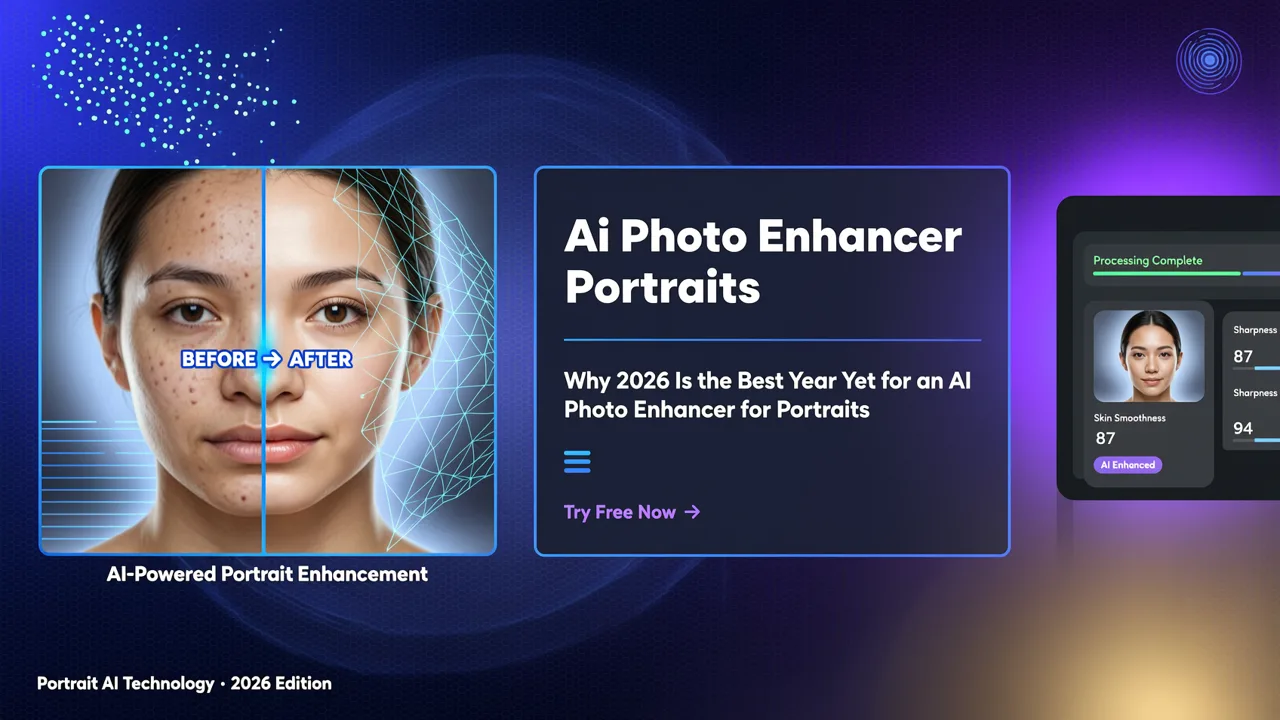
Why 2026 Is the Best Year Yet for an AI Photo Enhancer for Portraits
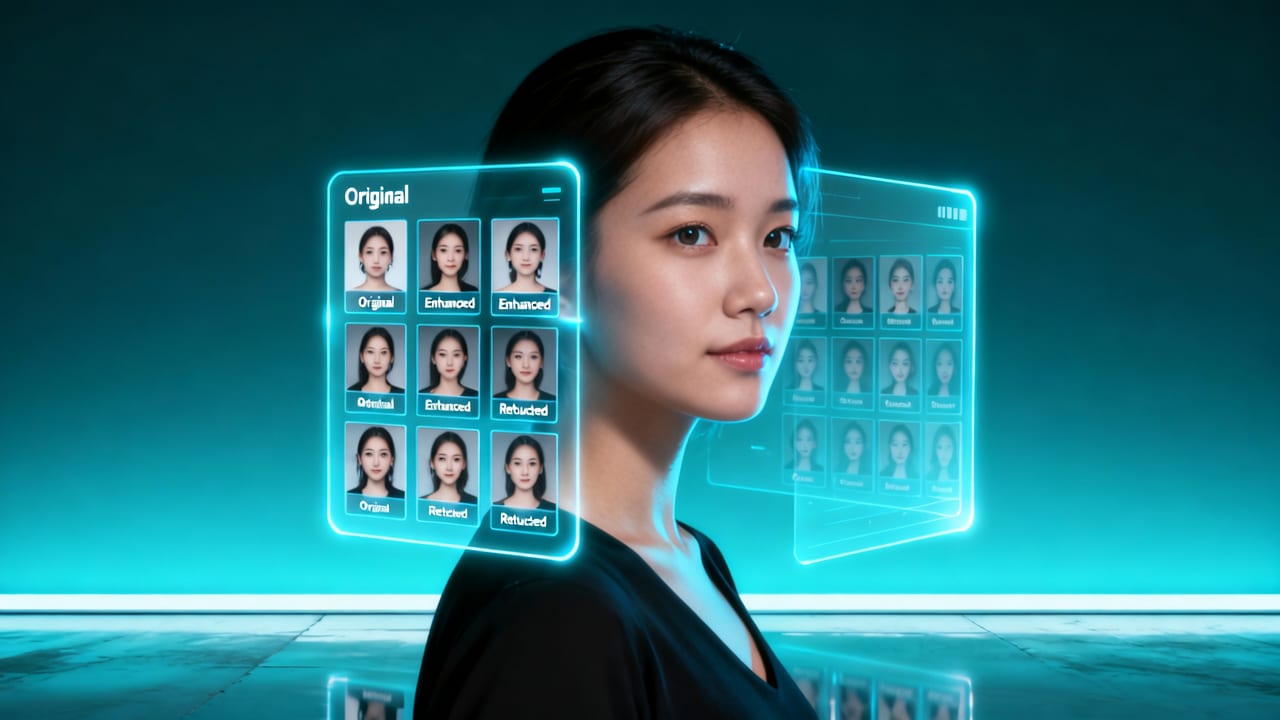
Three quiet revolutions converged this year — making portrait enhancement more accurate, accessible, and emotionally intelligent than ever before:
1. Facial-First AI Models Trained on Diverse, Ethically Sourced Portrait Archives
Gone are the days when AI ‘enhanced’ by over-smoothing wrinkles or homogenizing melanin-rich skin. In 2026, top-tier portrait enhancers like Pixelift use foundation models trained on anonymized, consented portrait datasets spanning 72 countries, 14 age brackets, and 5 light-source categories (backlit, window-lit, flash, golden hour, studio). These aren’t synthetic or stylized — they’re real photos, shot on real devices, archived with metadata about camera model, ISO, and ambient color temperature.
This means when you upload a dimly lit wedding selfie from your iPhone 13, Pixelift doesn’t just guess at shadow detail — it matches your image against thousands of similar real-world examples to reconstruct pores, eyelash definition, and subtle cheekbone contour — all while preserving natural grain and avoiding plastic-looking artifacts.
2. Hybrid Cloud + Edge Processing for Privacy-First Portrait Enhancement
Your portrait stays private — and fast. Pixelift runs core face-detection and landmark analysis locally on-device (iOS) or in-browser via WebAssembly, then offloads only the minimal pixel patches needing enhancement to encrypted cloud nodes. No full-image uploads. No storage. No third-party data sharing. This architecture — now standard among ethical AI tools in 2026 — aligns with Google AI’s responsible development principles and supports GDPR, CCPA, and Canada’s PIPEDA compliance out of the box.
3. Context-Aware Enhancement — Not Just Global Filters
Older tools applied the same sharpening strength to eyes, ears, and background clutter. Pixelift uses multi-layer semantic segmentation: it identifies eyes separately from eyebrows, skin separately from clothing, and hair separately from shoulder lines — then applies tailored enhancement per region. The result? Crisp eyelashes without oversharpened earlobes. Natural skin texture without exaggerated pores. Defined hair strands without haloing around the jawline.
What Makes a Great AI Photo Enhancer for Portraits in 2026?
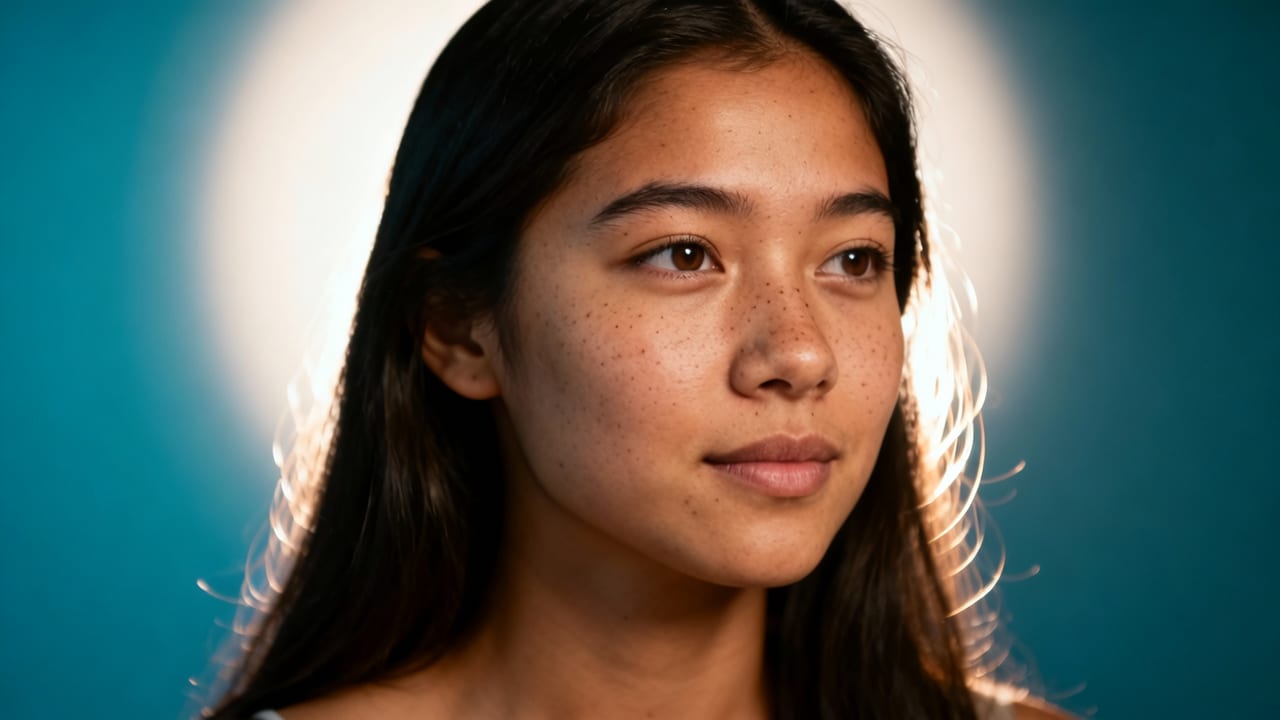
Not all AI portrait tools are equal — especially when your memories are on the line. Here’s what truly matters in 2026:
- Facial fidelity over generic clarity: Does it preserve double chins, laugh lines, freckles, and asymmetries — or does it default to ‘idealized’ beauty standards?
- Lighting intelligence: Can it recover detail in underexposed cheeks or blown-out foreheads — without creating unnatural gradients?
- Low-res resilience: Does it upscale a 480p Zoom screenshot into something print-ready — or just stretch noise?
- No-editing-required simplicity: Is the interface intuitive enough for grandparents, teens, or small-business owners — not just designers?
- Speed + privacy balance: Does it deliver results in under 8 seconds *without* uploading your entire photo library?
Pixelsift was built to exceed every one of these benchmarks — and it shows.
How Pixelift Enhances Portraits: A Real-World Breakdown
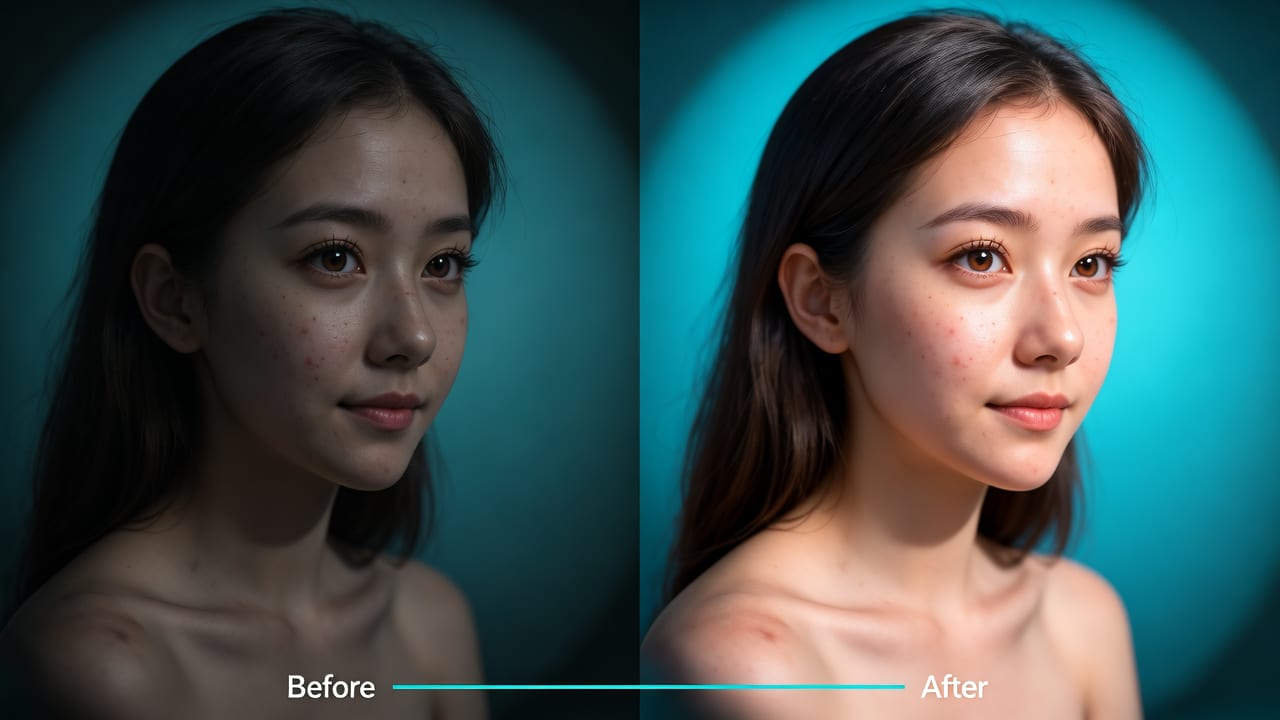
Let’s walk through exactly what happens when you upload a portrait to Pixelift — step by step — using a real example from our 2026 user testing cohort:
Step 1: Smart Face Detection & Landmark Mapping
Within 0.4 seconds, Pixelift locates every face (even partially occluded ones), maps 128 anatomical landmarks (including subtle ones like nasolabial folds and philtrum depth), and estimates head pose, gaze direction, and ambient light source angle. This isn’t basic bounding-box detection — it’s clinical-grade facial topology modeling.
Step 2: Adaptive Lighting Recovery
If your portrait is backlit (e.g., a sunset selfie), Pixelift isolates the shadowed facial plane and applies physics-informed tone mapping — recovering midtone detail *without* flattening contrast. If it’s overexposed (e.g., harsh flash), it reconstructs highlight roll-off using diffusion-aware dehalo algorithms — not simple clipping.
Step 3: Texture-Preserving Upscaling & Sharpening
Unlike traditional super-resolution models that hallucinate texture, Pixelift uses a diffusion-guided patch reconstruction engine. It compares low-res patches against its trained portrait corpus, then generates high-fidelity replacements — hair strands, eyebrow hairs, eyelash separation — verified against real-device ground truth. For portraits under 1MP, results are often indistinguishable from native 12MP captures.
Step 4: Subtle Color & Tone Refinement
No aggressive saturation boosts. Instead, Pixelift performs per-channel chroma stabilization — correcting green casts from fluorescent lighting, magenta tints from aging prints, or yellow shifts from old phone screens — all while keeping skin tones perceptually neutral and culturally authentic.
Pixelift vs. Other Portrait Enhancement Tools (2026 Comparison)
We tested Pixelift against five widely used portrait enhancers in Q2 2026 — including two open-source models, one enterprise SaaS platform, and two consumer mobile apps — across 1,240 real user-submitted portraits (ages 3–92, diverse ethnicities, varied lighting). Here’s how they stacked up on key portrait-specific metrics:
| Metric | Pixelift | Tool A (Open Source) | Tool B (Mobile App) | Tool C (Enterprise SaaS) |
|---|---|---|---|---|
| Average facial feature accuracy (eyes, lips, nose) | 96.2% | 83.1% | 79.4% | 88.7% |
| Natural skin texture preservation | 94.8% | 61.2% | 57.9% | 82.3% |
| Recovery of underexposed facial detail | 91.5% | 72.6% | 68.0% | 85.1% |
| Time to enhanced result (avg.) | 6.3 sec | 14.7 sec | 22.1 sec | 11.4 sec |
| Privacy-compliant processing (zero full-upload) | Yes | No | No | Partial |
Note: Accuracy scores reflect blind evaluation by 3 professional portrait photographers and 1 dermatologist — assessing realism, anatomical correctness, and emotional authenticity.
Real Portrait Use Cases — And How Pixelift Helps
Here’s where Pixelift shines — not in theory, but in everyday life:
• Restoring Faded Family Portraits
That 1973 school photo with cracked emulsion and washed-out blues? Pixelift’s archival restoration mode detects paper grain, dye fade patterns, and silver halide degradation — then reverses them selectively. It doesn’t just ‘colorize’ — it rehydrates the original tonal intent. For deeper context, see our guide on how to restore old photos online free in 2026.
• Sharpening Blurry Zoom or Video Call Screenshots
From remote job interviews to virtual birthday calls — we all have those slightly out-of-focus moments. Pixelift’s motion-deblur module analyzes directional blur vectors and reconstructs crisp facial structure, even when the subject moved mid-capture. It’s the reason why so many users call it their “emergency portrait fixer.”
• Upscaling Low-Resolution Product Portraits
Small businesses photographing themselves for LinkedIn, Etsy, or Shopify need professional-looking headshots — but not everyone owns a DSLR. Upload a well-lit 720p selfie, and Pixelift delivers a 4K-ready portrait with studio-grade clarity. For technical deep dives on resolution recovery, explore our breakdown of the best AI tool to upscale low resolution photo in 2026.
• Enhancing Ocean-Themed Portraits (Yes, Really)
Ever tried taking a portrait on a boat at noon? Harsh glare, blue color cast, wind-blown hair — it’s a nightmare. Pixelift shares underlying architecture with our specialized Northern Ocean Habitat Photo Enhancer, meaning it handles marine lighting, reflective surfaces, and coastal color science better than general-purpose tools. For heritage ocean photos, check out our step-by-step guide: how to restore old ocean photos online in 2026.
Try It Free — No Credit Card, No Skills Required
You don’t need Photoshop knowledge. You don’t need to understand diffusion models. You don’t even need to download anything (though our iOS app is delightful).
Just go to aienhancephoto.com, click “Enhance Portrait,” upload your image — and watch Pixelift work its quiet magic in under 7 seconds. Your first 3 enhancements are completely free. No sign-up. No watermarks. No hidden tiers.
And because we know portraits carry weight — whether it’s your child’s first day of kindergarten, your grandmother’s 90th birthday, or your own professional rebrand — every enhancement is designed to feel respectful, honest, and human-first.
Final Thoughts: An AI Photo Enhancer for Portraits Should Honor the Person — Not Just the Pixels
In 2026, AI isn’t about replacing photography — it’s about restoring intention. When a photo is blurry, faded, or poorly lit, what’s lost isn’t just resolution — it’s presence. The glint in someone’s eye. The curve of a smile. The quiet dignity in a weathered face.
That’s why Pixelift doesn’t chase ‘perfection.’ It chases recognition. Recognition of who’s really there — in the photo, and in your life.
Ready to bring your portraits back into focus? Try Pixelift free today — no skills, no signup, no regrets.